0978-0E5
You can use the Web browser (Remote UI) to set restrictions for print jobs.
IMPORTANT
When restrictions for print jobs are set, the effect will be as follows.
Type of job Restriction
Printer Driver Will be stored in a box.
Direct Print
Image File
Will not be displayed in the menu.
*
PS/PDF Will be stored in a box.
XPS Will be stored in a box.
USB Direct Print Cannot be output.
Utility Menu There are no restrictions.
*
The settings will be enabled after a hard reset or after the printer is restarted.
"Canceling All the Jobs (Hard Reset)"
1
Start the Remote UI, and then log in as Administrator.
"Starting the Remote UI"
2
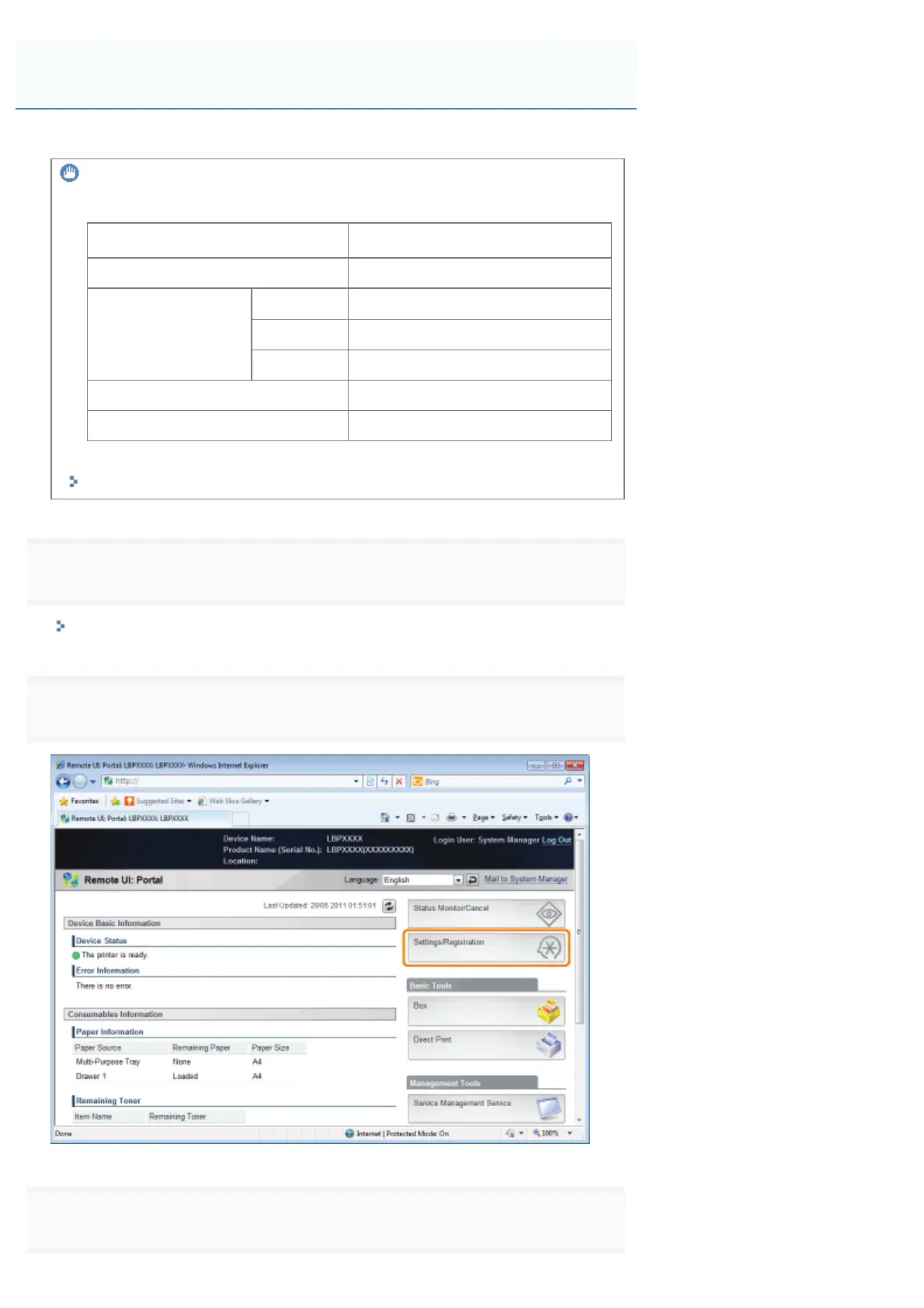
Click [Settings/Registration].
3
Select [Security] from the [Management Settings] menu.
Setting Restrictions for Print Jobs
㻢㻣㻞㻌㻛㻌㻥㻣㻜



 To Next Page