0978-021
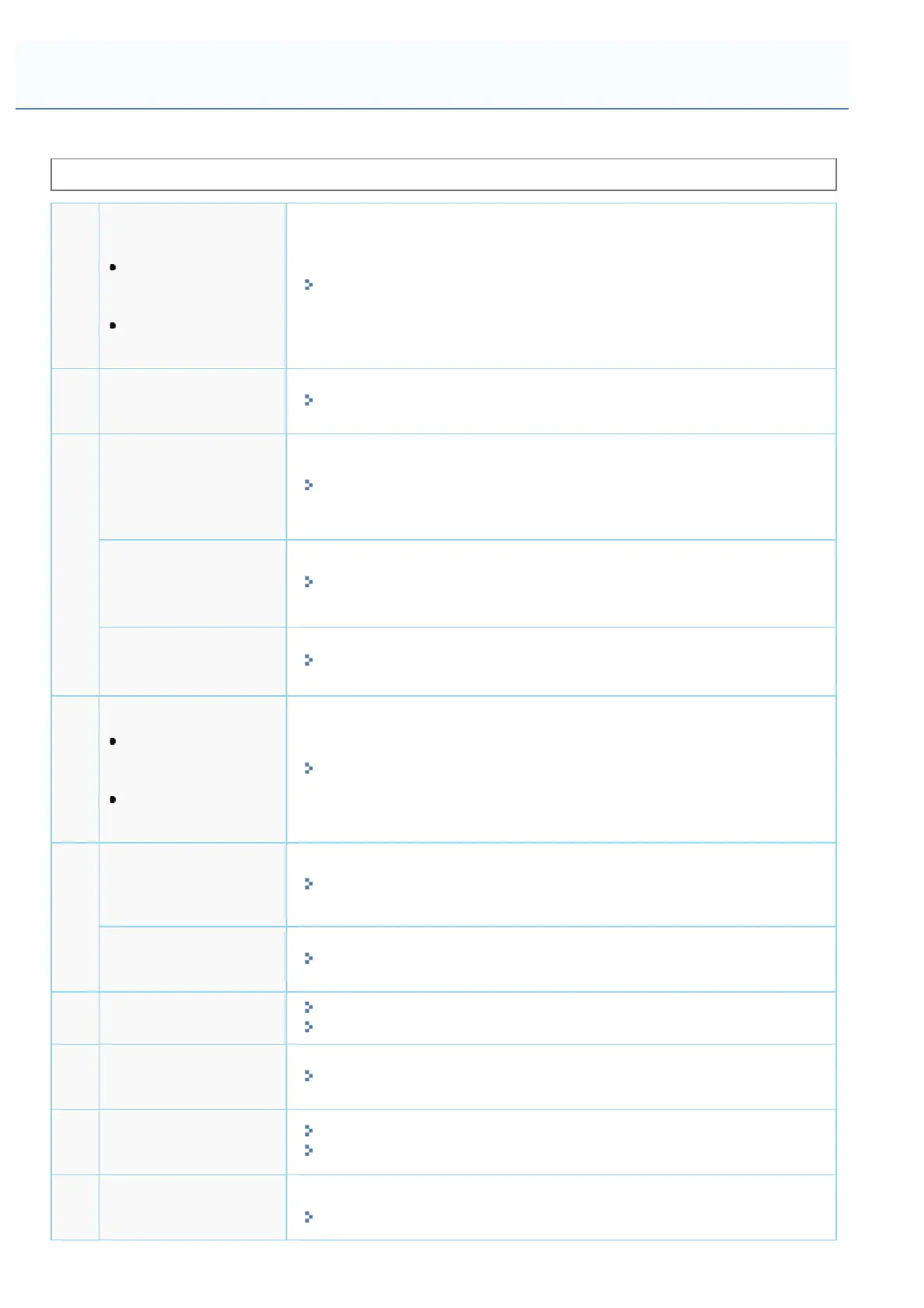
Perform the following procedures according to your installation preference.
Before installing the printer, see "Attention (Printer Installation)."
1
Checking before
Installing the Printer
Confirming the
Supplied
Accessories
Checking the
Installation Site
"Confirming the Supplied Accessories and Checking the Installation Site"
2
Removing the
Packing Materials
"Removing the Packing Materials"
3
Installing the Paper
Feeder
(Only when installing the
paper feeder)
"Installing the Paper Feeder"
Installing ROM
(Only when installing
ROM)
"Installing ROM"
Installing SD Card
(Only Installing SD Card)
"Installing SD Card "
4
Installing the Printer
Carrying the Printer
to the Installation
Site
Connecting the
Power Cord
"Installing the Printer"
5
Specifying the
Printer's Initial
Settings
"Turning the Power On and Specifying a Language"
Specifying a Type of
Printer Driver
"Specifying a Type of Printer Driver"
6
Loading Paper
"Loading Paper in the Paper Drawer"
"Loading Paper in the Multi-purpose Tray"
7
Connecting to a
Computer
"Connecting to a Computer"
8
Installing the Printer
Driver
"For Windows"
"For Macintosh"
9
Checking the
Printing Operation
Check the operations by Test Page in Windows.
"Basic Operations/Various Information for Windows"
Printer Installation
㻥㻞㻌㻛㻌㻥㻣㻜



 To Next Page