0978-0HC
1
Start SMS (Service Management Service).
"Launching SMS (Log in)"
2
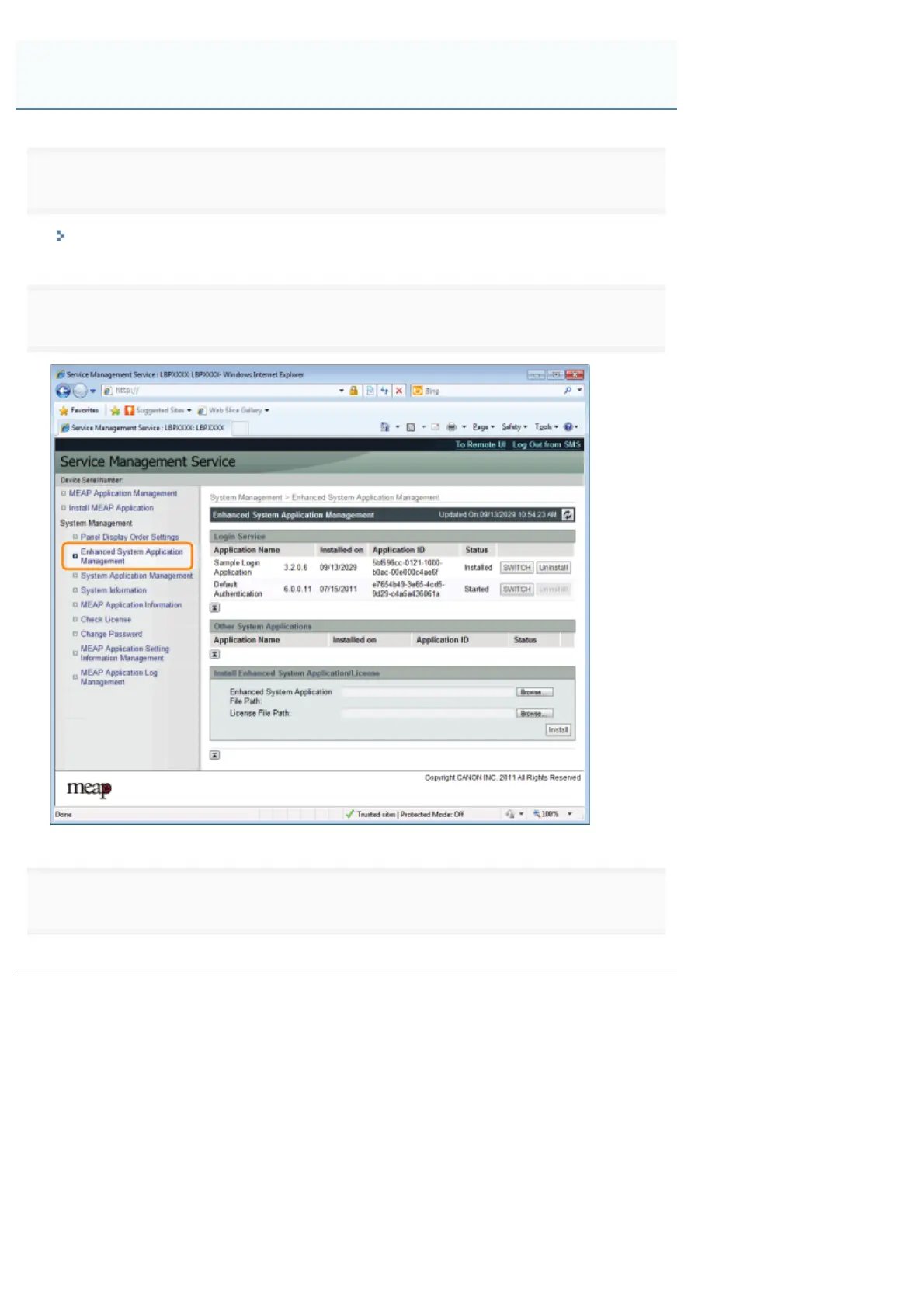
Click [Enhanced System Application Management].
3
Click [Start] for Other System Applications, and then start the application.
When the [License Agreement] appears, confirm the information, and then click [I Accept].
Starting Enhanced System Applications
㻣㻥㻞㻌㻛㻌㻥㻣㻜



 To Next Page