0978-054
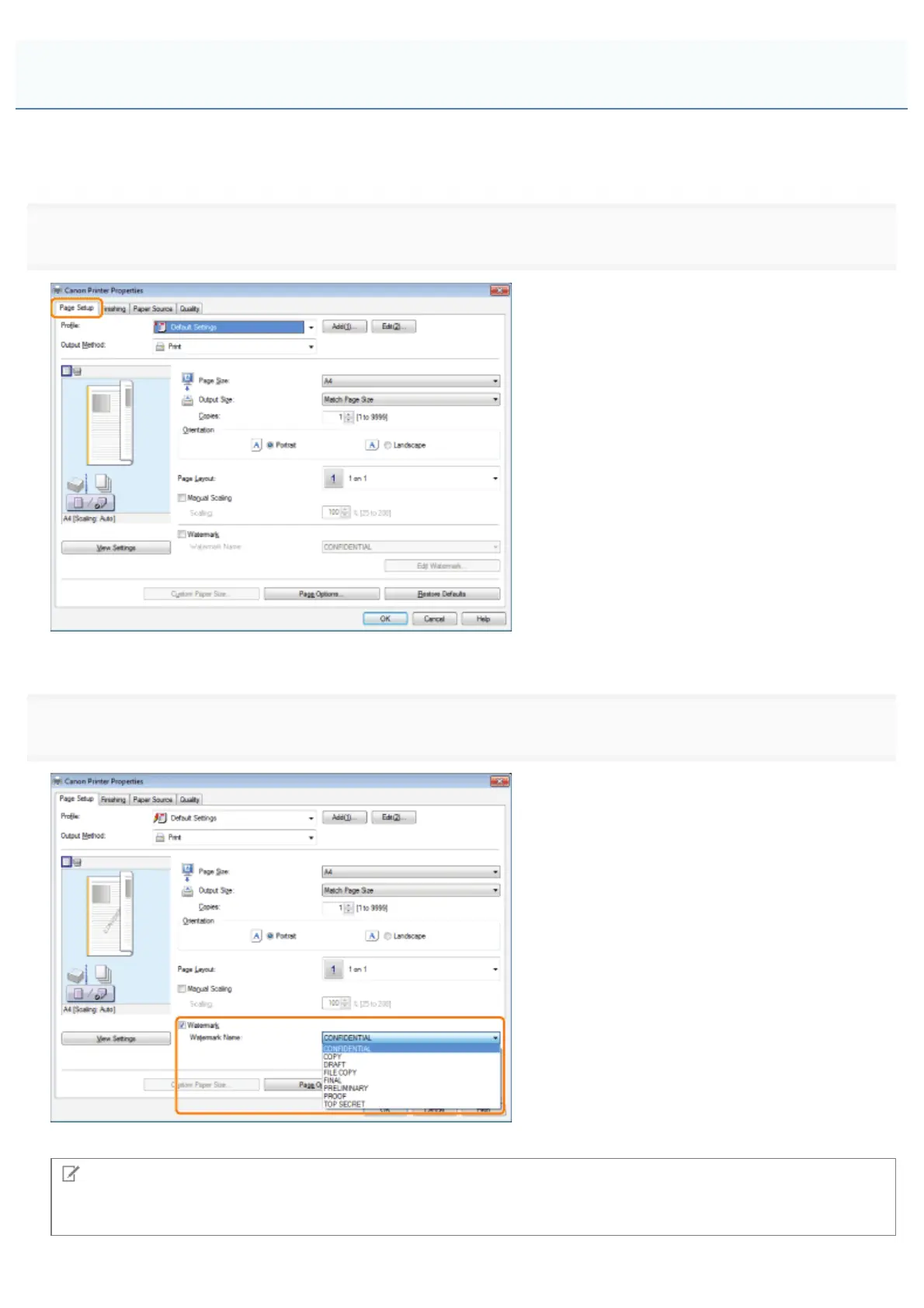
You can print a watermark (such as "CONFIDENTIAL" or "COPY") on a document created using an application. You can
also register customized watermarks in addition to the predefined watermarks.
1.
Click [Page Setup].
For instructions on how to display the printer driver screen, see "Printing" or "Configuring the Default Print Settings."
2.
The output image is displayed in the preview area.
NOTE
By clicking [Edit Watermark], you can create and register new watermarks. For details, view the online help (see "Viewing
the Online Help").
Watermark Printing
㻞㻞㻣㻌㻛㻌㻥㻣㻜



 To Next Page