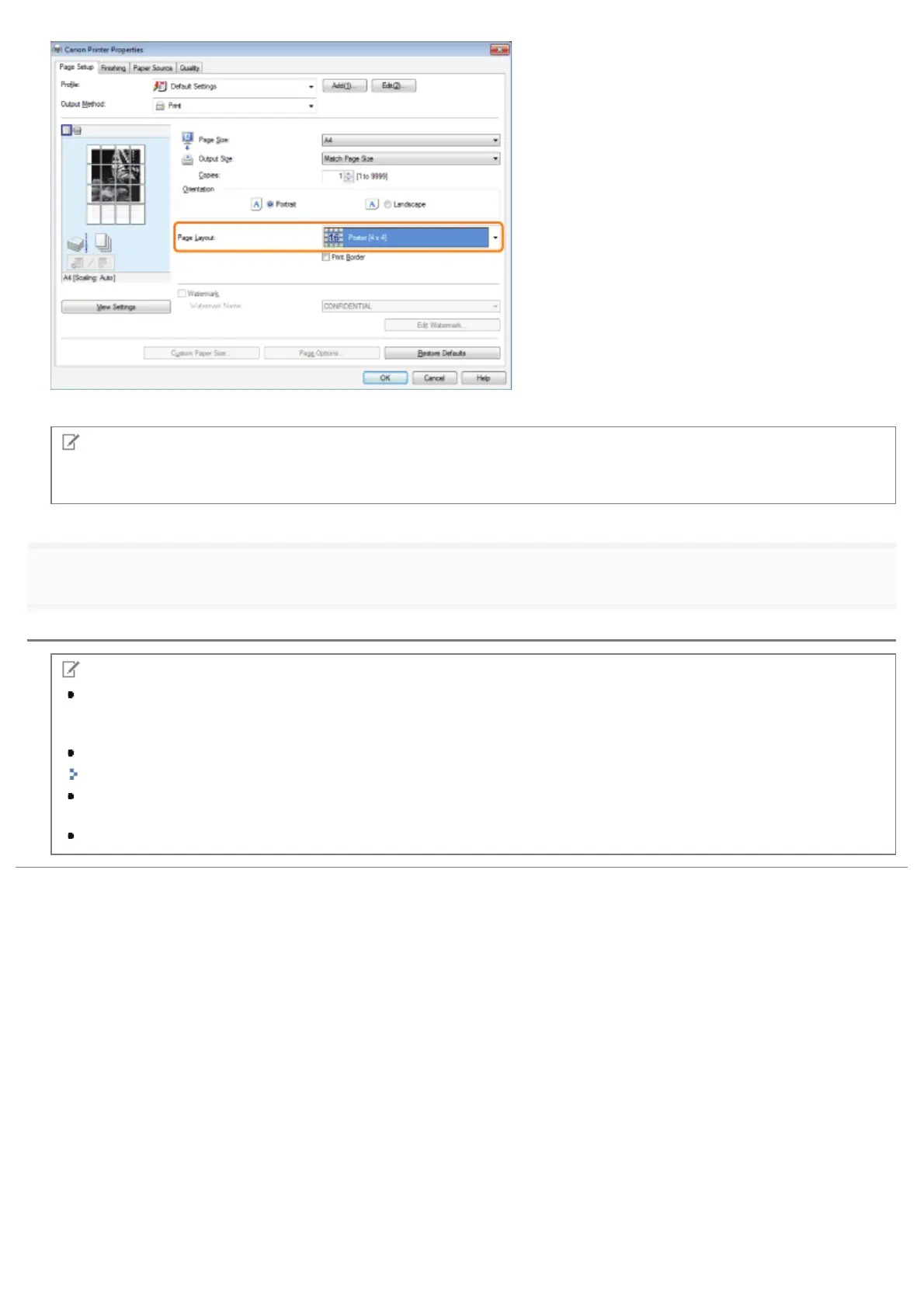
The output image is displayed in the preview area.
NOTE
If you cannot select the options for [Page Layout], display the [Device Settings] tab, and then select [Auto] or [Enabled]
from [Spooling at Host]. For instructions on how to display the [Device Settings] tab, see "Setting the Printer Options."
3.
Click [OK].
NOTE
When outputting the pages face-up, the print sequence for the pages (the sheets into which the image is divided)
starts from the top left proceeds to the right. When outputting the pages face-down, the sequence starts from the
bottom right and proceeds to the left.
2-sided printing is not supported when performing poster printing. Switch to 1-sided printing.
"1-sided Printing and 2-sided Printing"
Poster printing cannot be used together with "Watermark Printing", "Scaling Documents", or "Printing Multiple Pages
on One Sheet."
The display may vary according to the operating system, as well as the type and version of the printer driver.
㻞㻞㻢㻌㻛㻌㻥㻣㻜



 To Next Page