0978-0L8
Perform one of the following solutions according to the cause.
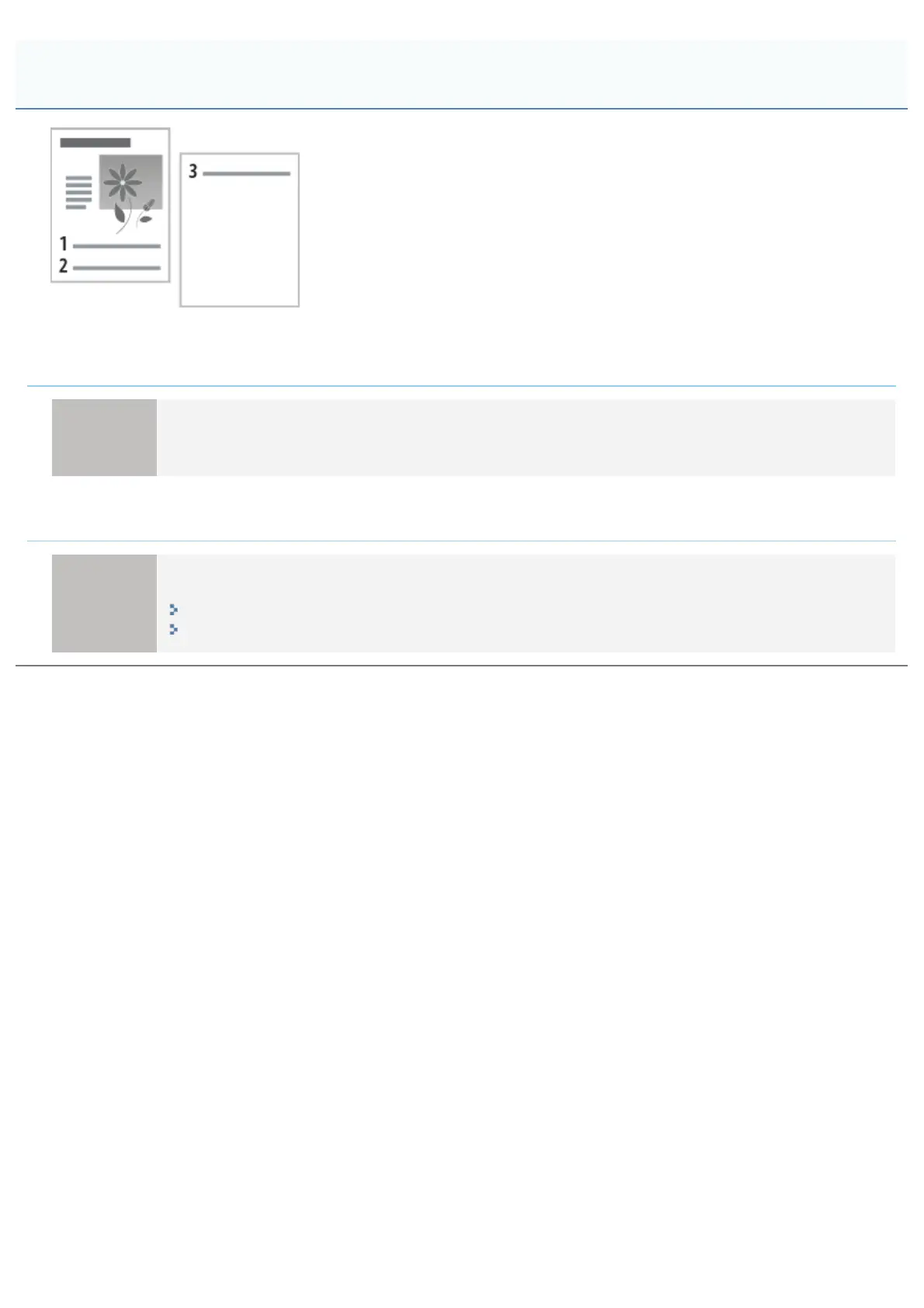
<Cause 1> "Line Spacing" or "Lines/Page" in the application is not specified properly.
Solution
Specify the settings for "Line Spacing" or "Lines/Page" in the application so that the data fits in one page,
and then print again.
See the instruction manual supplied with the application.
<Cause 2> When [Auto Mode Selection] is set to [Auto Selection], the number of seconds
specified in [Timeout Time] is too short.
Solution
Set [Auto Mode Selection] to a setting other than [Auto Selection], or increase the number of seconds
specified in [Timeout Time] sufficiently.
"[Setup] Menu ([Print Mode] Options)"
"[Setup] Menu ([Interface] Options)"
The Next Page Is Printed from Halfway across the Previous Page
㻥㻞㻤㻌㻛㻌㻥㻣㻜



 To Next Page