0978-0FE
In order to use MEAP functions from the Web browser, HTTP communication must be enabled.
Follow the steps in the procedure below to configure the settings. (The default settings are [On].)
1
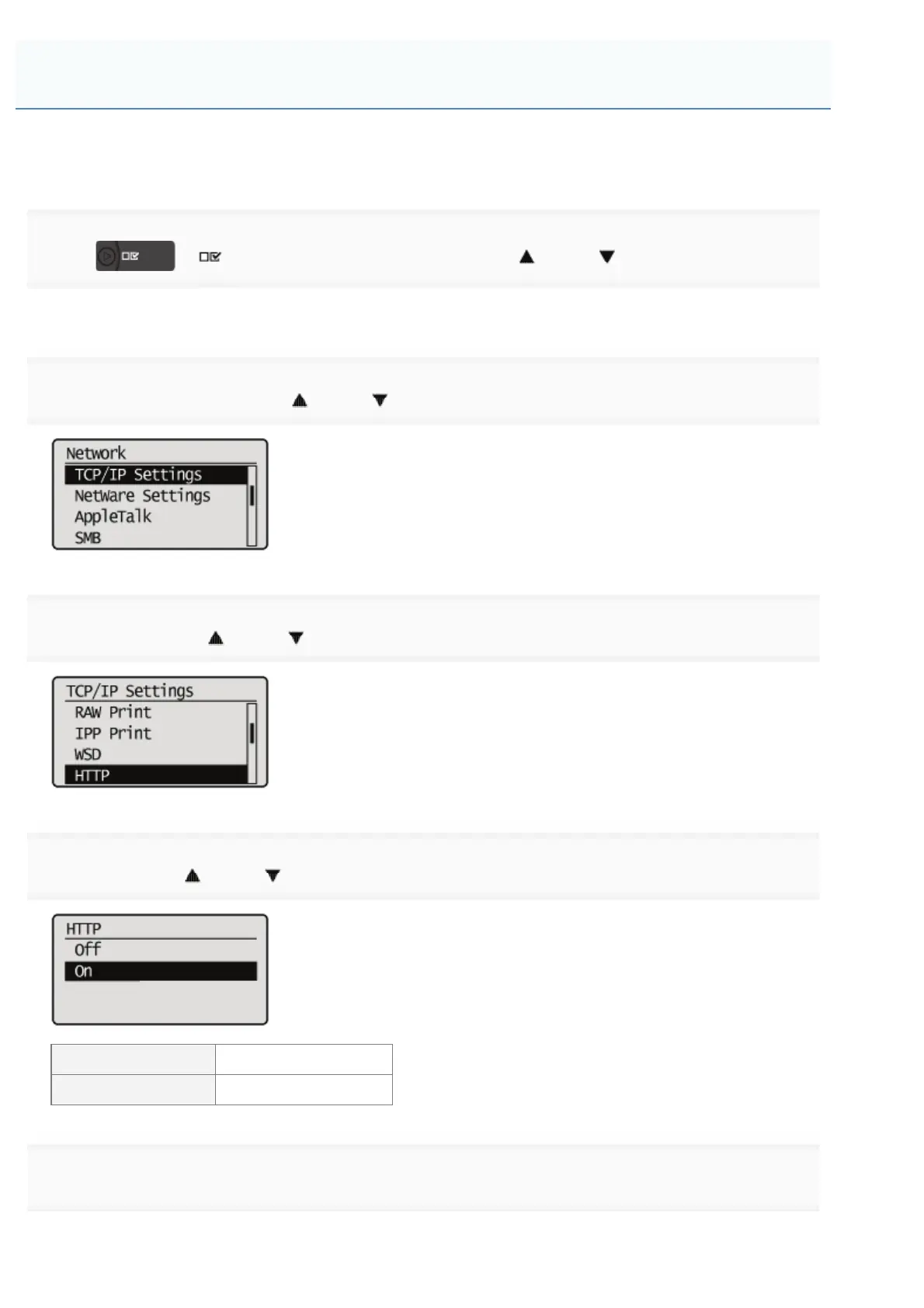
Press [ ] ( : Settings), select [Network] with [ ] and [ ], and then press [OK].
After the message is displayed, press [OK].
2
Select [TCP/IP Settings] with [ ] and [ ], and then press [OK].
3
Select [HTTP] with [ ] and [ ], and then press [OK].
4
Select [On] with [ ] and [ ], and then press [OK].
[On] It uses HTTP.
[Off] It does not use HTTP.
5
Perform a hard reset or restart the printer.
The settings are enabled after a hard reset or after the printer is restarted.
Setting Up HTTP Communication
㻣㻠㻣㻌㻛㻌㻥㻣㻜



 To Next Page