0978-0E6
You can specify the job operation permission for end-users using a Web browser (Remote UI).
If the job operation by end-users is permitted, the job operation by the name entered when logging on (the user name)
becomes enabled when you are using the Remote UI in End-User Mode.
1
Start the Remote UI, and then log in as Administrator.
"Starting the Remote UI"
2
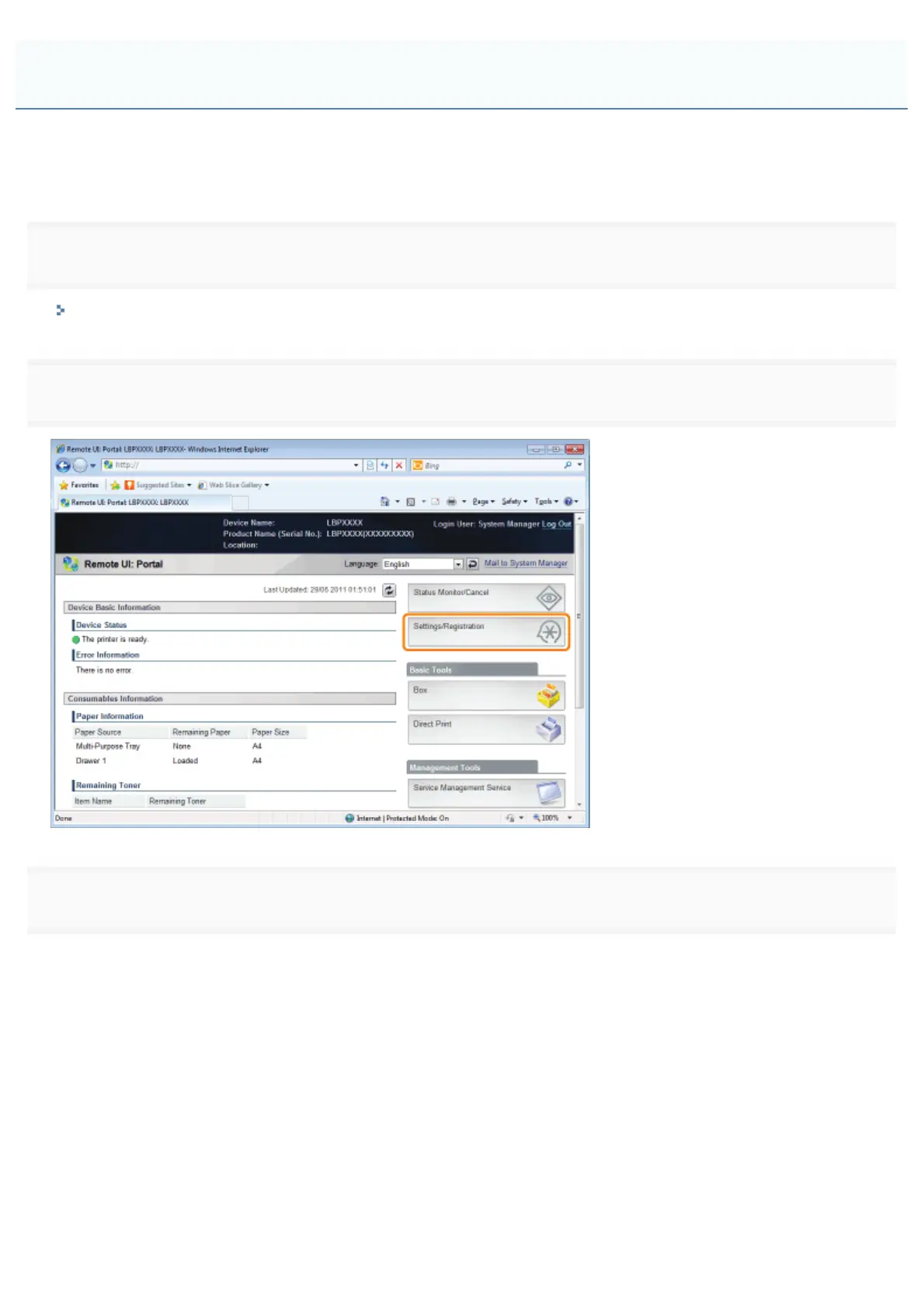
Click [Settings/Registration].
3
Select [Security] from the [Management Settings] menu.
Specifying the Job Operation Permission for End-Users
㻢㻣㻢㻌㻛㻌㻥㻣㻜



 To Next Page