0978-0R6
Configuration Page
Network Status Print
Printing Position Adjustment Print
IMPORTANT
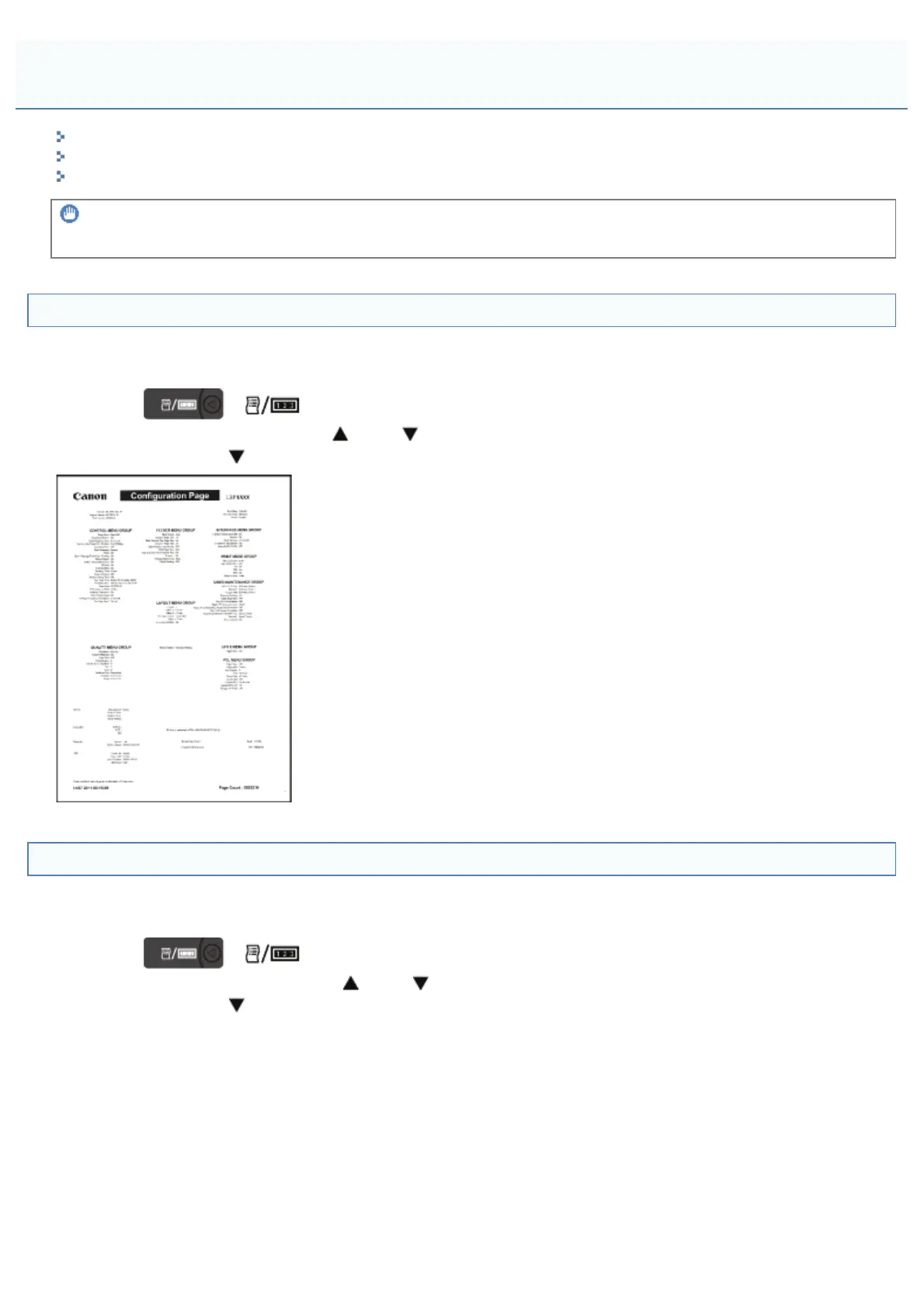
The following lists are samples. The contents may partially differ from the lists printed by your printer.
Configuration Page
The printer information and the settings for printing environment are printed.
1. Make sure that the printer is online.
2.
Press [
] ( : Utility) to display the [Utility Menu] menu.
3. Select [Configuration Page] using [
] and [ ], and then press [OK].
4. Select [Yes] using [
] in the [Execute?] display, and then press [OK] to output the page.
Network Status Print
Prints the version number and the settings of the print server equipped with this printer.
1. Make sure that the printer is online.
2.
Press [
] ( : Utility) to display the [Utility Menu] menu.
3. Select [Network Status Print] using [
] and [ ], and then press [OK].
4. Select [Yes] using [
] in the [Execute?] display, and then press [OK] to output the page.
The Lists Common to All the Settings in the Print Mode
㻥㻢㻜㻌㻛㻌㻥㻣㻜



 To Next Page