0978-0C5
If you want to check the number of the printed pages, use either of the following methods.
"Checking the Counter Using the Printer's Control Panel "
"Checking the Counter Using a Web Browser (Remote UI) "
Checking the Counter Using the Printer's Control Panel
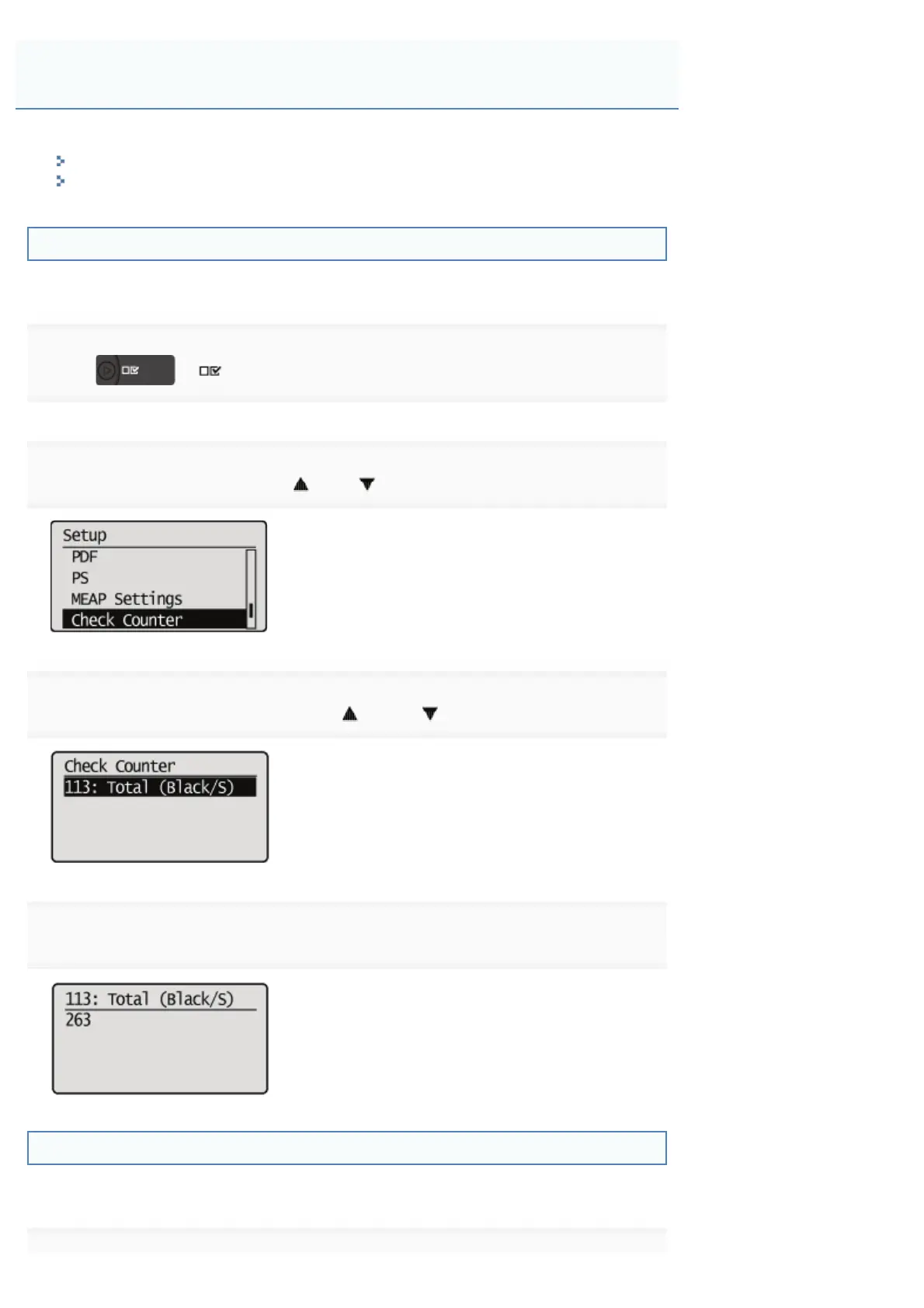
You can check the number of the printed pages using the control panel.
1
Press [ ] ( : Settings).
2
Select [Check Counter] using [ ] or [ ], and then press [OK].
3
Select the counters to check using [ ] and [ ], and then press [OK].
4
Check the number of the printed pages.
Checking the Counter Using a Web Browser (Remote UI)
You can check the number of the printed pages using the Remote UI.
Checking the Number of the Printed Pages
㻡㻥㻤㻌㻛㻌㻥㻣㻜



 To Next Page