0978-02F
After installing an SD card, print Configuration Page to check if the module is installed properly.
NOTE
Load A4 size paper.
Configuration Page is designed to be printed on A4 size paper.
Be sure to load A4 size paper when printing the Configuration Page.
1
Load A4 size paper in the multi-purpose tray or paper drawer.
"Paper Loading and Output"
2
Make sure that the printer is online.
If the printer is not online, press [
] ( : Online).
3
Press [ ] ( : Utility).
4
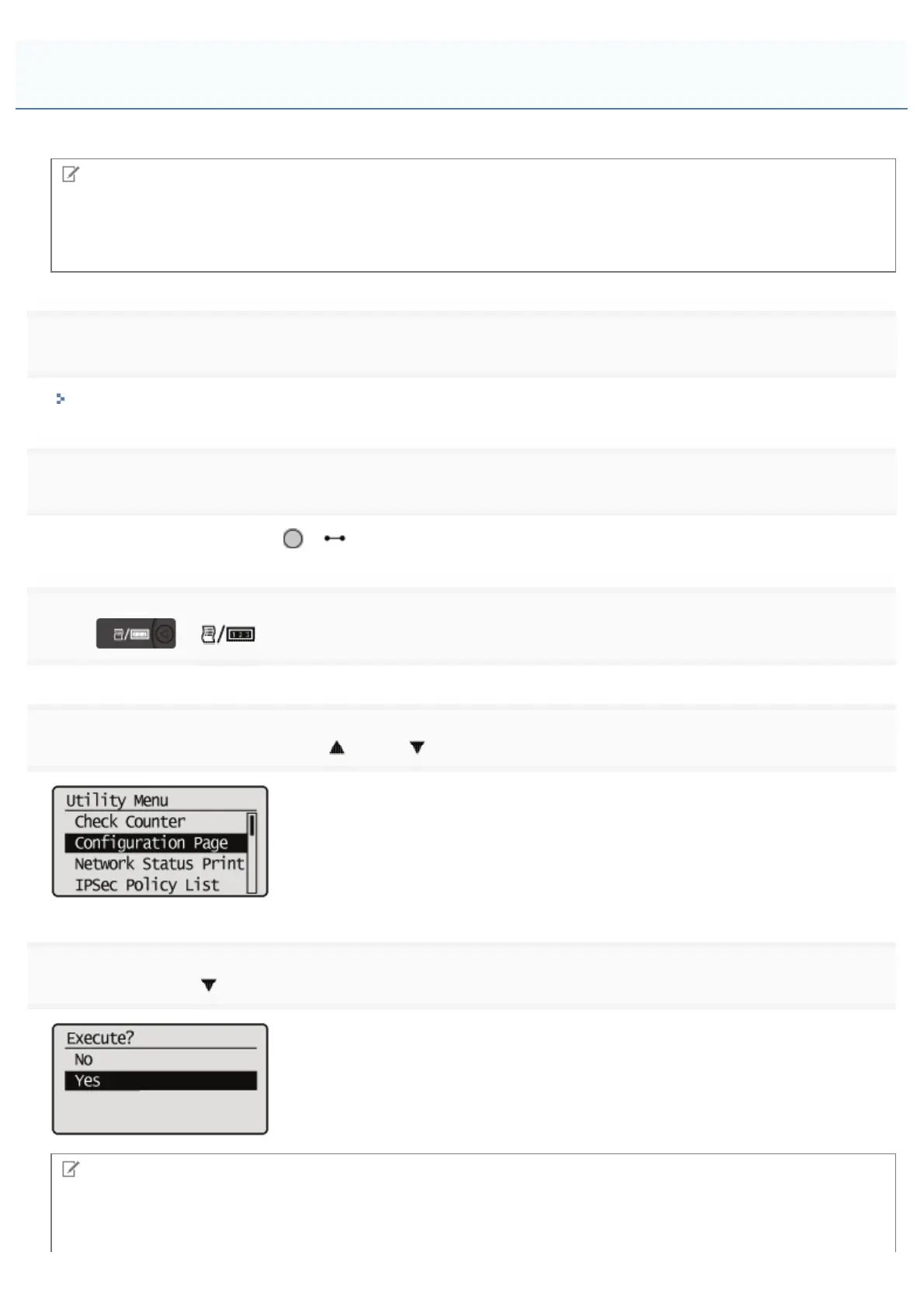
Select [Configuration Page] using [ ] and [ ], and then press [OK].
5
Select [Yes] using [ ], and then press [OK] to print Configuration Page.
NOTE
How to check the installation
Check to make sure that [SD Card] under the [Control Menu] is set to [On].
Checking the SD Card Installation
㻝㻞㻢㻌㻛㻌㻥㻣㻜



 To Next Page