0978-0AY
NOTE
Table description
Bold values in the table indicate the default settings.
Setting Item
Setting
Value
Setting
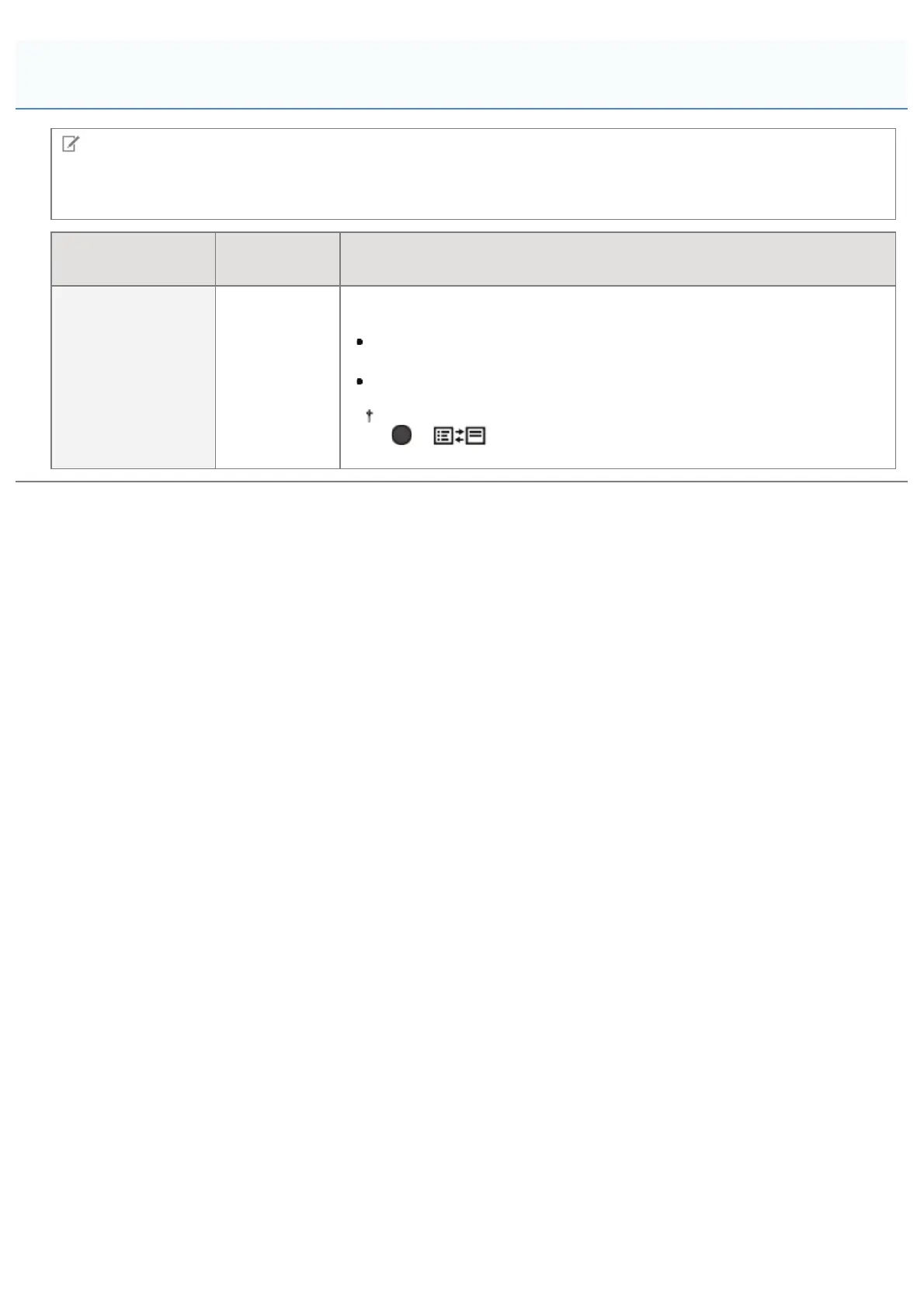
[Select Def. Screen]
[Print
Screen],
[MEAP]
Set the initial screen of the control panel that is displayed after the printer
starts up.
When it is set to [Print Screen], the printer's print standby screen is
displayed.
When it is set to [MEAP], the MEAP menu screen is displayed.
After the printer starts, you can toggle the menu screens by pressing
[
] ( : Application) on the control panel.
[Setup] Menu ([MEAP Settings] Options)
㻡㻥㻝㻌㻛㻌㻥㻣㻜



 To Next Page