0978-03F
After loading paper in a paper source, configure the printer driver to print using the following procedure.
This section describes the basic procedure for printing from an application, taking Adobe Reader as an example.
The printing procedure may differ depending on the application you are using.
Before printing, see "Attention (Printer Driver Configuration)."
1
Load paper in the paper drawer or multi-purpose tray.
"Paper Loading and Output"
2
Open the PDF file to be printed using Adobe Reader.
3
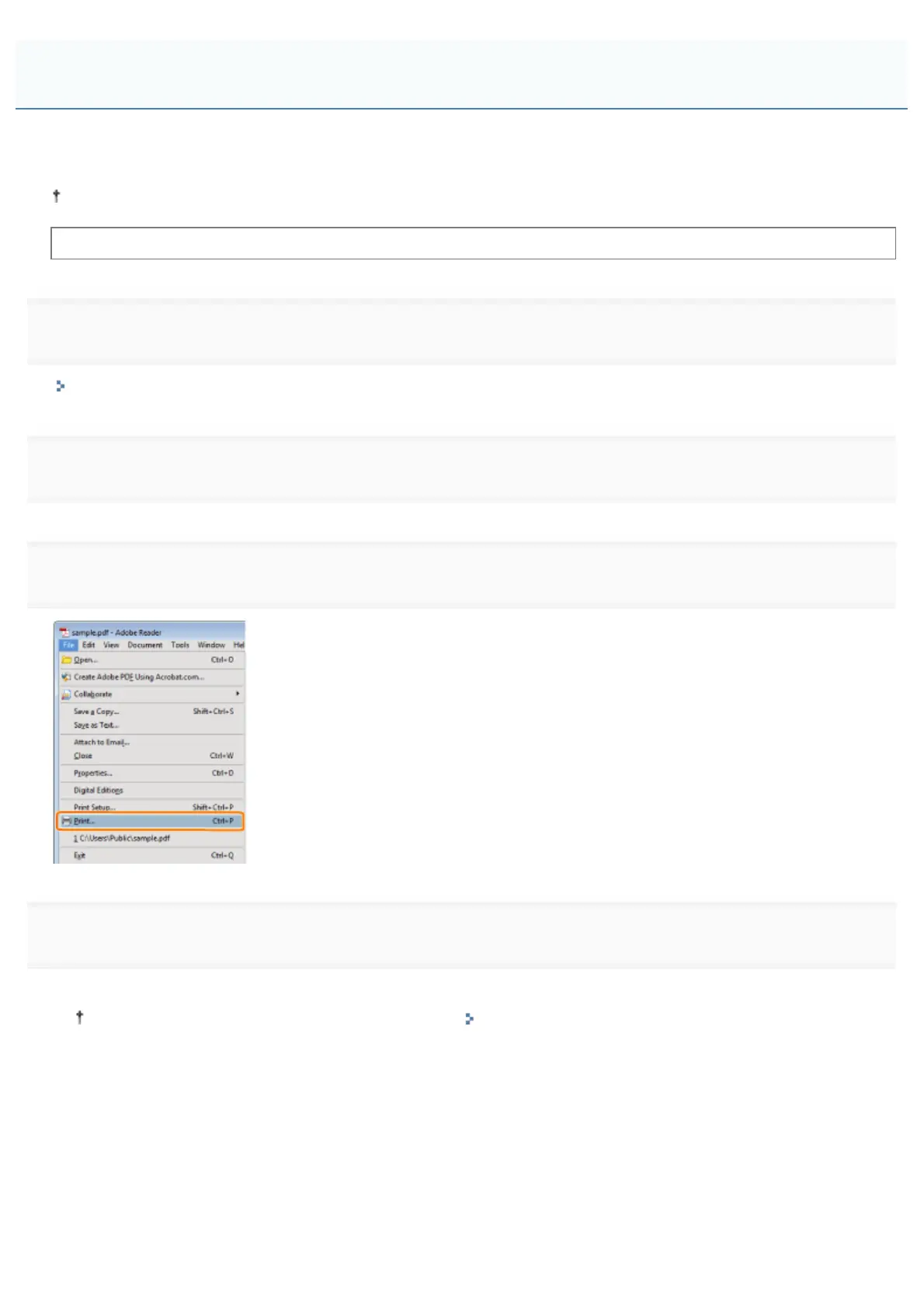
Select [Print] from the [File] menu.
4
Configure the printing preferences.
(1) Select this printer.
You can change the printer name in the printer folder ( "Basic Operations/Various Information for Windows").
(2) Configure the printing preferences.
Configuring the Printer Driver and Printing
㻝㻢㻣㻌㻛㻌㻥㻣㻜



 To Next Page