0978-01K
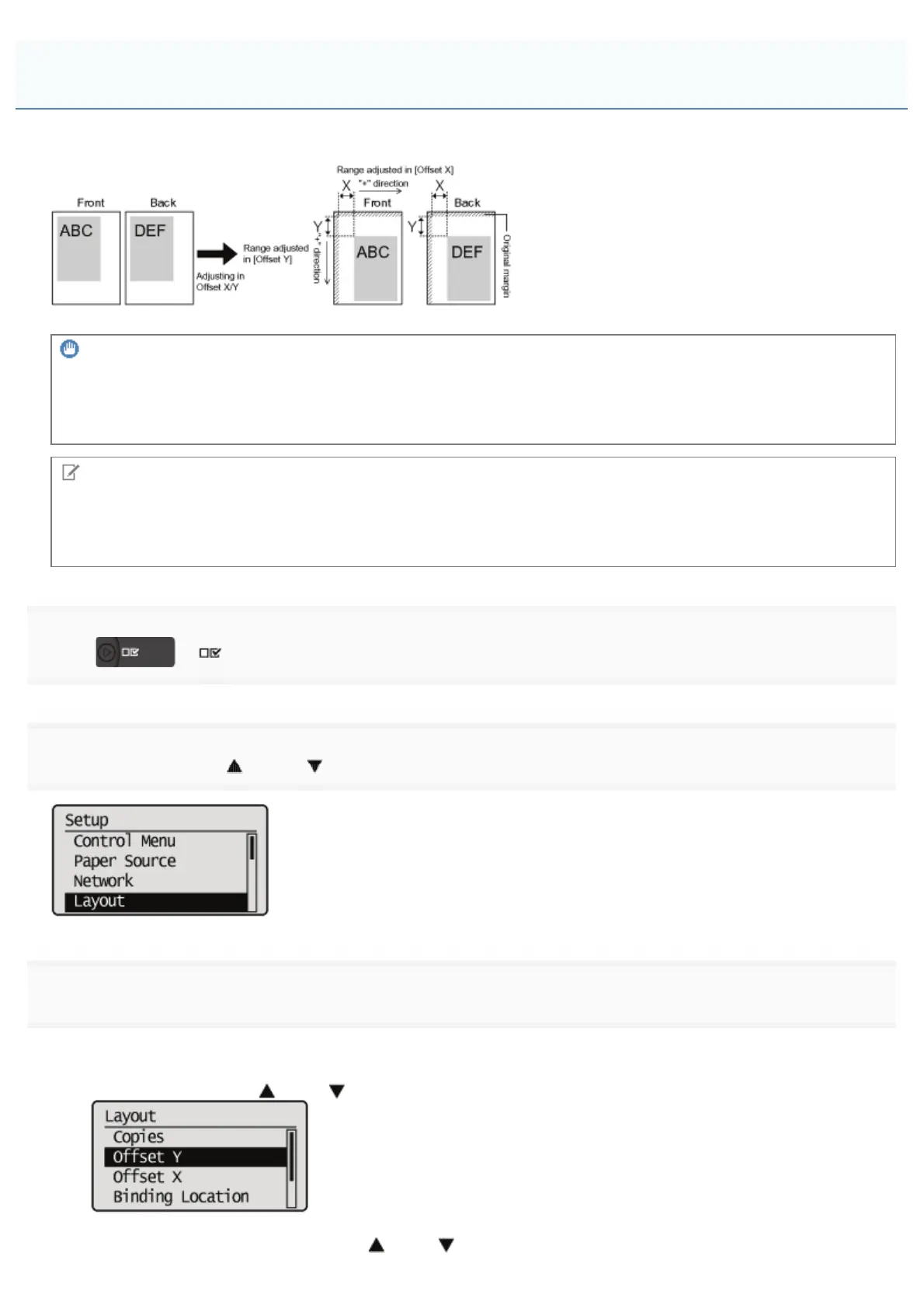
Perform [Offset Y] and [Offset X] using the control panel of the printer.
IMPORTANT
Confirm the adjustment result.
If any part of the print image lies outside the printable area after adjusting the printing position, the part will be missing in
the print result.
NOTE
Adjustable area
You can adjust the printing position between -50.0 mm and +50.0 mm for both the vertical direction and horizontal
direction.
1
Press [ ] ( : Settings).
2
Select [Layout] using [ ] and [ ], and then press [OK].
3
Select a position you want to correct.
If specifying the setting for [Offset Y]
1. Select [Offset Y] using [
] and [ ], and then press [OK].
2. Specify the target numeric value using [ ] and [ ], and then press [OK].
Adjusting the Printing Position for All the Jobs
㻣㻟㻌㻛㻌㻥㻣㻜



 To Next Page