Each time you press [ ], the setting value increases by 0.5 mm, and each time you press [ ], the setting value
decreases by 0.5 mm. Also, if you keep pressing [
] or [ ] without releasing your finger, you can keep
increasing or decreasing the value.
ĺ The setting value is changed.
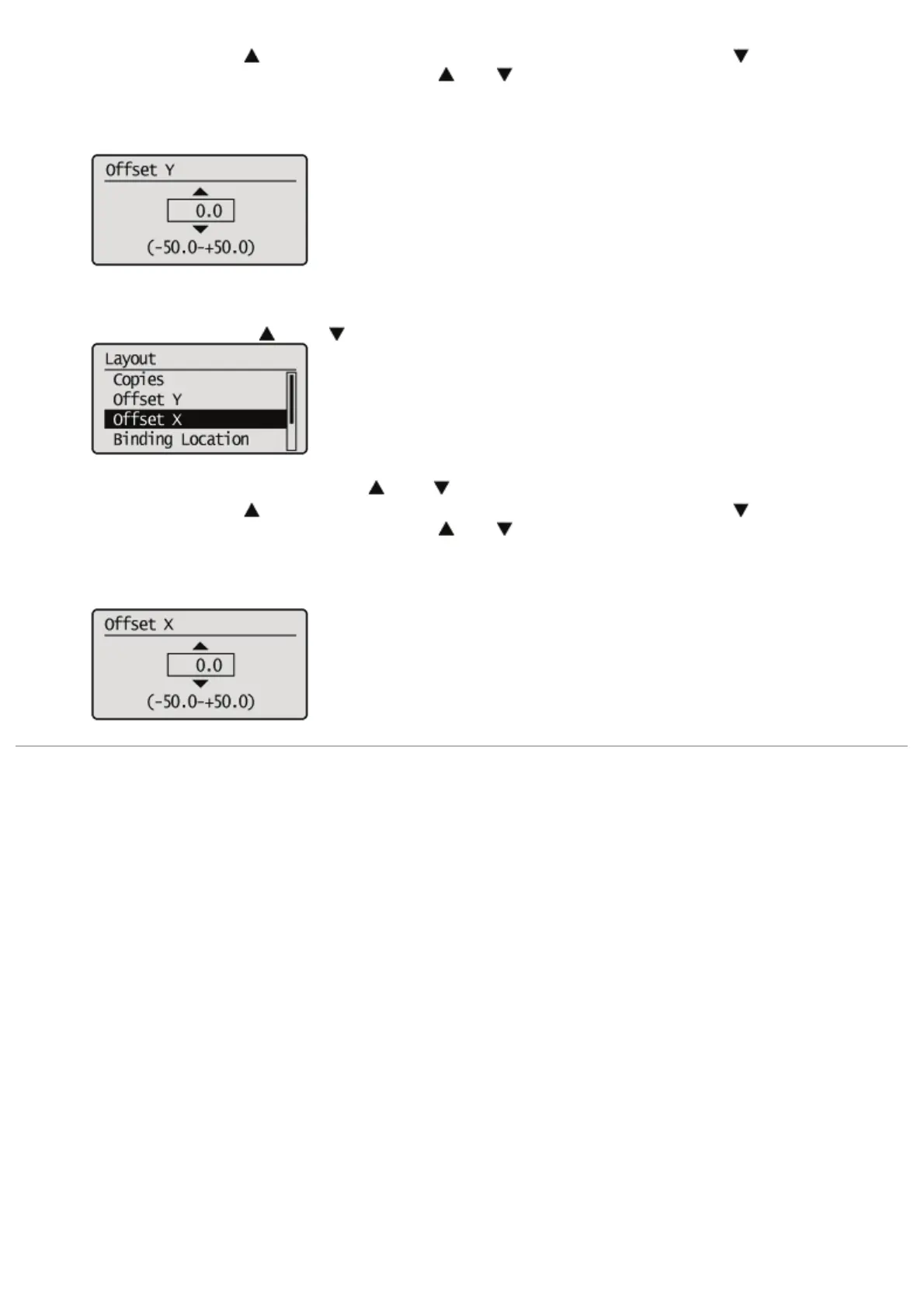
If specifying the setting for [Offset X]
1. Select [Offset X] using [
] and [ ], and then press [OK].
2. Specify the target numeric value using [ ] and [ ], and then press [OK].
Each time you press [
], the setting value increases by 0.5 mm, and each time you press [ ], the setting value
decreases by 0.5 mm. Also, if you keep pressing [
] or [ ] without releasing your finger, you can keep
increasing or decreasing the value.
ĺ The setting value is changed.
㻣㻠㻌㻛㻌㻥㻣㻜



 To Next Page