0978-06U
There are two types of manual printing methods: printing from the printer control panel and printing from the Remote UI.
IMPORTANT
Receiving E-mails
The printer can receive e-mails only when it is online.
When using POP3 protocol
When it is set to receive e-mail automatically using [POP3 RX Interval], if you attempt to receive e-mail manually while e-
mail is being received automatically, your actions will be ignored.
"How to Specify the Settings for E-mail Print"
When using SMTP protocol
It automatically receives and prints e-mails. There is no need to manually receive and print them.
"How to Specify the Settings for E-mail Print"
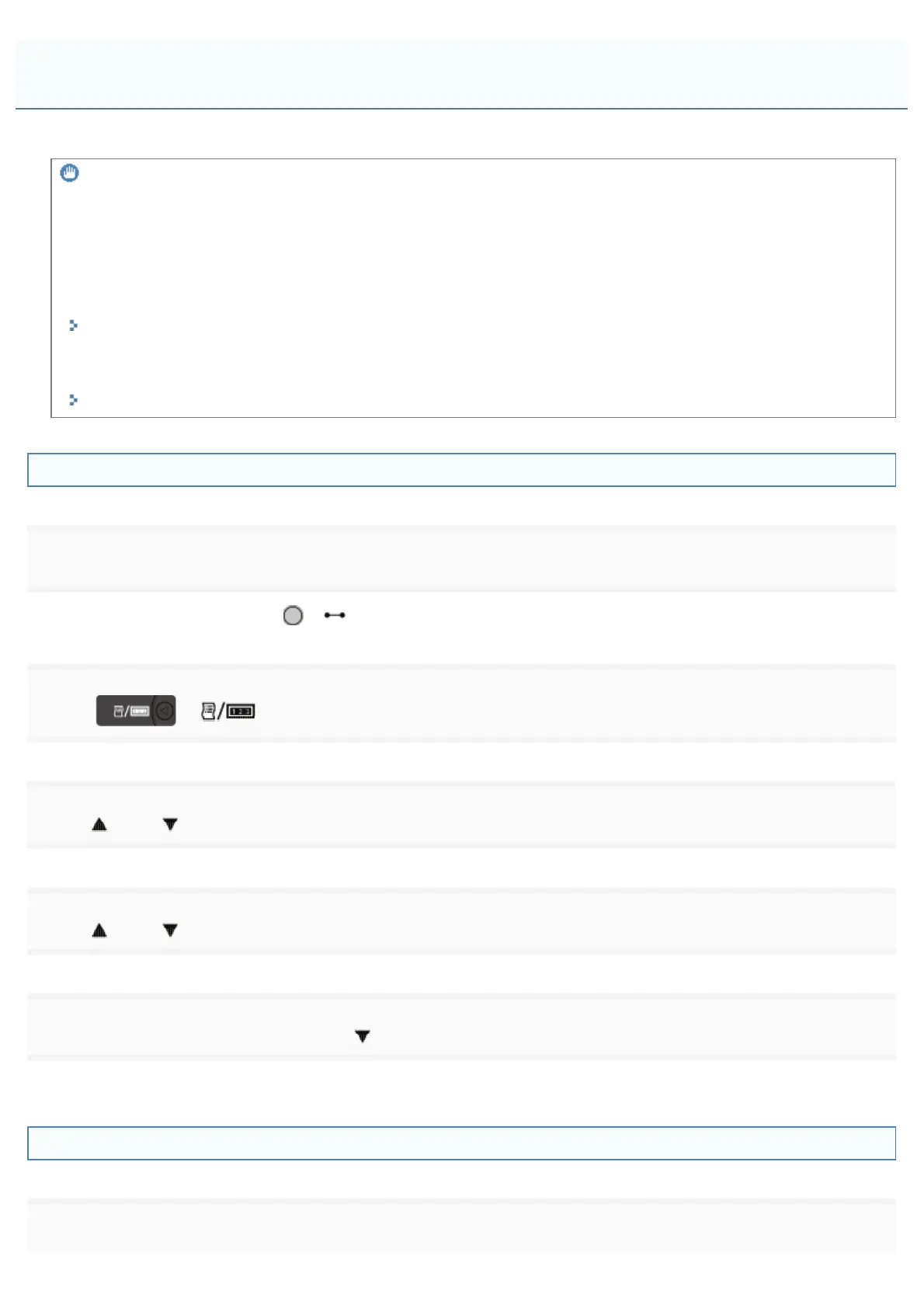
Printing from the Printer Control Panel
1
Make sure that the printer is online.
If the printer is not online, press [
] ( : Online).
2
Press [ ] ( : Utility) to display the Utility menu.
3
Press [ ] and [ ], select [E-Mail Print Utility], and then press [OK].
4
Press [ ] and [ ], select [Received E-Mails], and then press [OK].
5
When <Execute?> is displayed, press [ ], select [Yes], and then press [OK].
The printer is connected to the mail server. The printer receives e-mails addressed to the printer and print them.
Printing from a Remote UI
1
Start the Remote UI.
Receiving and Printing E-mails Manually
㻟㻝㻟㻌㻛㻌㻥㻣㻜



 To Next Page