0978-083
Set authentication information for using TLS with the IEEE802.1X authentication method.
TLS performs mutual authentication using the authentication server's certificate and the printer's certificate.
IMPORTANT
In order to set up TLS authentication
You need to register a key and certificate or a CA certificate used for authentication to the printer in advance.
"Setting Keys and Certificates"
"Setting CA Certificates"
1
Start the Remote UI, and then log in as Administrator.
"Starting the Remote UI"
2
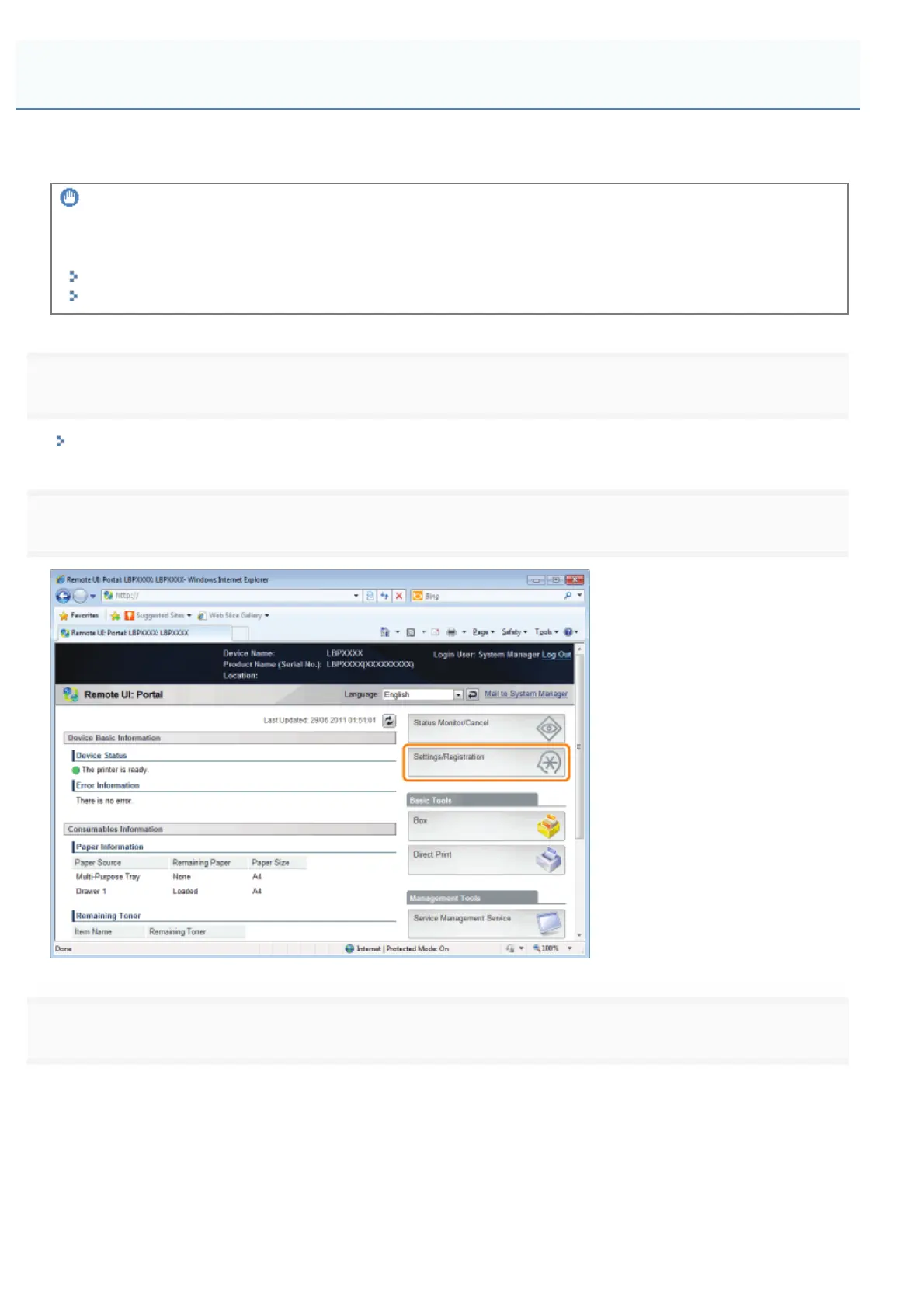
Click [Settings/Registration].
3
Select [Network] from the [Preferences] menu.
Setting TLS Authentication Information
㻟㻤㻡㻌㻛㻌㻥㻣㻜



 To Next Page