0978-056
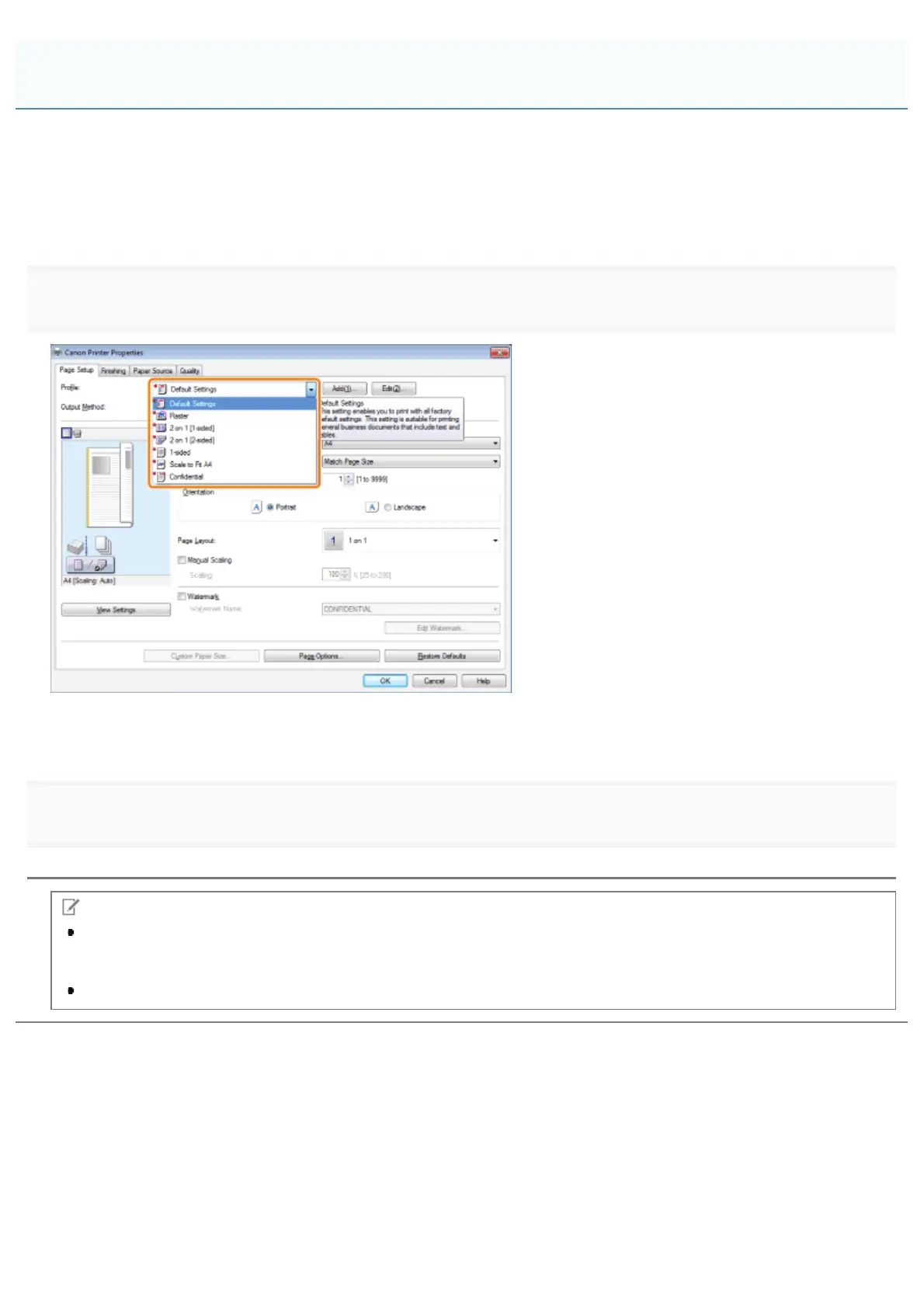
Combinations of printer driver settings corresponding to a variety of printing purposes are provided with the printer driver as
"profiles." This enables you to print documents according to a desired objective by simply selecting a profile from the
[Profile] list.
You can register the customized profiles other than the various predefined profiles. (See "Registering a Profile for
Printing.")
1.
Select a profile from the [Profile] list according to your objective.
The output image is displayed in the preview area.
For instructions on how to display the printer driver screen, see "Printing" or "Configuring the Default Print Settings."
2.
Click [OK].
NOTE
If you cannot select a profile, display the printer properties dialog box from [Control Panel] and click the [Profile] tab,
then check [Allow Profile Selection] is selected. For details about how to display the printer properties dialog box,
see "Setting the Printer Options."
The display may vary according to the operating system, as well as the type and version of the printer driver.
Selecting a Profile for Printing
㻞㻟㻞㻌㻛㻌㻥㻣㻜



 To Next Page