0978-03C
Before loading paper, see "Important Safety Instructions."
IMPORTANT
Precautions when loading paper in the multi-purpose tray
Load the paper so that it is straight.
If the rear edge of the paper stack is not properly aligned, this may result in misfeeds or paper jams.
If the paper is curled or folded at corners, flatten it before loading it in the printer.
Do not touch the paper in the multi-purpose tray or pull it out during printing.
This may result in paper jams or damage to the printer.
When using paper that is poorly cut
Multiple sheets of paper may be fed at a time. In this case, fan the paper thoroughly, and then align the edges of the
stack properly on a hard, flat surface.
Do not place any objects other than paper on the multi-purpose tray. Do not press the top of or
apply excessive force to the multi-purpose tray.
This may result in damage to the multi-purpose tray.
NOTE
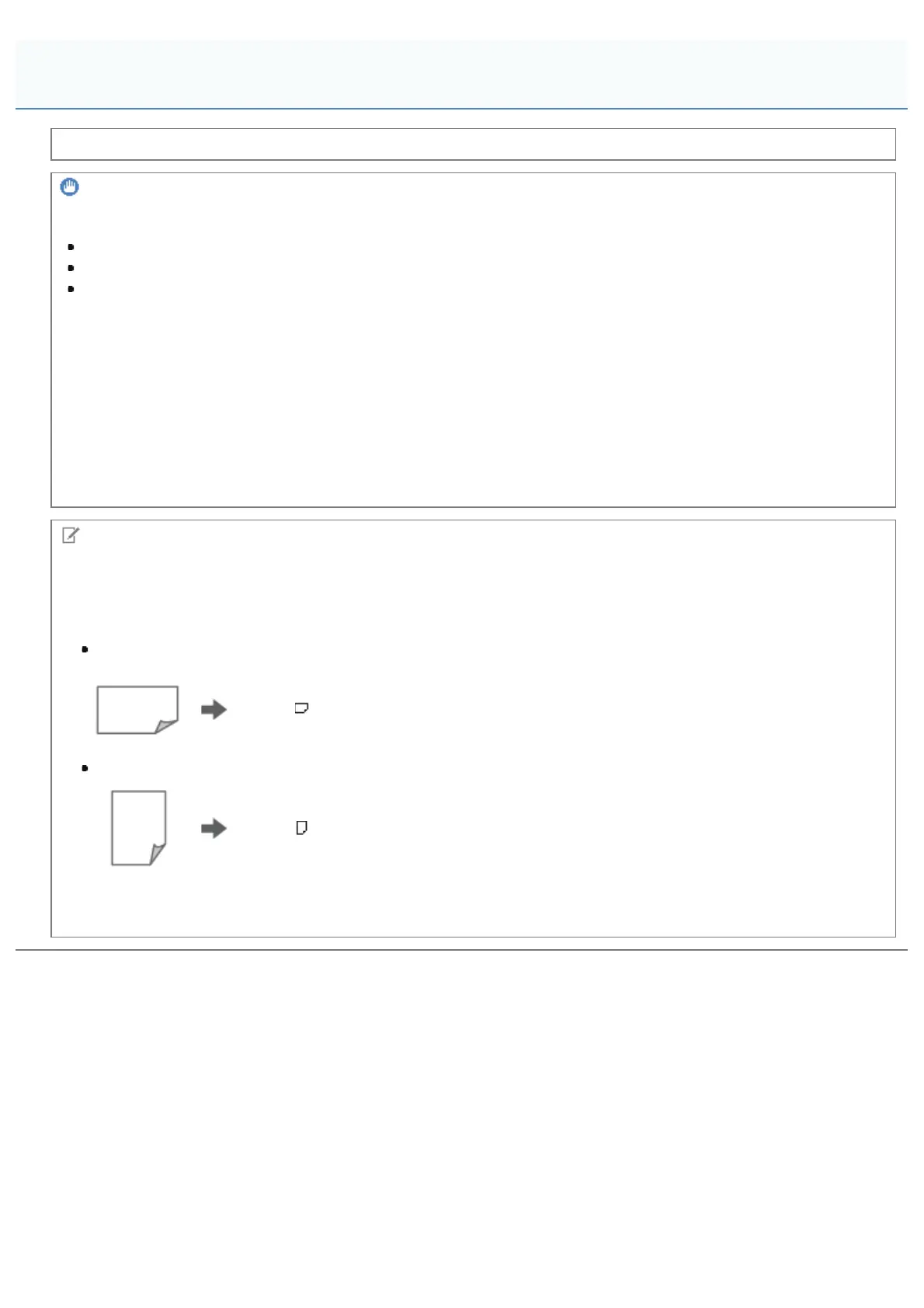
When loading A5 paper
The orientation setting to be selected on the control panel depends on how you load paper. Select the correct setting.
When loading paper in landscape orientation
Select [ A5] for paper size.
When loading paper in portrait orientation
Select [ A5R] for paper size.
For paper orientation and printing side, see "Paper Loading Orientation."
For settings displayed on the control panel, see "[Setup] Menu ([Paper Source] Options)" or "[Select Feeder] Menu."
Attention (Multi-purpose Tray)
㻝㻢㻡㻌㻛㻌㻥㻣㻜



 To Next Page