0978-077
NOTE
You can change the settings only if you have logged on as Administrator.
"Remote UI"
1
Start the Remote UI, and then log in as Administrator.
"Starting the Remote UI"
2
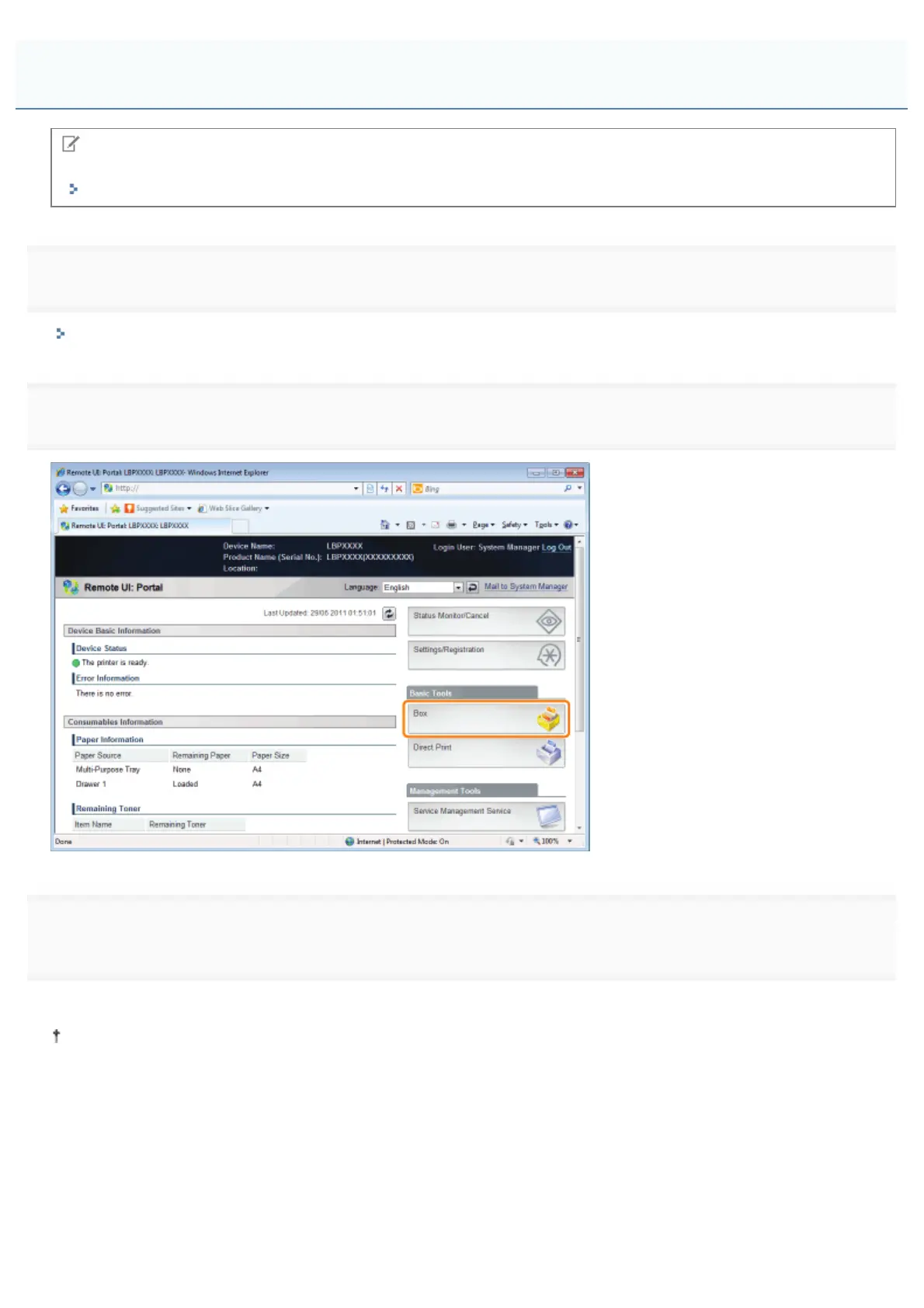
Select the [Box] menu.
3
Enter the box number of the box where the job that you want to check or operate is stored, and then
click [Open...].
You can also display the job list inside the box by clicking on the icon displayed on [Box Number].
If a password is specified for the box, enter the password, and then click [OK].
Changing the Box Settings
㻟㻟㻣㻌㻛㻌㻥㻣㻜



 To Next Page