0978-05U
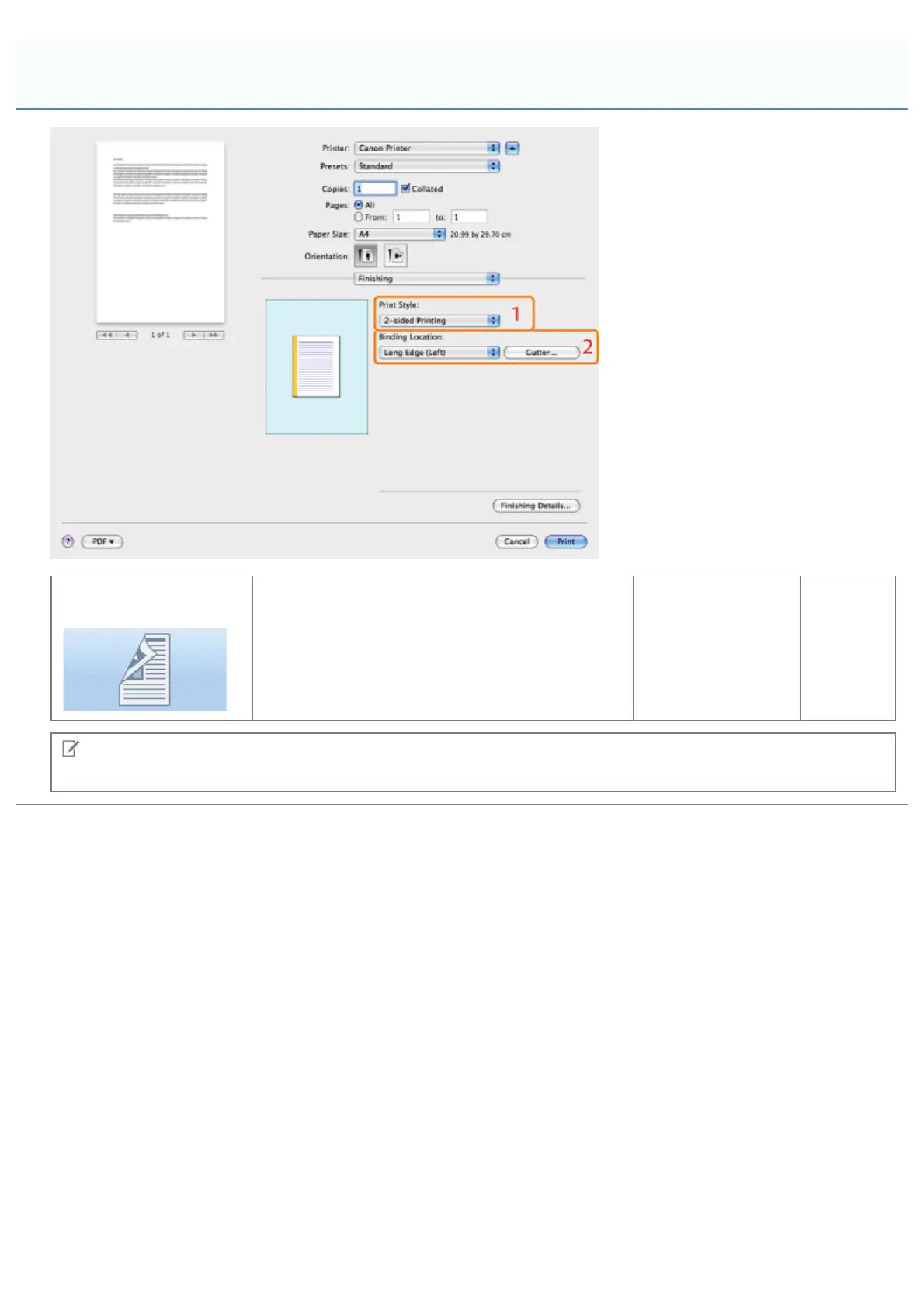
1.1-sided/2-sided
Printing
Prints on one or both sides of the paper. The
default setting for [Print Style] is [2-sided printing]
(see "1-sided and 2-sided Printing").
2.Binding
Location/Gutter
Sets the
orientation
and width
of the
gutter.
NOTE
The displays may differ between operating systems, printer driver types, and functions.
[Finishing] Preferences Pane
㻞㻡㻠㻌㻛㻌㻥㻣㻜



 To Next Page