0978-0KX
Perform one of the following solutions according to the cause.
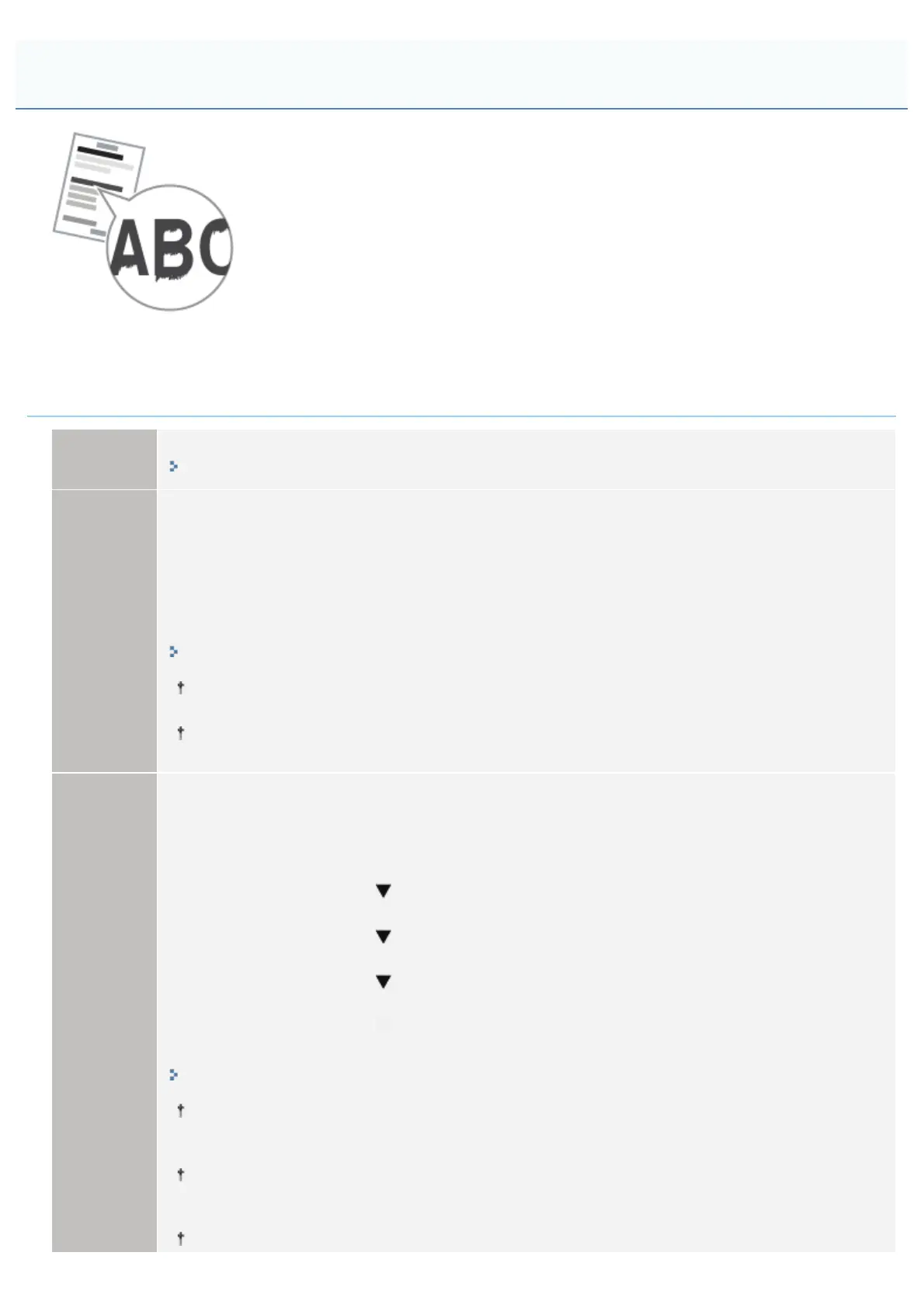
<Cause 1> Depending on the paper type or the operating environment, vertical streaks may
appear on the printed paper.
Solution 1
Replace the paper with new paper in an unopened package.
"Precautions for Paper"
Solution 2
Perform the following procedure in the printer driver.
1. Display the [Finishing] tab.
2. Click [Advanced Settings].
3. Set [Special Print Adjustment C] to [On].
You can specify the same setting from the printer's control panel.
"[Setup] Menu ([User Maintenance] Options)"
Resetting the setting to [Off] due to change in paper type or operating environment may also avoid
vertical streaks appearing on the printed paper. In this case, reset the setting to [Off].
If you specify this setting, printing speed drops.
Solution 3
Perform the following procedure in the printer driver.
1. Display the [Finishing] tab.
2. Click [Advanced Settings].
3. Set [Special Print Adjustment A] to [Mode 1].
If the problem is not solved, specify [Mode 2].
If the problem is not solved, specify [Mode 3].
If the problem is not solved, specify [Mode 4].
You can specify the same setting from the printer's control panel.
"[Setup] Menu ([User Maintenance] Options)"
Resetting the setting to [Off] due to change in paper type or operating environment may also avoid
vertical streaks appearing on the printed paper.
In this case, reset the setting to [Off].
Vertical streaks are alleviated by specifying a setting between [Mode 1] and [Mode 4]. However,
this decreases print density compared to when [Off] is specified.
This may also make outlines appear to be blurred or slightly jagged.
If outlines are jagged, select [Off].
The Printed Paper Has Vertical Streaks
㻥㻝㻣㻌㻛㻌㻥㻣㻜



 To Next Page