0978-04X
You can enlarge or reduce documents to match the output paper size.
There are two methods for scaling a document: select the output size of the document to scale it automatically, or specify
the scaling value manually.
1.
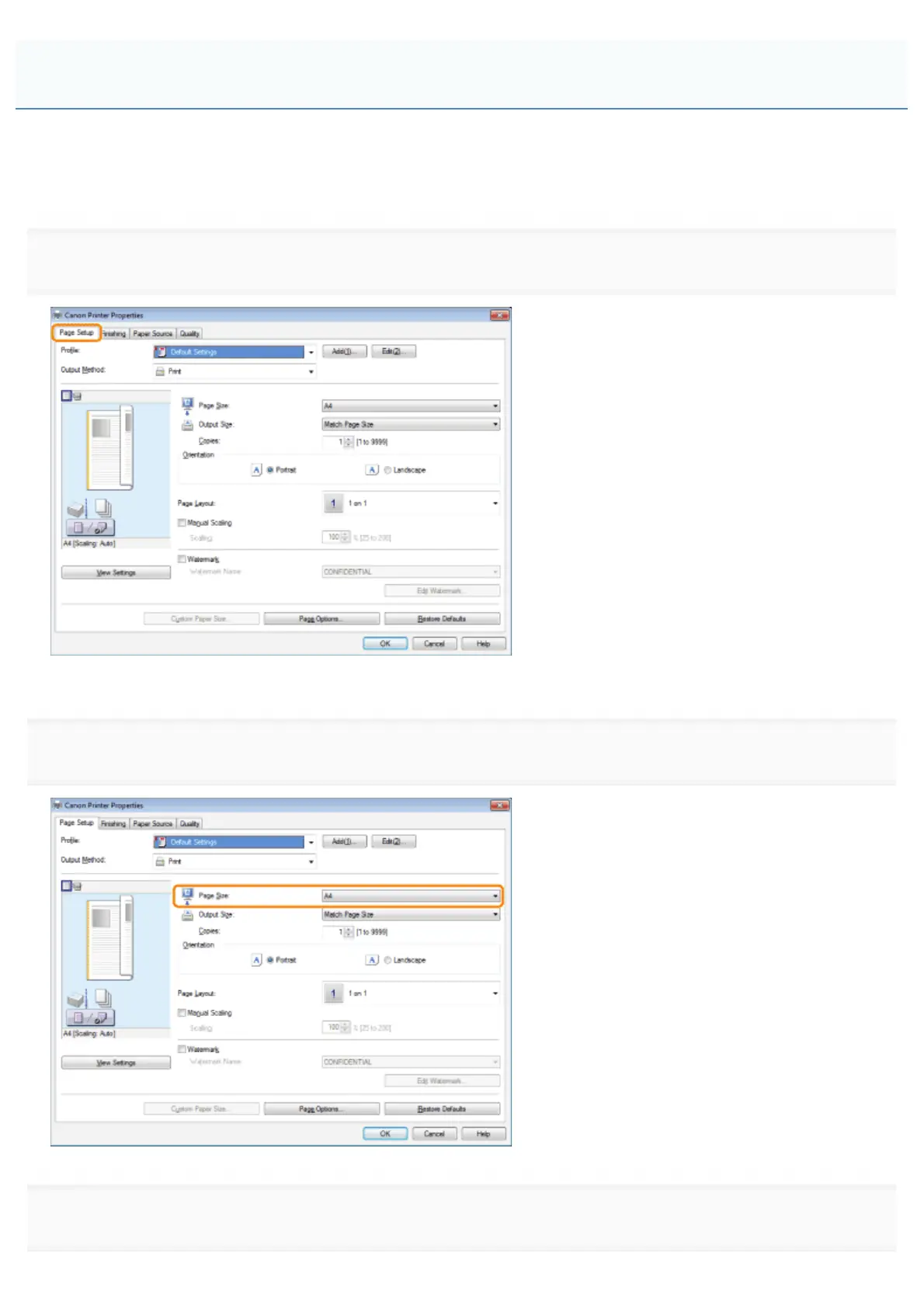
Click [Page Setup].
For instructions on how to display the printer driver screen, see "Printing" or "Configuring the Default Print Settings."
2.
Select page size of the document you created in the application from [Page Size].
3.
Select output size of the document from [Output Size].
Scaling Documents
㻞㻝㻡㻌㻛㻌㻥㻣㻜



 To Next Page