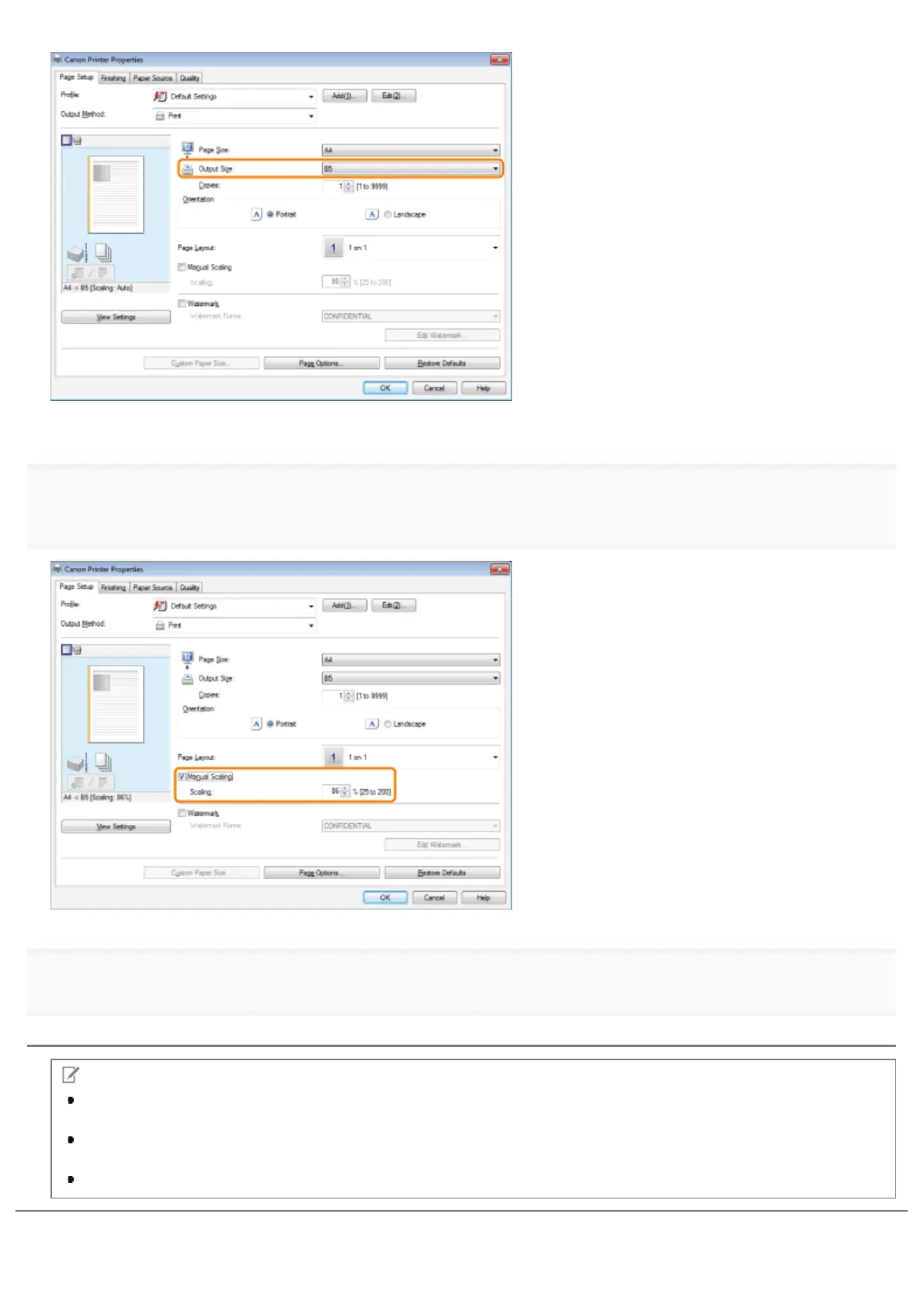
The document is scaled automatically according to the settings made in [Page Size] and [Output Size].
4.
scaling ratio for [Scaling].
5.
Click [OK].
NOTE
Depending on the selected page size and printer model you are using, you may not be able to magnify the
document.
Depending on the printer model you are using, you may not be able to magnify the document to the optimum ratio
for the selected page size.
The display may vary according to the operating system, as well as the type and version of the printer driver.
㻞㻝㻢㻌㻛㻌㻥㻣㻜



 To Next Page