0978-067
1
Start the Remote UI.
"Starting the Remote UI"
2
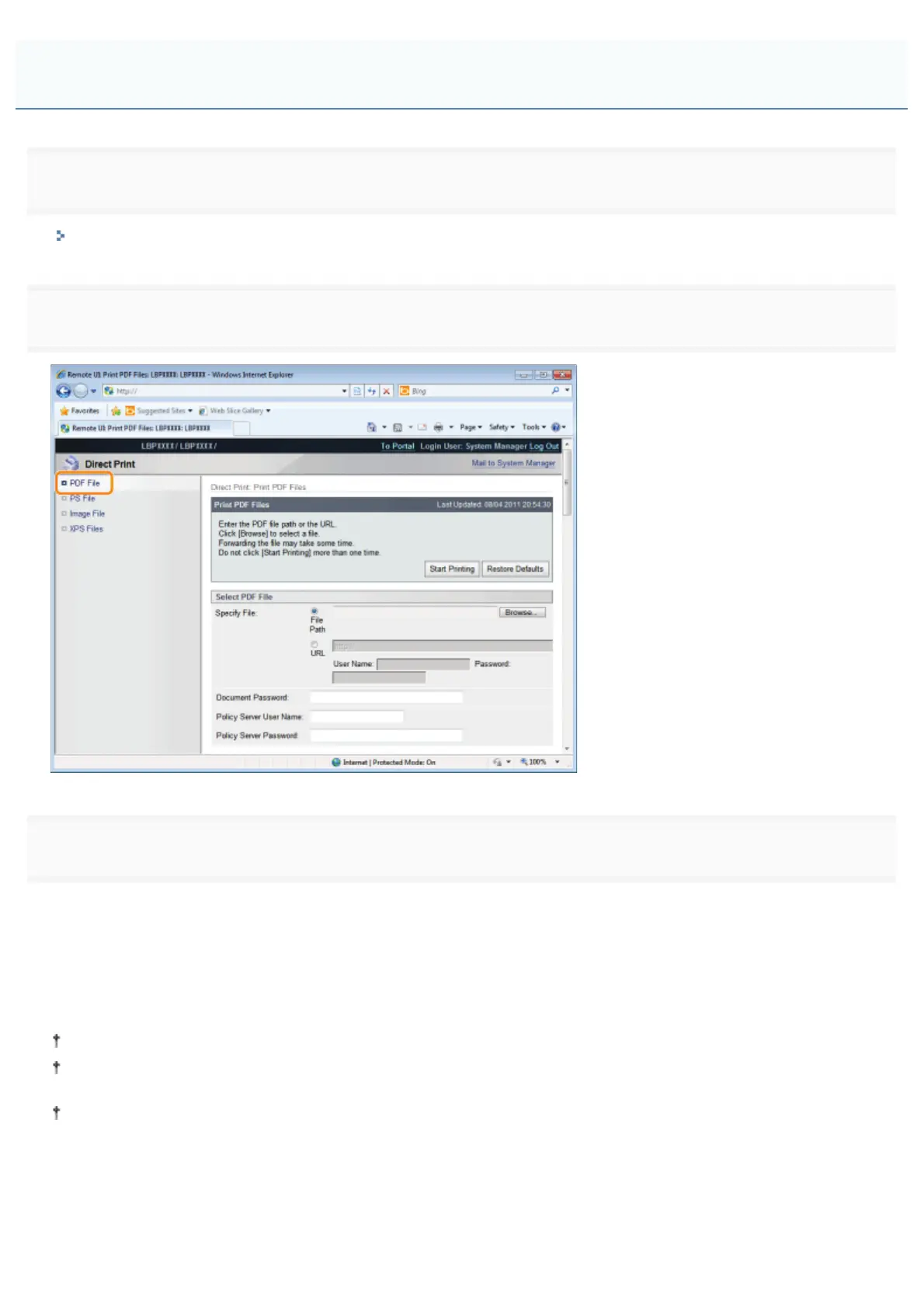
Select [PDF File] from the [Direct Print] menu.
3
Specify [Select PDF File].
When specifying [File Path]
Click [Browse...], select the file, and then click [Open...].
When specifying [URL]
Enter the URL of the PDF file that you want to print.
If you specify a URL that requires user authentication, enter [User Name] and [Password].
When specifying a URL and printing, the next print job cannot be performed until the PDF is finished downloading or
the connection with the Web server is terminated.
The protocol for specifying a URL and printing only supports HTTP.
Printing the PDF File Using the Direct Print Function
㻞㻣㻝㻌㻛㻌㻥㻣㻜



 To Next Page