4
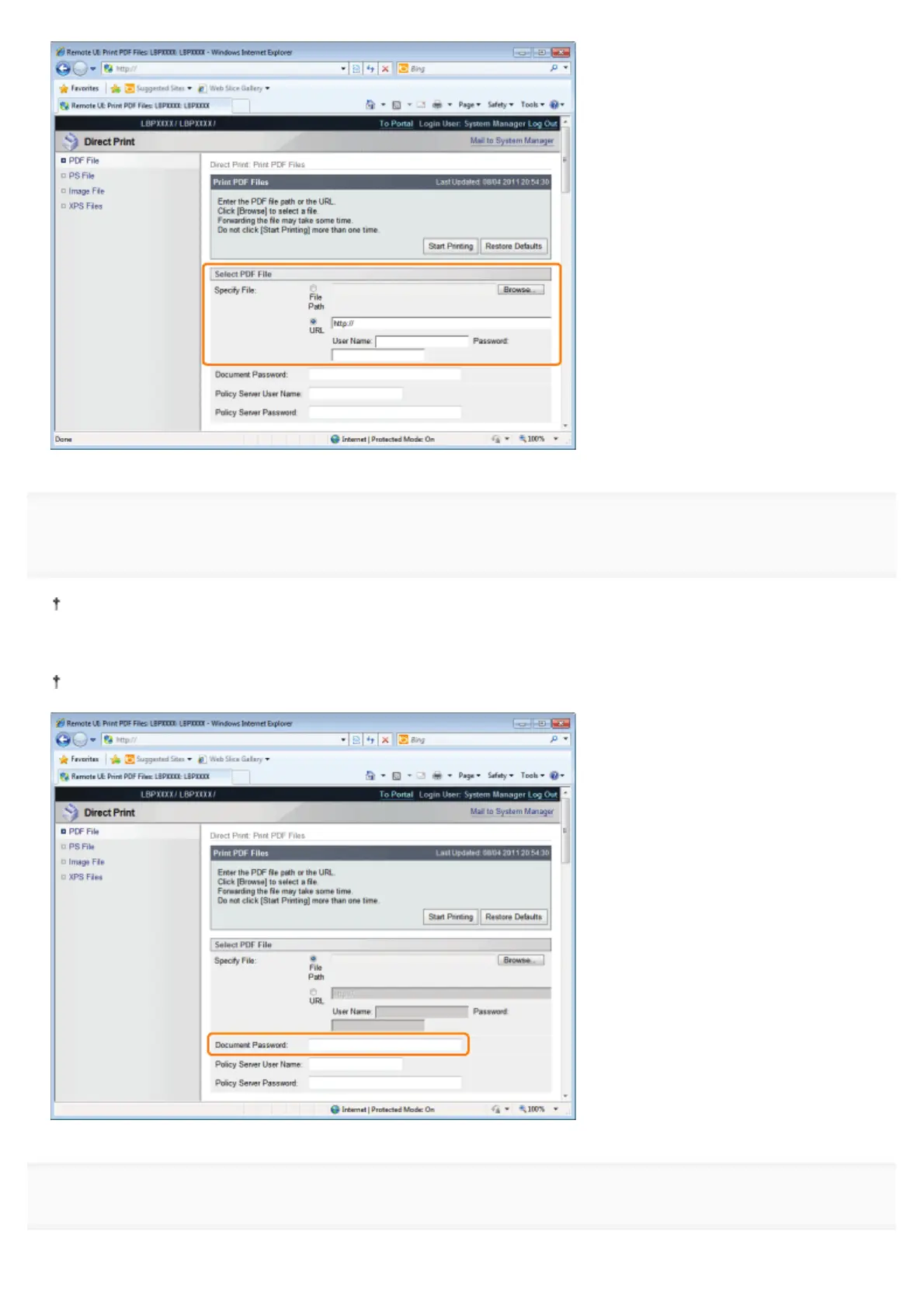
Enter the password in [Document Password] when a password is specified for opening the document
or when it is necessary to enter a password to print.
If printing is attempted without entering a password, <Cannot decode PDF data.> is displayed, and printing is cancelled.
When printing PDF files with settings that do not allow them to be printed or when printing in high resolution PDF files
with settings that only allow them to be printed in low resolution, enter the master password.
When you print a PDF file linked to a policy server, enter [Policy Server User Name] and [Policy Server Password].
5
Specify the setting for [Specify Print Range].
㻞㻣㻞㻌㻛㻌㻥㻣㻜



 To Next Page