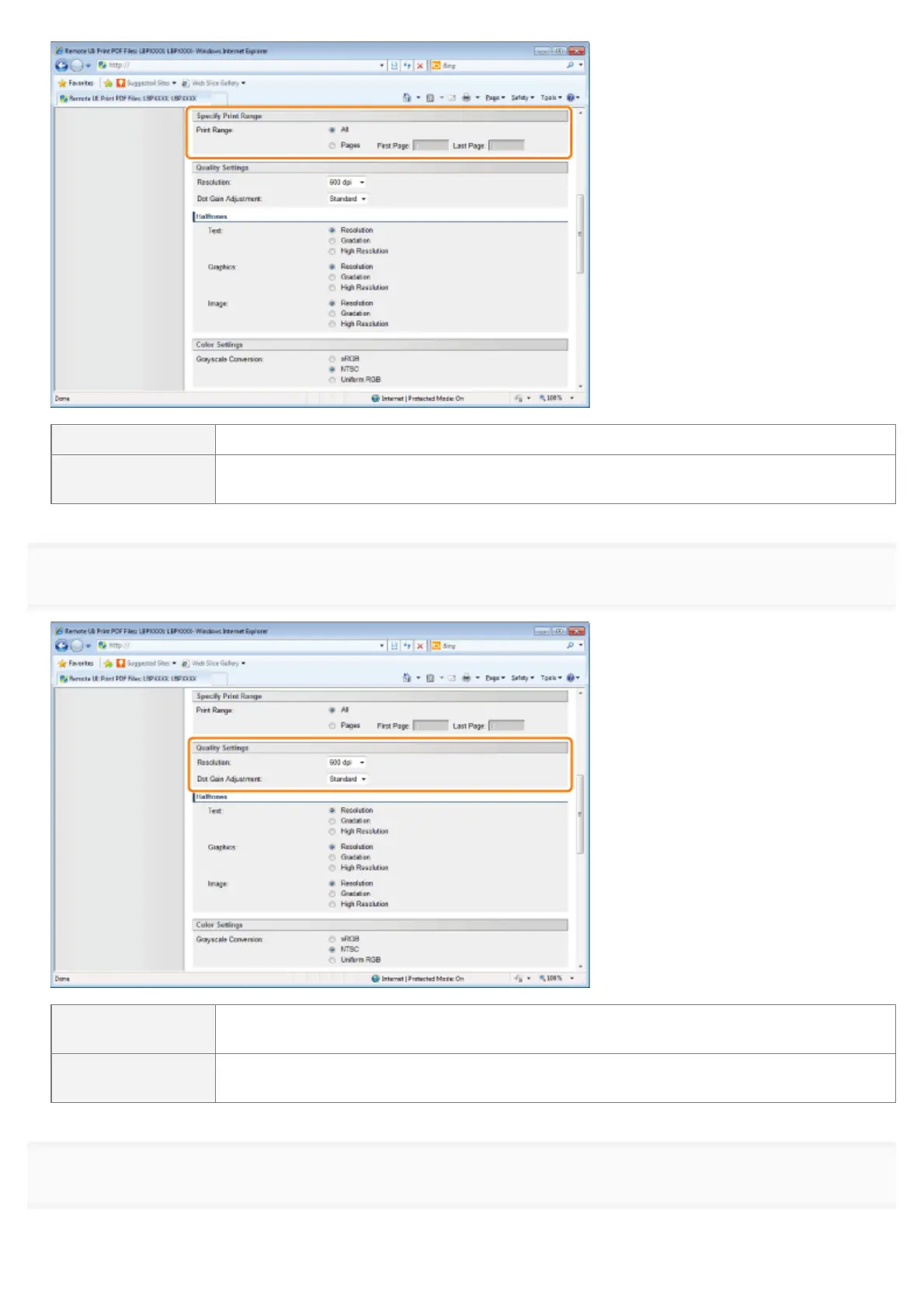
[All] Select if you want to print all the pages.
[Pages]
Select [Pages], and then enter the starting page number and ending page number if you want
to specify the print range.
6
Specify the settings for [Quality Settings] as the following, as needed.
[Resolution]
Specify the resolution for printing the data. It is effective to set [600 dpi] when printing
photographs at standard quality, and to set [1200 dpi] when printing at a higher quality.
[Dot Gain
Adjustment]
You can adjust dotted areas to change darkness and lightness of painted areas. A higher
number specifies a darker printed area.
7
Specify the settings for [Halftones] as the following, as needed.
㻞㻣㻟㻌㻛㻌㻥㻣㻜



 To Next Page