0978-088
You need the MAC address of the printer to set the IP address using NetSpot Device Installer or the ARP/PING command.
There are the following three methods for checking MAC addresses.
"Checking the Network Ethernet Driver Screen from a Remote UI"
"Printing a Network Status Print from the Printer's Control Panel and Checking It"
"[Setup] Menu ([Network] Options)"
Checking the Network Ethernet Driver Screen from a Remote UI
1
Start the Remote UI, and then log in as Administrator.
"Starting the Remote UI"
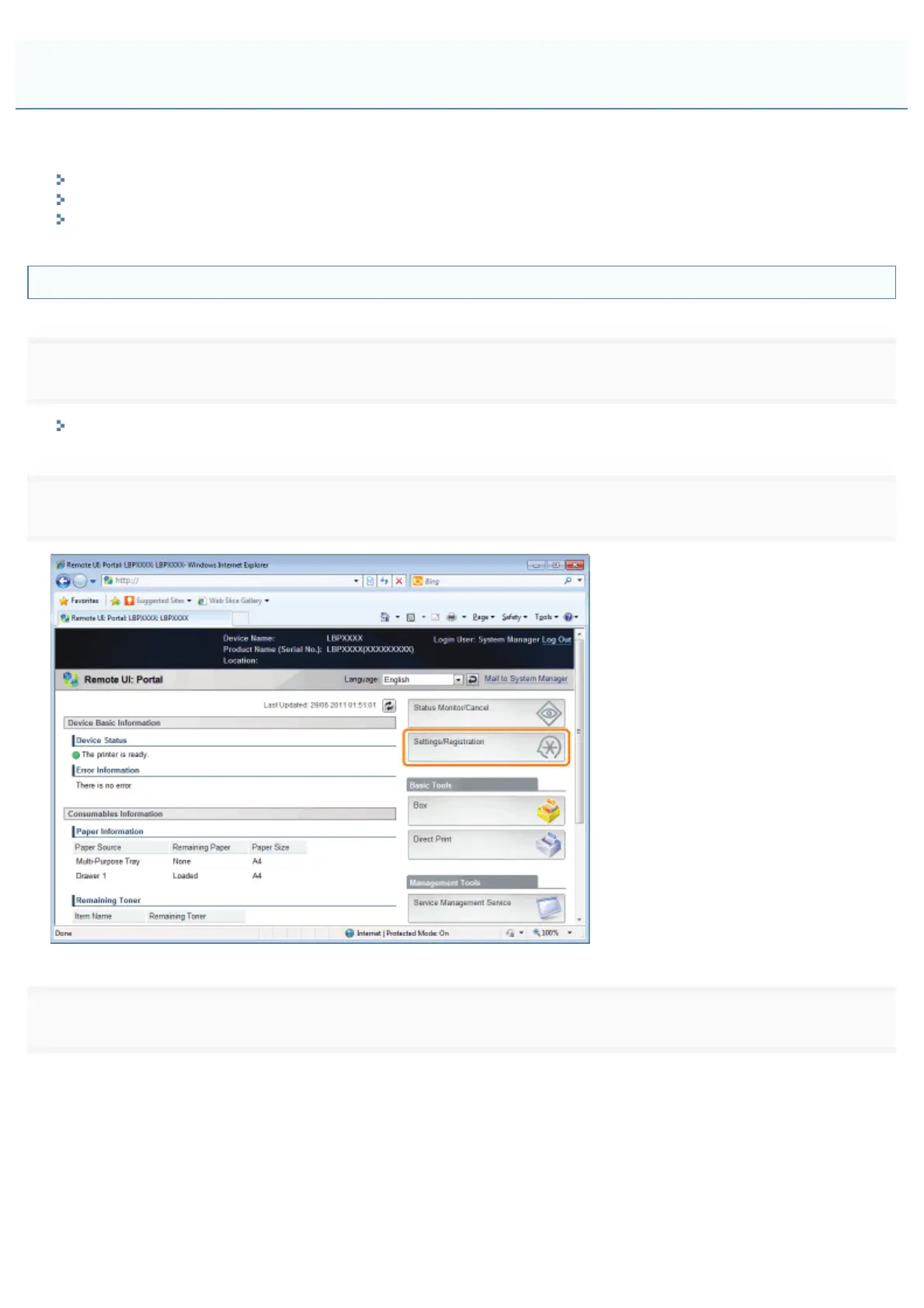
2
Click [Settings/Registration].
3
Select [Network] from the [Preferences] menu.
Checking the MAC Address
㻠㻝㻞㻌㻛㻌㻥㻣㻜



 To Next Page