0978-0FK
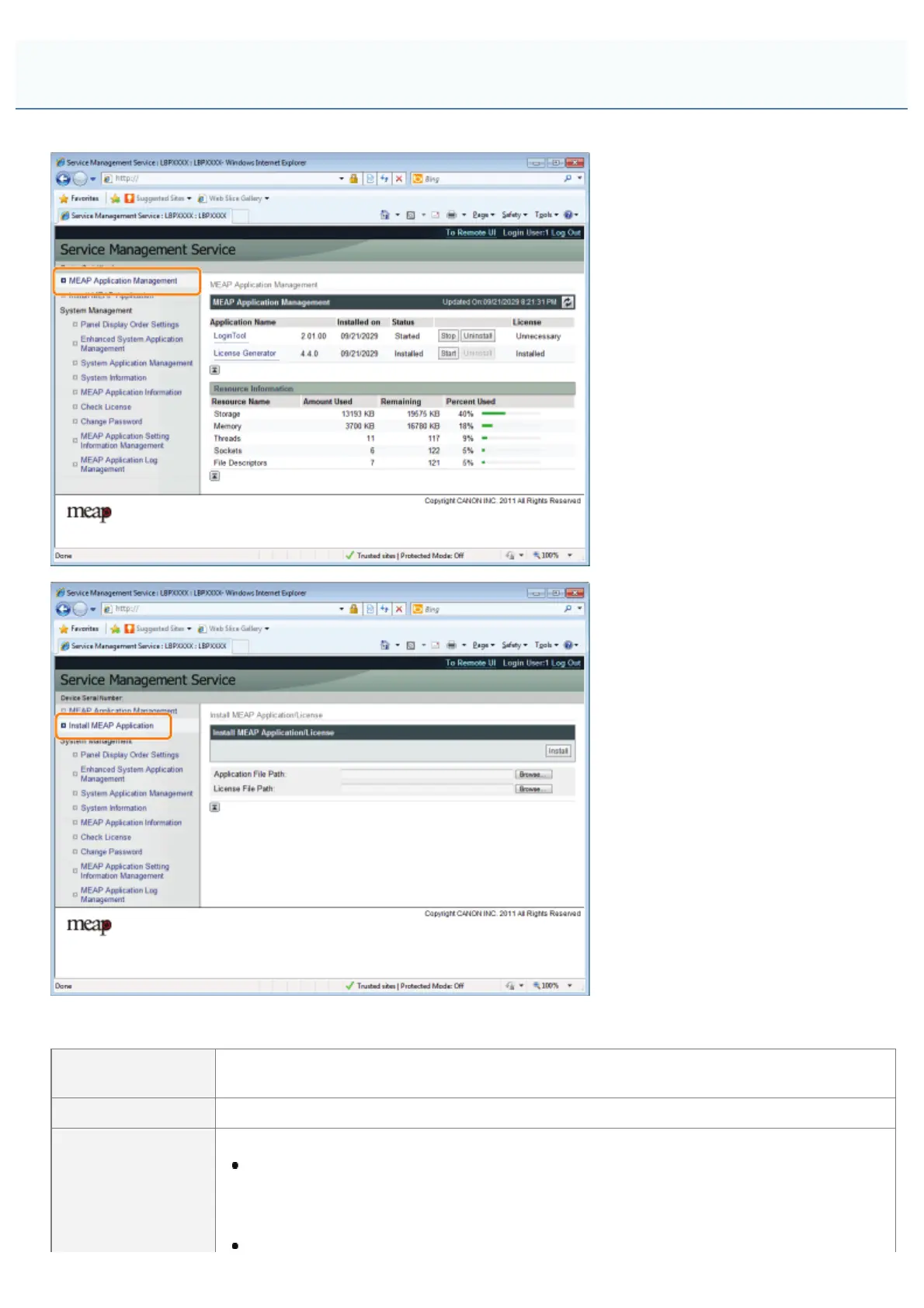
MEAP applications are set from the [MEAP Application Management] and the [Install MEAP Application] menus.
Items shown in the [MEAP Application Management] menu
[Application
Name]
The name of the application is displayed.
[Installed on] The date on which the application was installed is displayed.
The status of the application is displayed.
[Installed]:
The application has been installed, but not started.
Or, the printer was turned OFF after the application stopped, and after the printer was
restarted the application was not yet started.
MEAP Application Settings
㻣㻡㻠㻌㻛㻌㻥㻣㻜



 To Next Page