0978-03L
When the printer can receive data from the computer and print the data, the printer is "Online". When the printer is
disconnected with the computer and cannot receive data, the printer is "Offline."
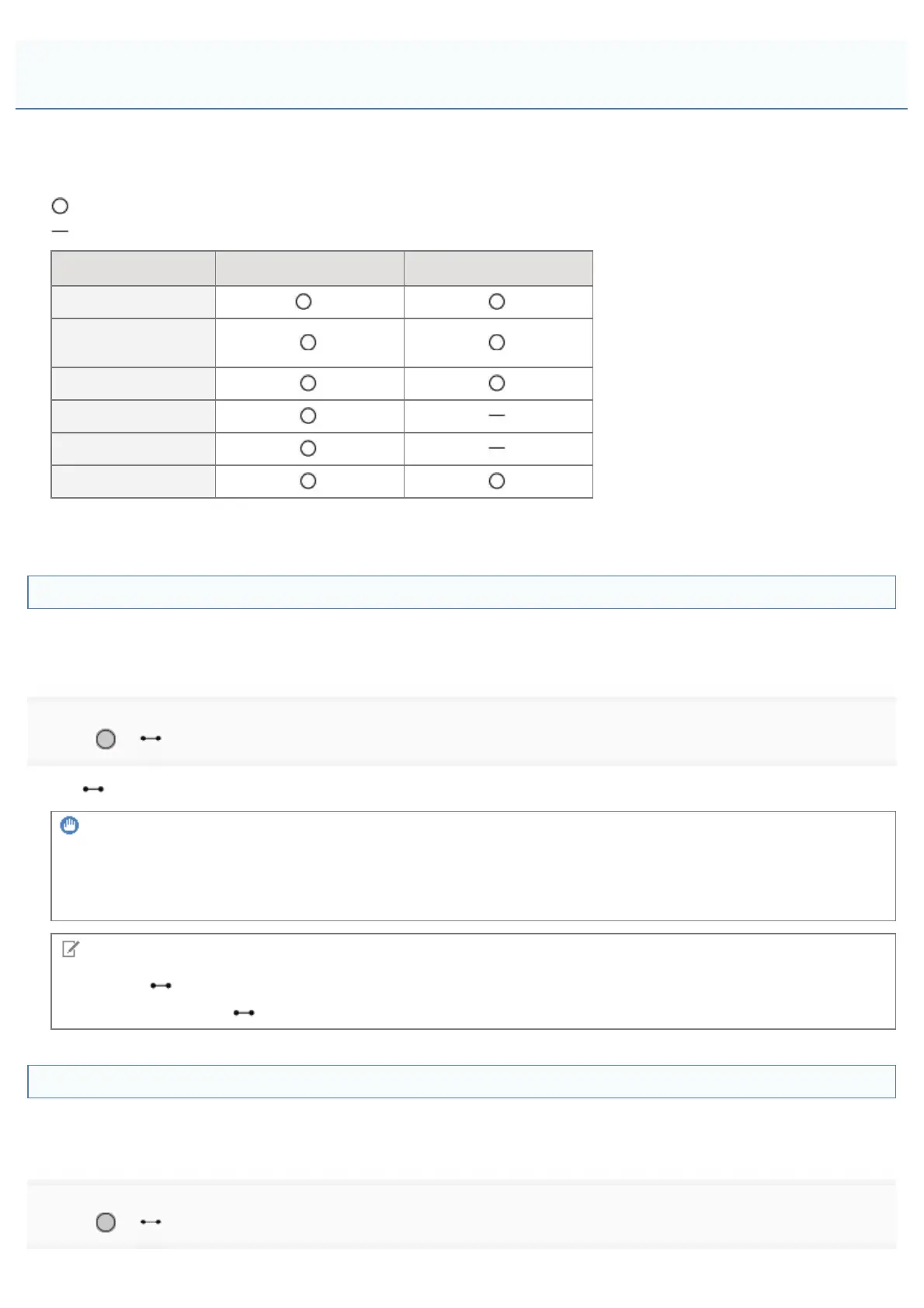
To perform the settings for each menu using the control panel, switch the printer status as follows.
: You can enter the menu
: You cannot enter the menu
When the printer is online When the printer is offline
[Setup] menu
*
[Select Feeder]
menu
[Reset] menu
[Job] menu
[Utility Menu] menu
Application menu
*
The [User Maintenance] options cannot be specified when the printer is online.
Placing the Printer Online
When printing from the computer, the printer has to be online.
If the printer is offline, place the printer online using the following procedure.
1
Press [ ] ( : Online).
The
(Online) indicator turns on, and the printer is online.
IMPORTANT
If you cannot place the printer online
If an error is occurring in the printer, the printer does not come online.
Eliminate the cause of the error before you place the printer online.
NOTE
About the
(Online) indicator during Sleep Mode
During Sleep Mode, the
(Online) indicator is off even when the printer is online.
Placing the Printer Offline
To configure the printer so that it does not receive data from the computer or specify the settings for all the items in the
[Setup] menu, place the printer offline using the following procedure.
1
Press [ ] ( : Online).
Online and Offline
㻝㻣㻢㻌㻛㻌㻥㻣㻜



 To Next Page