0978-0A1
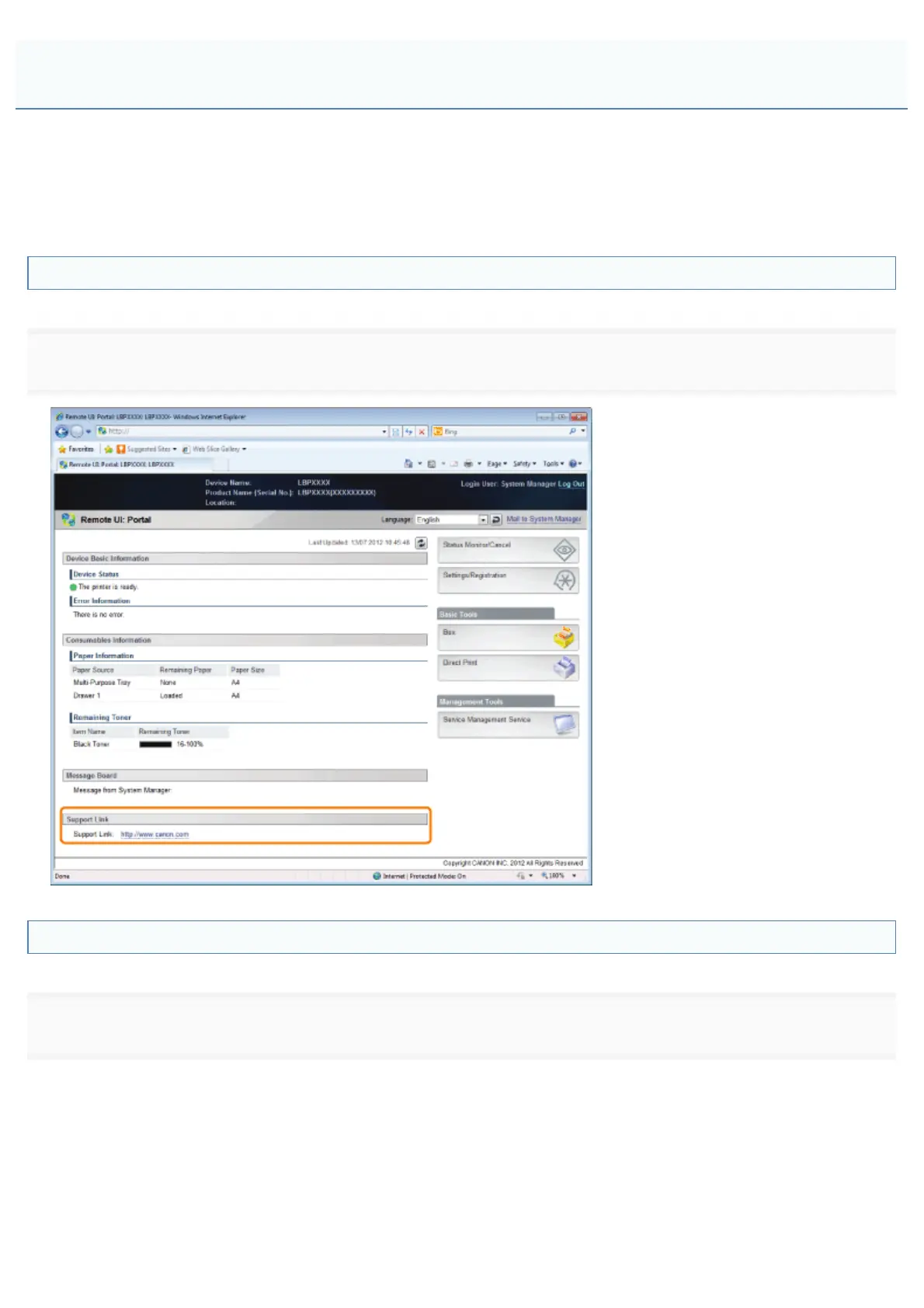
You can post messages from the administrator on a message board on the portal page of the Remote UI. Also, you can
set links to information about printer support in the portal page support link, and make it accessible from the Remote UI
when necessary.
When you are logged in system manager mode, you can change the messages on the message board and change the link
destination of support links.
Displaying a Support Page
1
From [Support Link] on the portal page, click the link destination on the support page.
Changing Message Board Comments or Support Link Destinations
1
Select [Message Board/Support Link].
From the [Settings/Registration] menu, select [Message Board/Support Link] in [License/Other] under [Management
Settings].
Display/Change Message Board Messages and Support Links
㻡㻠㻥㻌㻛㻌㻥㻣㻜



 To Next Page