0978-026
If you want to use the printer with optional accessories installed, install them before installing the printer.
"Installing the Paper Feeder"
"Installing ROM"
"Installing SD Card"
Carrying the Printer to the Installation Site
1
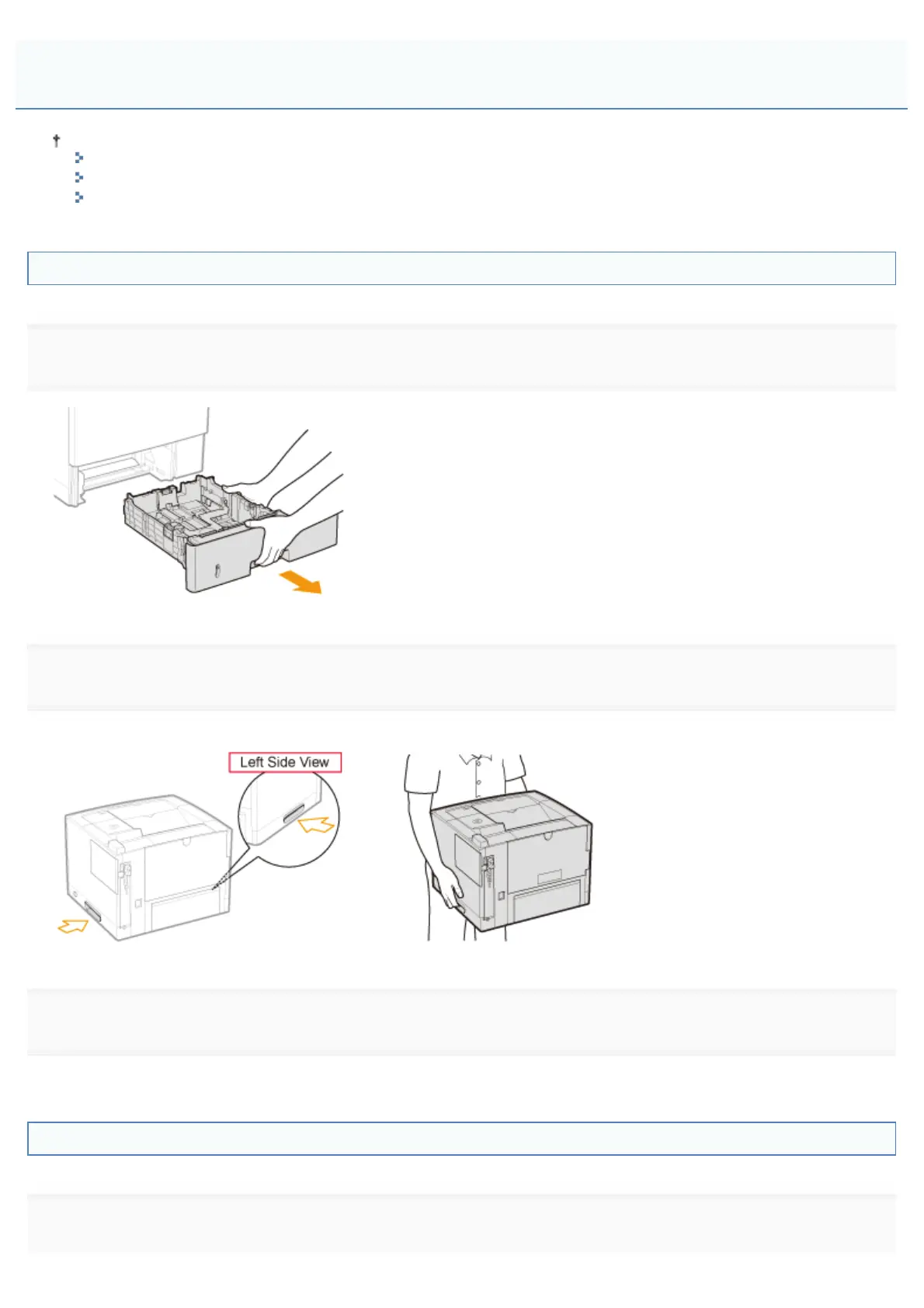
Pull out the paper drawer.
2
Carry the printer unit to the installation site.
After confirming that the covers and trays are closed, carry the printer by holding it by the lift handles from the front side.
3
Insert the paper drawer in the printer.
Push it in the printer firmly.
Connecting the Power Cord
1
Connect the power cord.
Installing the Printer
㻝㻜㻥㻌㻛㻌㻥㻣㻜



 To Next Page