NOTE
The form of the supplied power cord
The form of the supplied power cord may differ from the one in the above illustration.
2
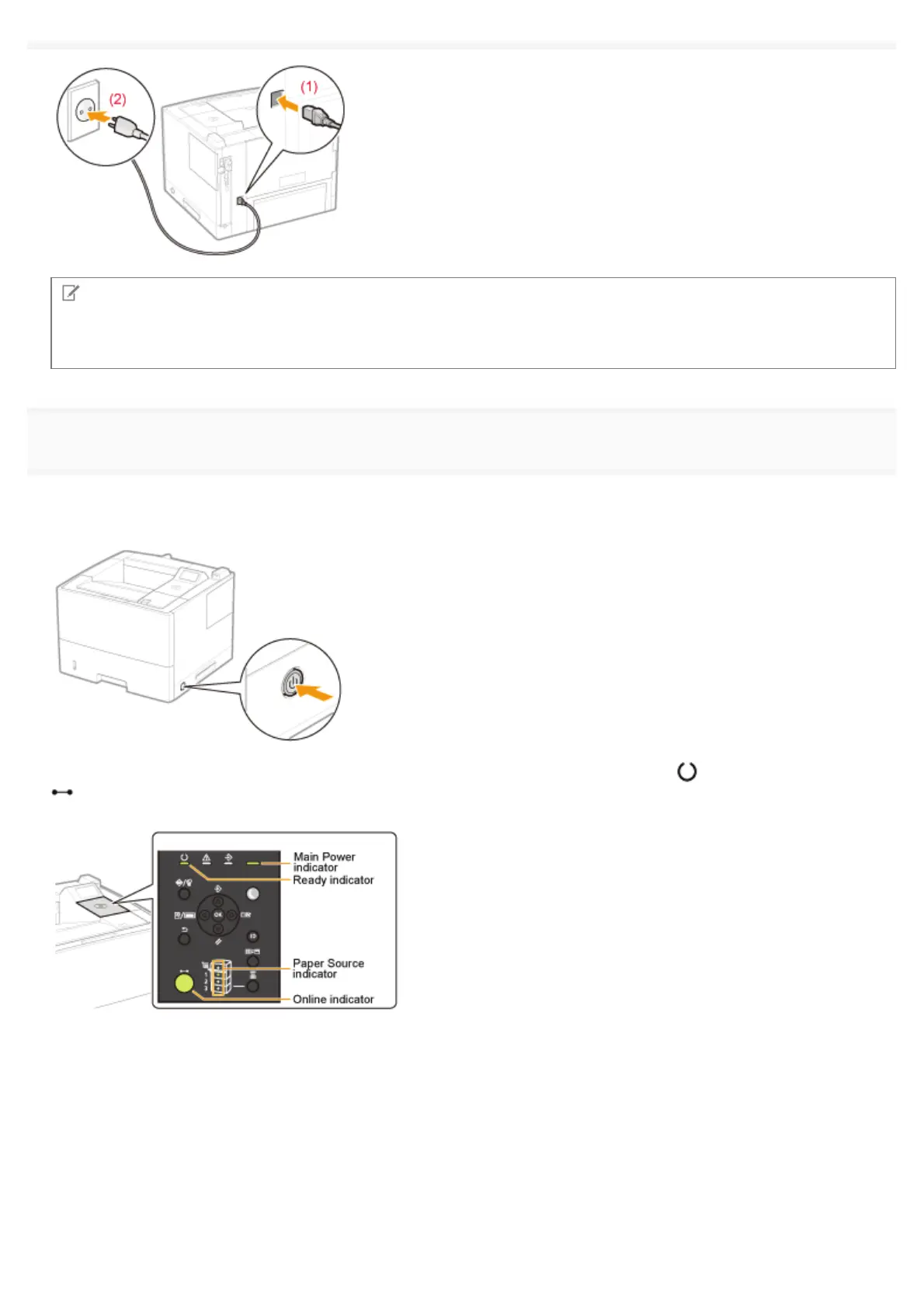
Press the power switch to turn the printer ON.
ĺ The indicators and display on the control panel come on, and the printer initiates a self-diagnostic test on the printer
unit and optional accessories.
If no abnormality is found during the self-diagnostic test, the Main Power indicator (green), (Ready) indicator (green),
(Online) indicator (green) and Paper Source indicator (green) come on, <Ready to print.> appears in the display, and
the printer is ready to print.
The following information is displayed in the display.
㻝㻝㻜㻌㻛㻌㻥㻣㻜



 To Next Page