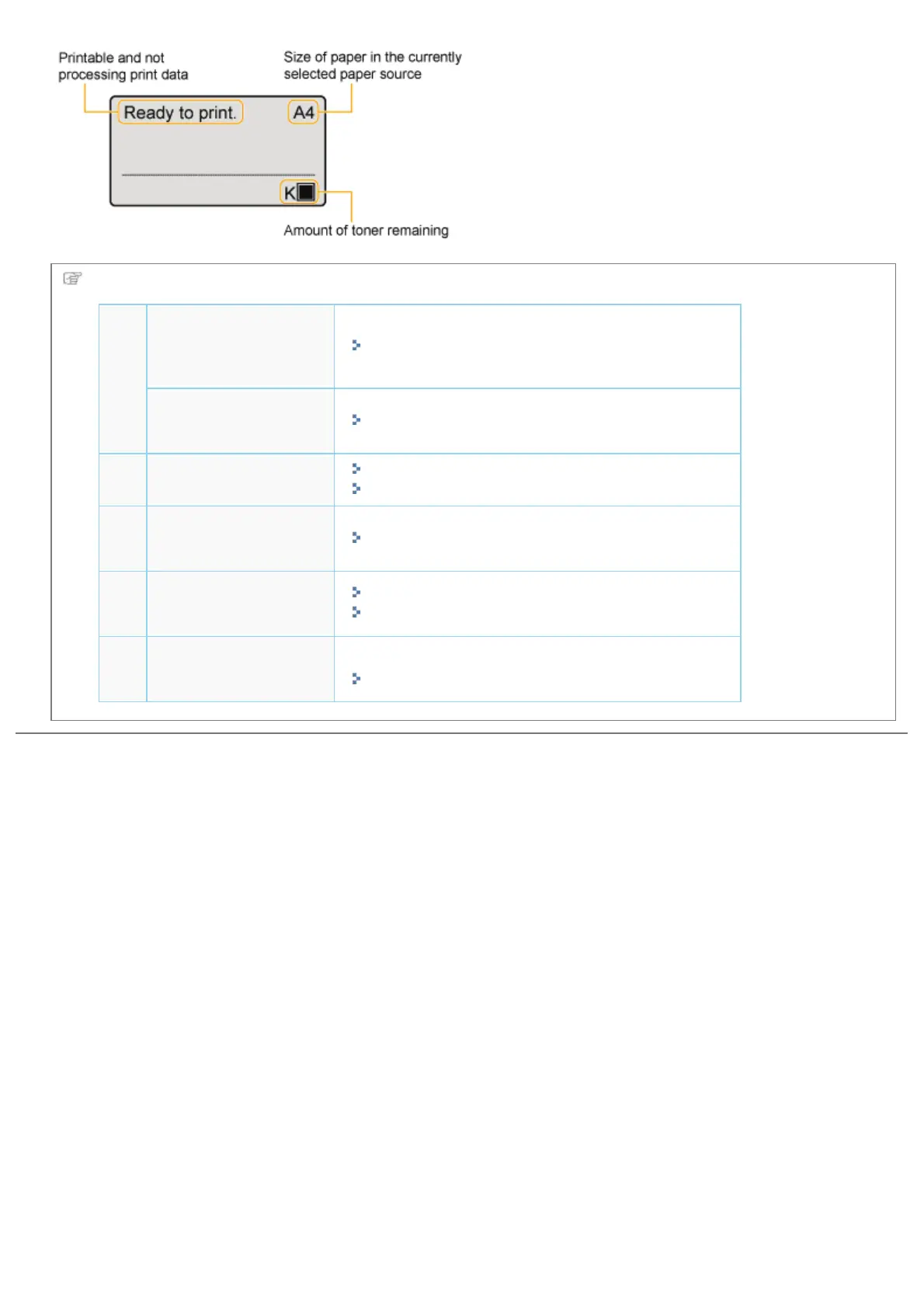
Next, perform the following procedures.
1
Specifying the
printer's initial
settings
"Turning the Power On and Specifying a Language"
Specifying a type of
printer driver
"Specifying a Type of Printer Driver"
2
Load paper.
"Loading Paper in the Paper Drawer"
"Loading Paper in the Multi-purpose Tray"
3
Connecting to a
computer
"Connecting to a Computer"
4
Install the printer
driver.
"For Windows"
"For Macintosh"
5
Check the printing
operation.
Check the operations by Test Page in Windows.
"Basic Operations/Various Information for Windows"
㻝㻝㻝㻌㻛㻌㻥㻣㻜



 To Next Page