0978-0KK
Perform one of the following solutions according to the cause.
<Cause 1>Paper is not loaded properly in the paper drawer or multi-purpose tray.
Solution
Load the paper properly.
"Loading Paper in the Paper Drawer"
"Loading Paper in the Multi-purpose Tray"
<Cause 2> Damp paper is used.
Solution 1
Replace the paper with new paper in an unopened package.
"Precautions for Paper"
Solution 2
Perform the following procedure in the printer driver.
1. Display the [Finishing] tab.
2. Click [Advanced Settings].
3. Set [Wrinkle Adjustment] to [Mode 1].
If the problem is not solved, specify [Mode 2].
If the problem is not solved, set [Curl Adjustment] to [On].
When you use thin paper (60 to 74 g/m²), setting [Paper Type] to [Plain L] and [Special Print
Mode C] to [On] may prevent paper creases.
"Configuring the Printer Driver and Printing"
[Special Print Mode C] can also be set
*
using the printer's control panel.
"[Setup] Menu ([User Maintenance] Options)"
*
The setting of [Special Print Mode C] overrides the setting of [Wrinkle Adjustment].
<Setting Method for [Curl Adjustment]>
1. Display the [Finishing] tab.
2. Click [Advanced Settings].
3. Set [Curl Adjustment] to [On].
If you specify these settings, the printing speed drops in stages.
Specifying these settings may result in poor print quality.
If activating [Wrinkle Adjustment] results in poor print quality, set [Curl Adjustment] to [On]. The
print quality may improve.
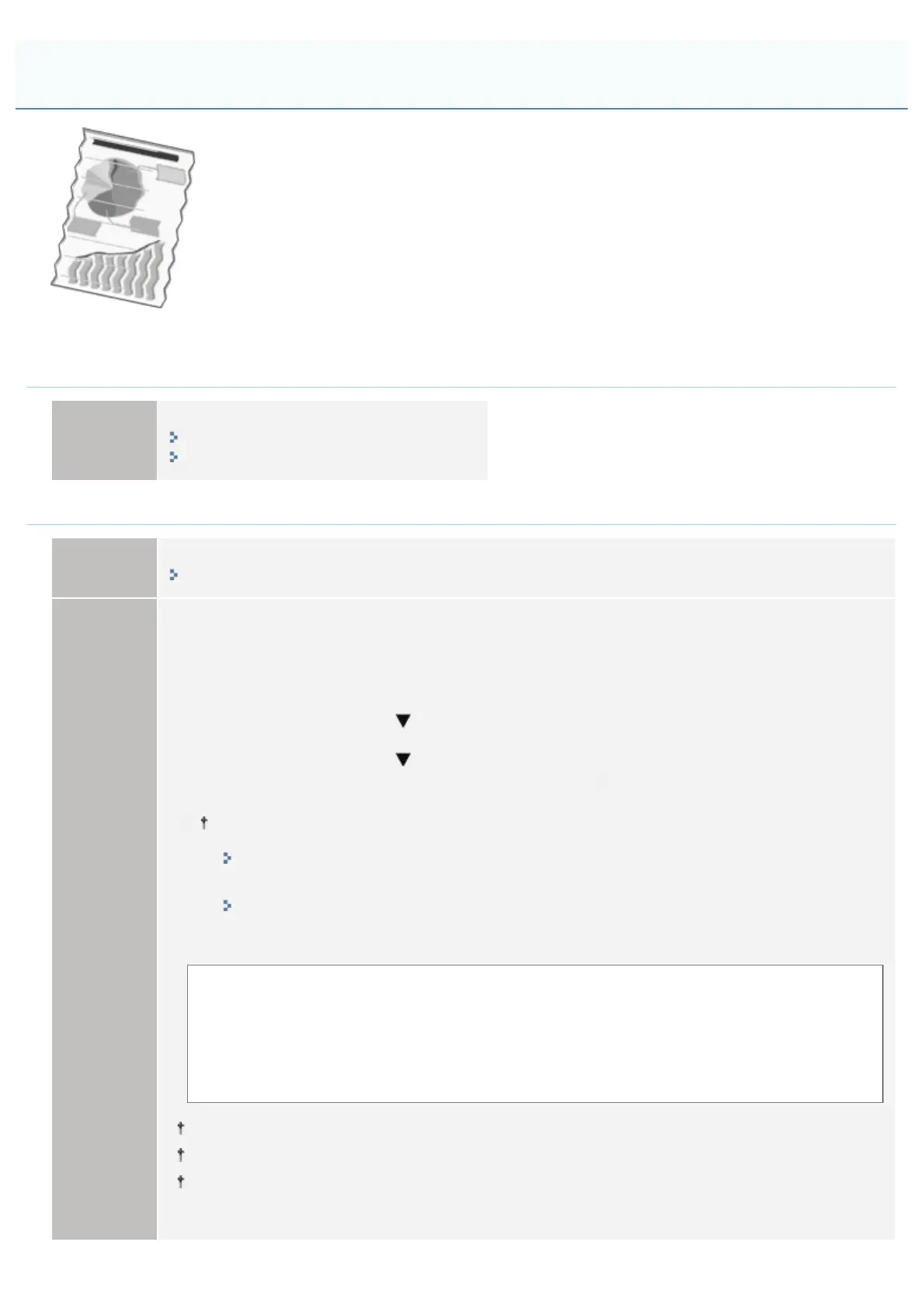
Paper Creases
㻥㻝㻜㻌㻛㻌㻥㻣㻜



 To Next Page