0978-04C
This section explains the basic printing method using the printer driver.
NOTE
Printing methods may differ depending on the application you are using. For details, see the instruction manuals provided
with the application.
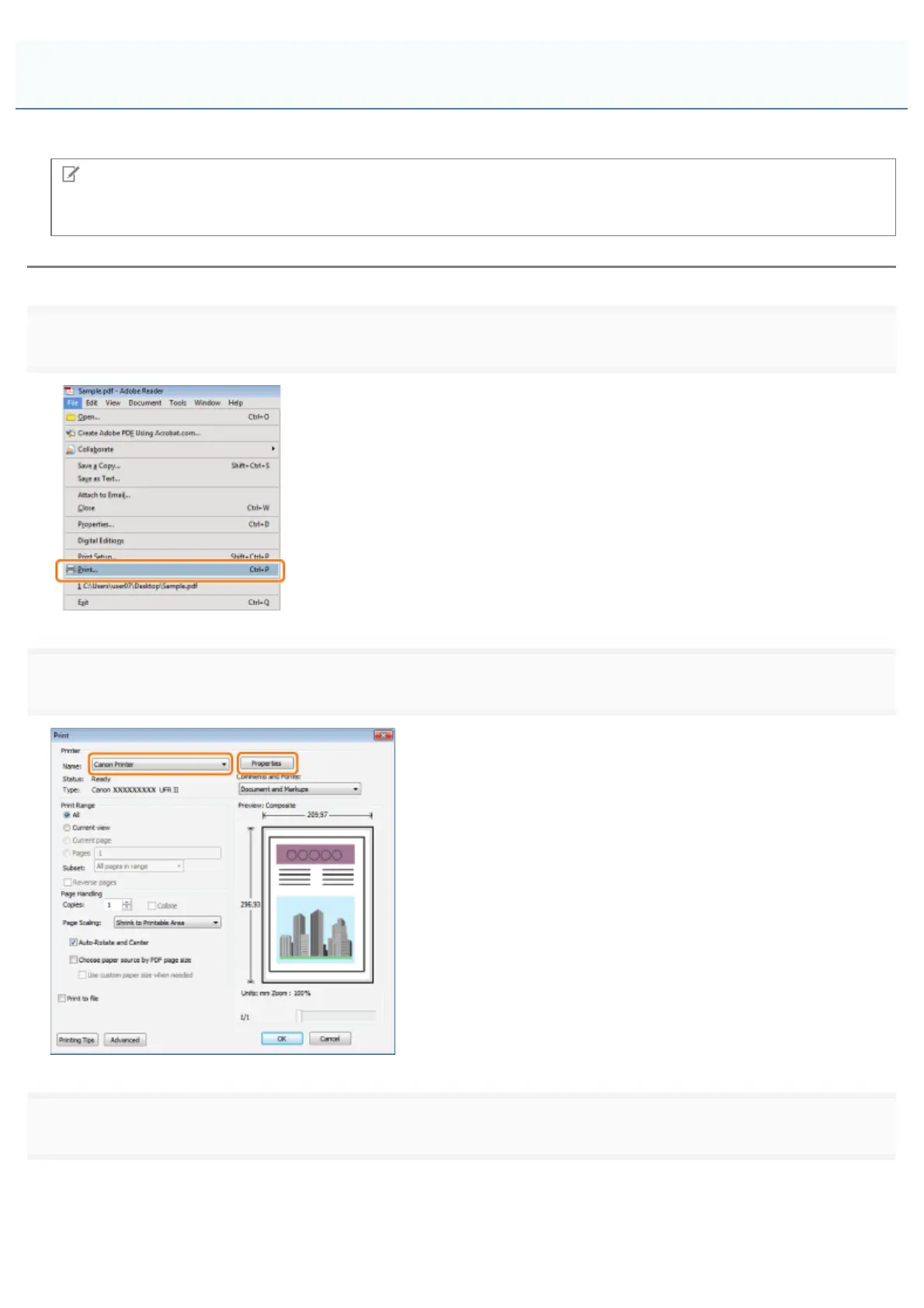
1.
Select [Print] from the [File] menu of the application.
2.
3.
Click the tabs for the [Page Setup], [Finishing], [Paper Source], and [Quality] tabs, and then specify the desired items.
Printing
㻞㻜㻝㻌㻛㻌㻥㻣㻜



 To Next Page