0978-074
1
Select [Store] from [Output Method] in the printer driver, specify the box in which you want to store
the job, and then send it.
2
Move to the printer when printing.
3
Make sure that the printer is online.
If the printer is not online, press [
] ( : Online).
4
Press [ ] ( : Job).
5
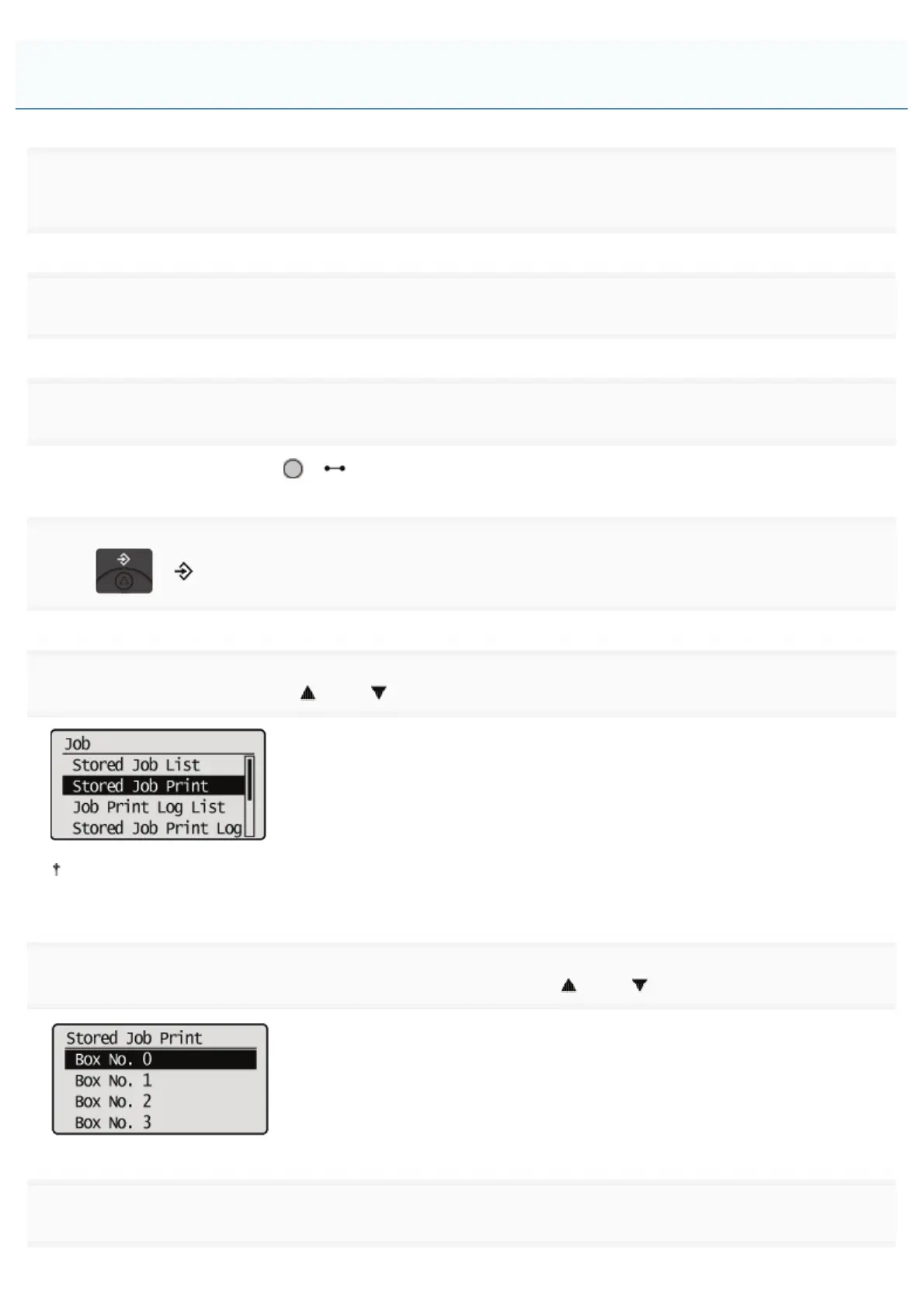
Select [Stored Job Print] using [ ] and [ ], and then press [OK].
When the department ID management function is enabled, the authentication screen appears. After you enter the
department ID and password, select [<Log In>], and then press [OK].
6
Select the number for the box in which the job is stored using [ ] and [ ], and then press [OK].
7
If [PIN] appears, enter the password, and then press [OK].
Performing a Stored Job Print Using the Control Panel of the Printer
㻟㻞㻤㻌㻛㻌㻥㻣㻜



 To Next Page