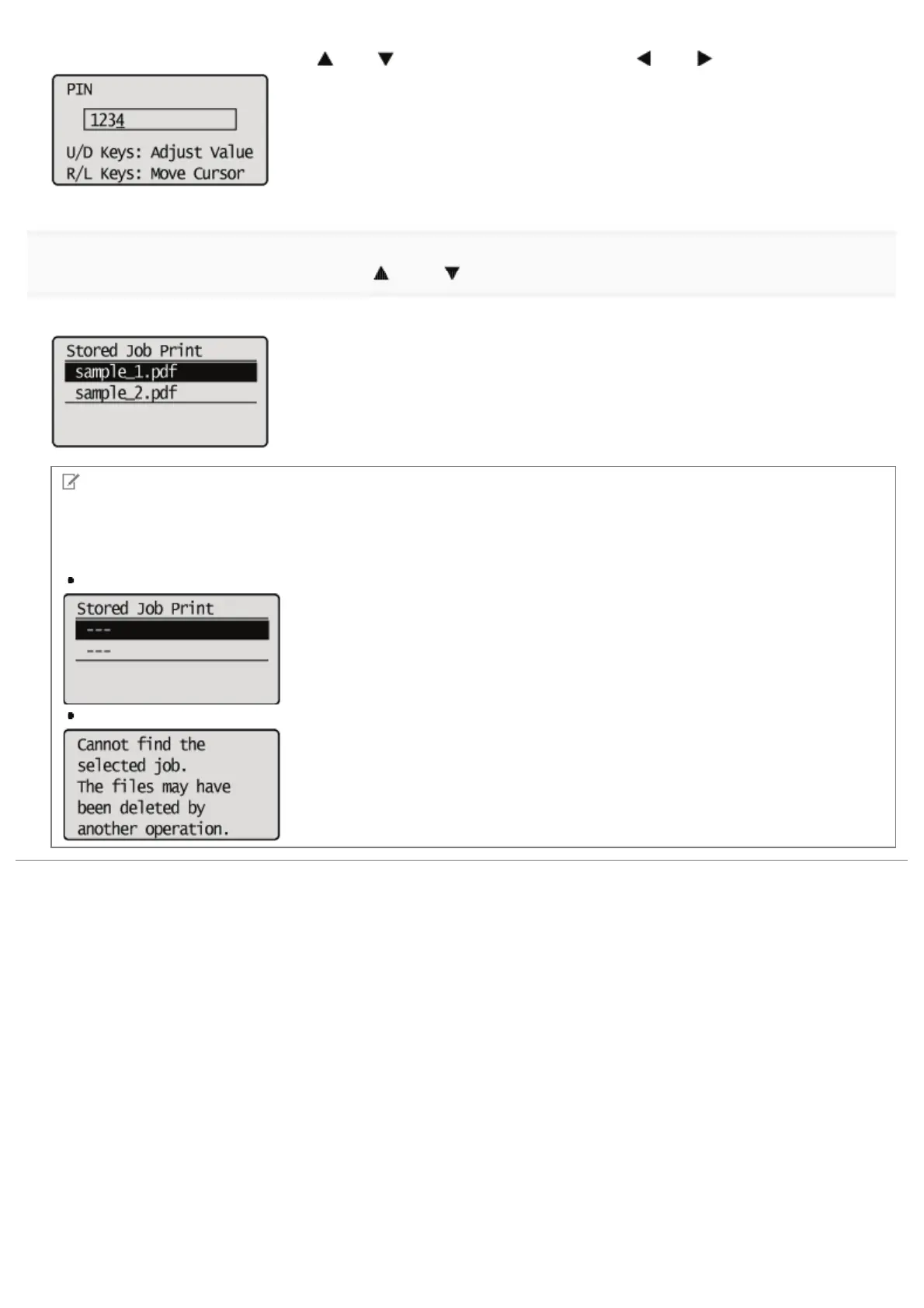
Increase or decrease a number using [ ] and [ ], and then move the cursor using [ ] and [ ].
8
Select the name of the target file using [ ] and [ ], and then press [OK].
The specified file is printed.
NOTE
If the stored job has been deleted
If the stored job has been deleted by an external operation, for example an operation from the Remote UI, a screen such
as the following is displayed.
When the file name is selected
When printing is performed
㻟㻞㻥㻌㻛㻌㻥㻣㻜



 To Next Page