0978-044
Confirming usable labels
This printer can use the following sizes of labels.
Standard sizes A4, B5, A5, A6, Legal, Letter, Executive, Statement, Foolscap, and 16K
Custom paper sizes
Width 76.2 to 215.9 mm, Length 127.0 to 355.6 mm
*
*
If you are using the UFR II printer driver, you can load custom size paper that is 127.0 to 215.9 mm wide and 127.0 to
215.9 mm long also in landscape orientation.
Using the following types of labels may result in paper jams that are difficult to clear or may result in damage to the
printer.
Peeled labels or partly used labels
Coated labels that are easily peeled off from the backing sheet
Labels with uneven adhesive
Loading labels
You can load labels only in the multi-purpose tray.
"Loading Paper in the Multi-purpose Tray"
<Precautions when loading labels>
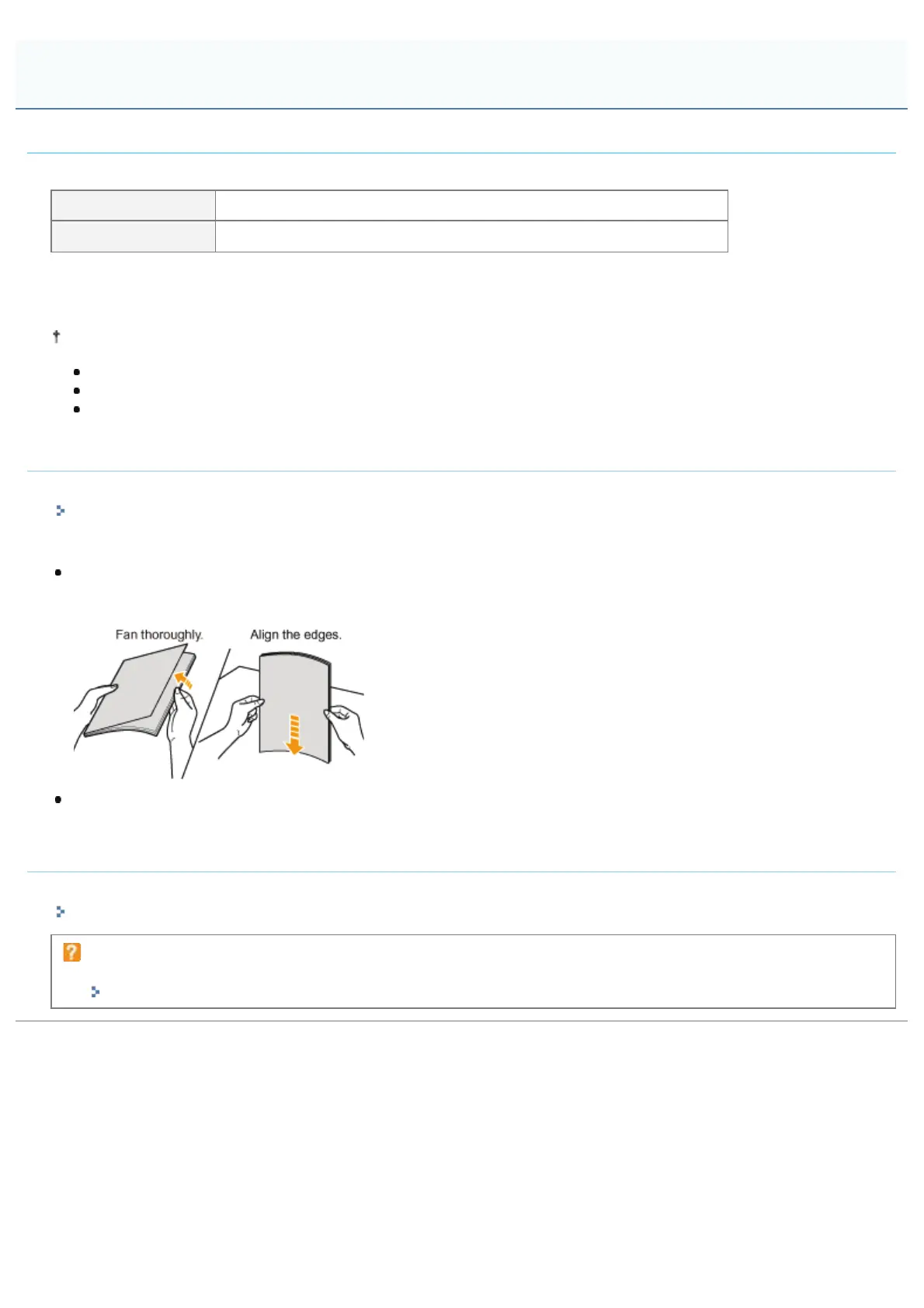
Fan the labels thoroughly, and then align the edges before loading them. If they are not fanned enough, multiple sheets
of paper may be fed at once, causing paper jams.
Take care not to mark or stain the printing surface of the labels with fingerprints, dust, or oil. This may result in poor
print quality.
Printing from an application
After loading labels, perform printing.
"Registering the Paper Size"
If the output labels curl
Switch the output tray to the sub-output tray.
"Paper Loading and Output"
Printing on Labels
㻝㻥㻞㻌㻛㻌㻥㻣㻜



 To Next Page