0978-05A
This section explains the basic printing method using the printer driver.
NOTE
Printing methods may vary depending on the application you are using. For details, see the instruction manuals provided
with the application.
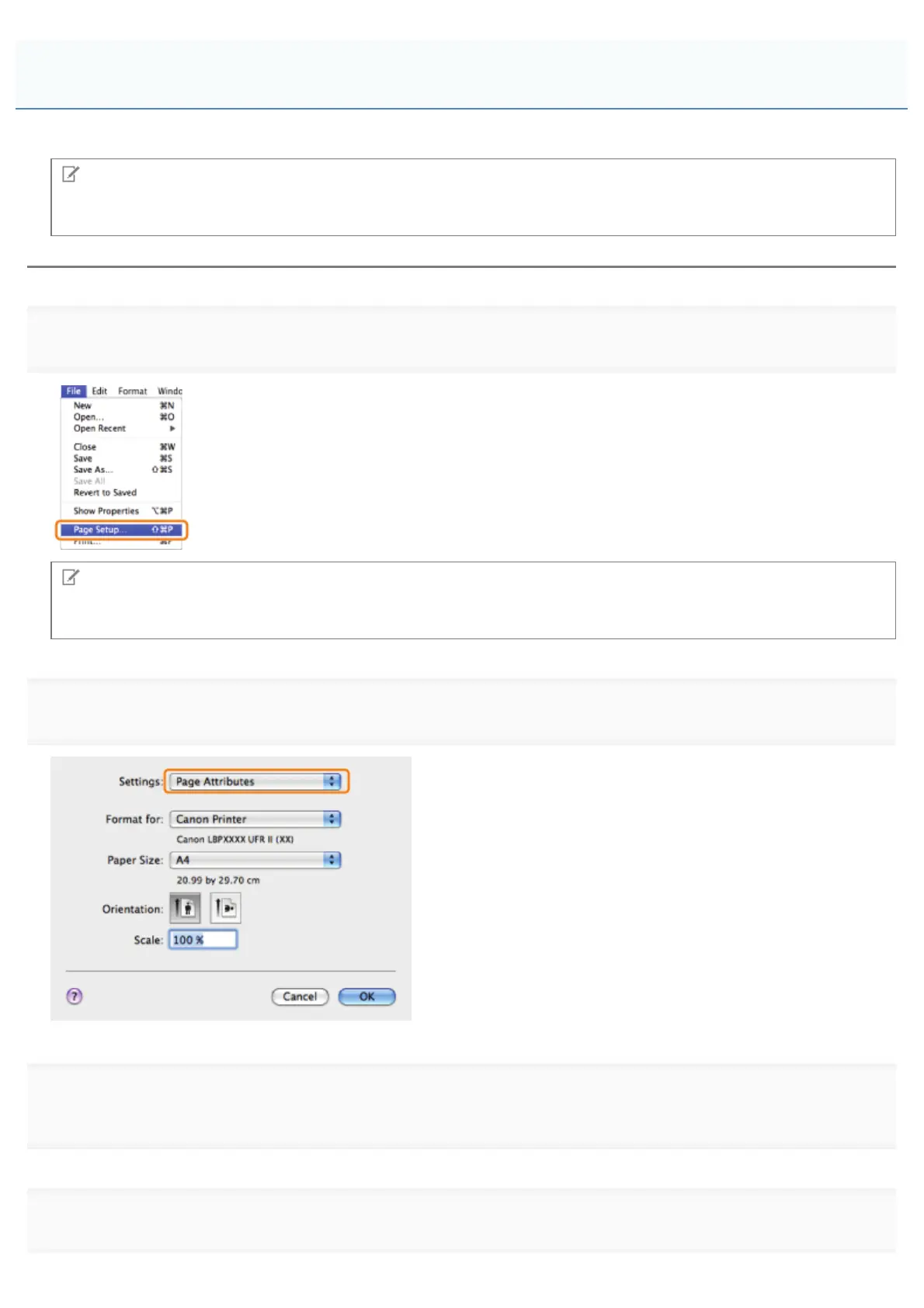
1.
Select [Page Setup] from the [File] menu of the application.
NOTE
The [Page Setup] dialog box may not be displayed, depending on the application you are using. If this is the case, skip
to step 4. You can specify [Paper Size], [Orientation], and [Scale] in the [Print] dialog box.
2.
Select [Page Attributes] from [Settings].
3.
click [OK].
4.
Select [Print] from the [File] menu.
Printing
㻞㻟㻢㻌㻛㻌㻥㻣㻜



 To Next Page