5.
6.
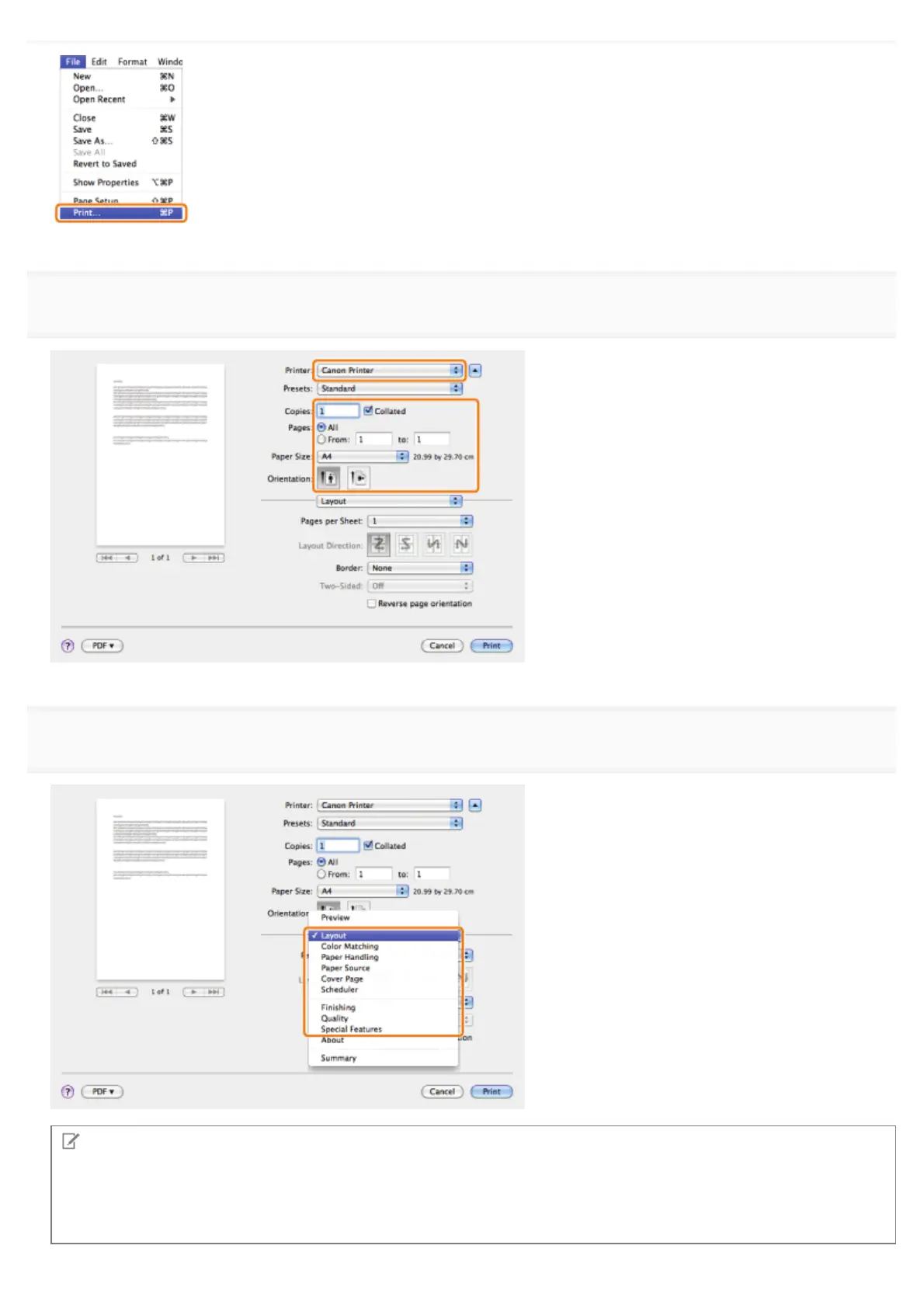
Select the appropriate preferences panes, and configure the print settings.
NOTE
The default setting for [Print Style] in the [Finishing] preferences pane is [2-sided printing]. For details, see "1-sided and
2-sided Printing."
For information on available printing functions, see "Printing Functions" or the online help. (See "Viewing the Driver
Guide.")
㻞㻟㻣㻌㻛㻌㻥㻣㻜



 To Next Page