0978-0H3
Download and back up disabled license files to the computer.
IMPORTANT
Downloading Licenses
You can only download disabled license files.
Some license files need to be downloaded after they have been disabled.
Reinstalling License Files
You can reinstall downloaded and disabled license files in the same printer.
1
Start SMS (Service Management Service).
"Launching SMS (Log in)"
2
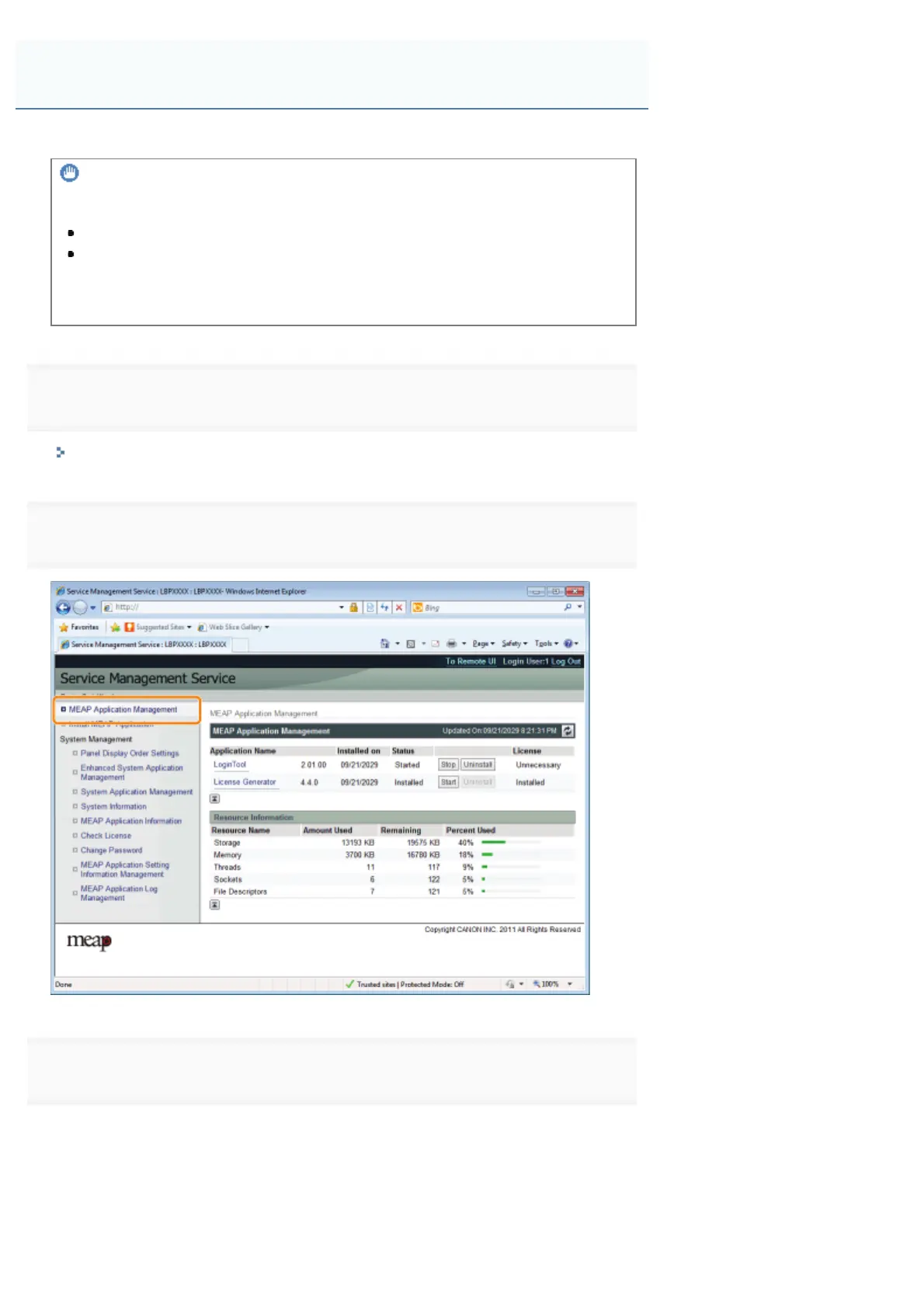
Click [MEAP Application Management].
3
Click the name of the application for which to download to license file.
Downloading Disabled License Files
㻣㻣㻢㻌㻛㻌㻥㻣㻜



 To Next Page