0978-0E4
You can restrict the users who can access with MAC addresses using a Web browser (Remote UI).
Always use the Remote UI to specify the MAC address. The control panel allows you only to switch the address filter
setting between On and Off.
[Setup] Menu ([Network] Options)
1
Start the Remote UI, and then log in as Administrator.
"Starting the Remote UI"
2
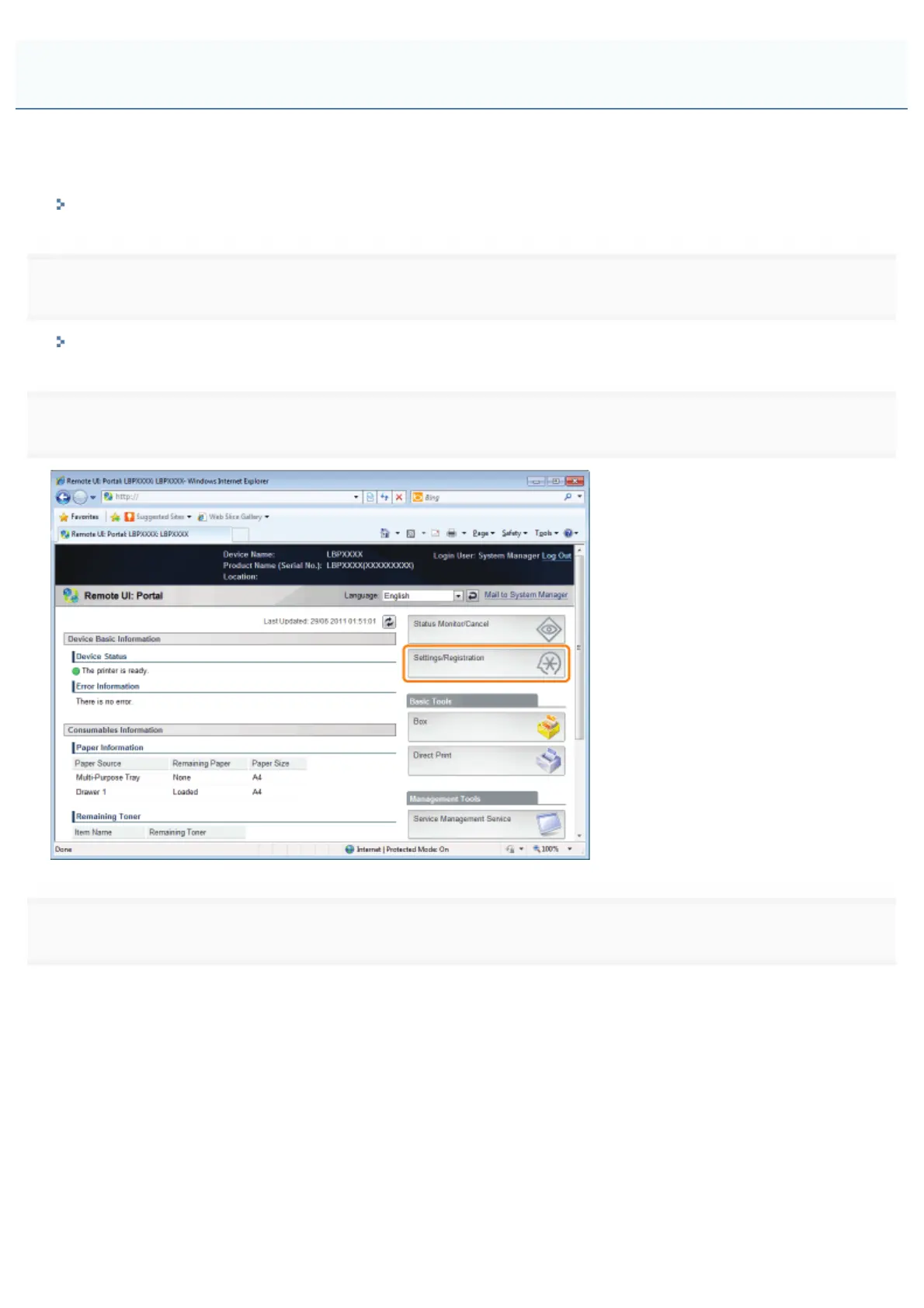
Click [Settings/Registration].
3
Select [Security] from the [Management Settings] menu.
Restricting the Users Who Can Access
㻢㻢㻢㻌㻛㻌㻥㻣㻜



 To Next Page