0978-063
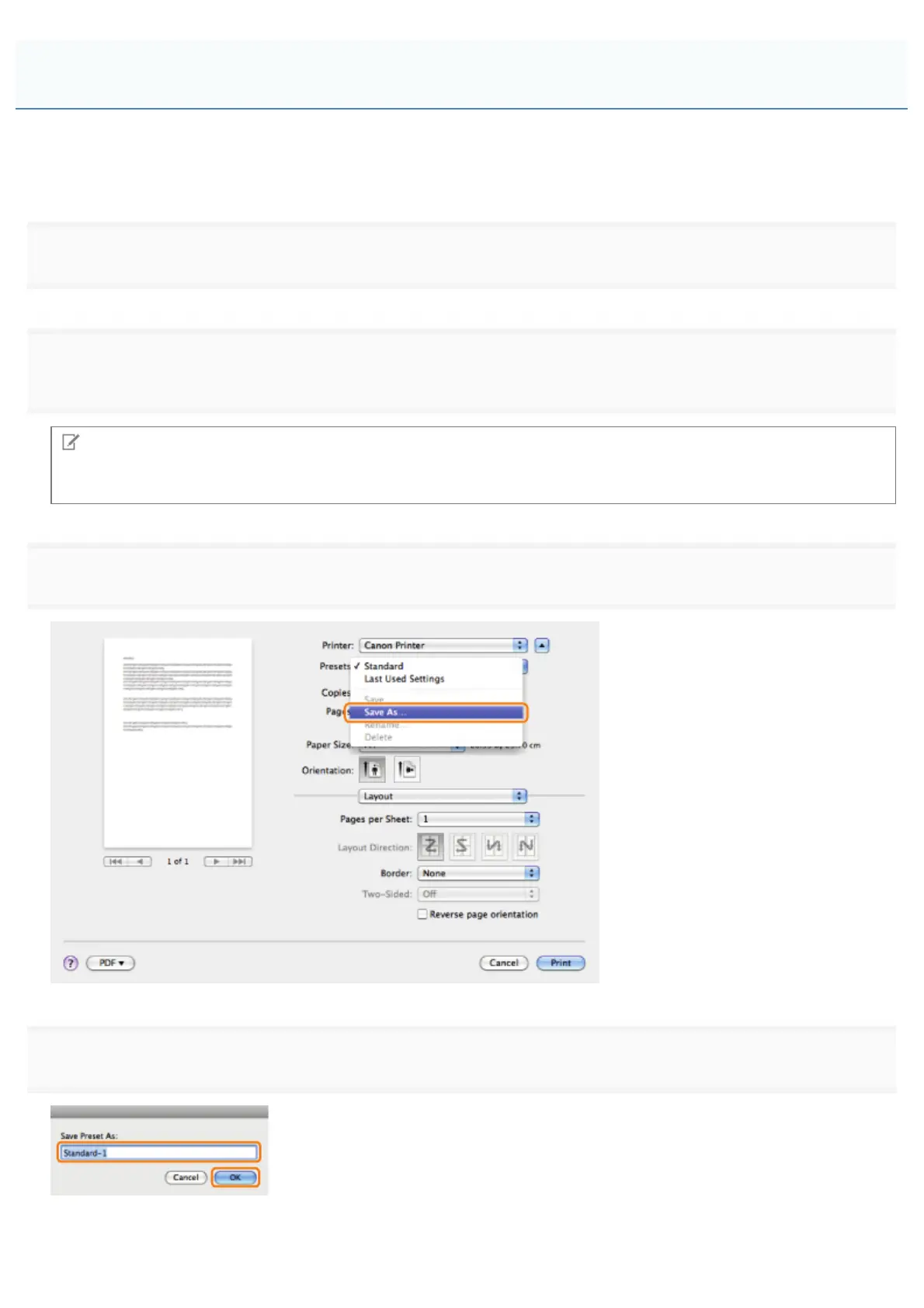
You can save print settings that you specified in each preferences pane of the [Print] dialog box use as a preset. A preset
is a combination of settings that you use frequently, saved as a single setting. If you select a preset when printing a file, the
file will be printed with the saved settings.
1.
Select [Print] from the [File] menu of the application.
2.
print settings you want to save as a preset.
Note
For information on available printing functions, see "Printing Functions" or the online help. (See "Viewing the Online
Help.")
3.
Select [Save As] from [Presets].
4.
The saved preset will be displayed in [Presets] in the [Print] dialog box.
Using [Presets] for Printing
㻞㻢㻠㻌㻛㻌㻥㻣㻜



 To Next Page