0978-055
You can combine two or more files created using different applications and edit and print them as a single file.
1.
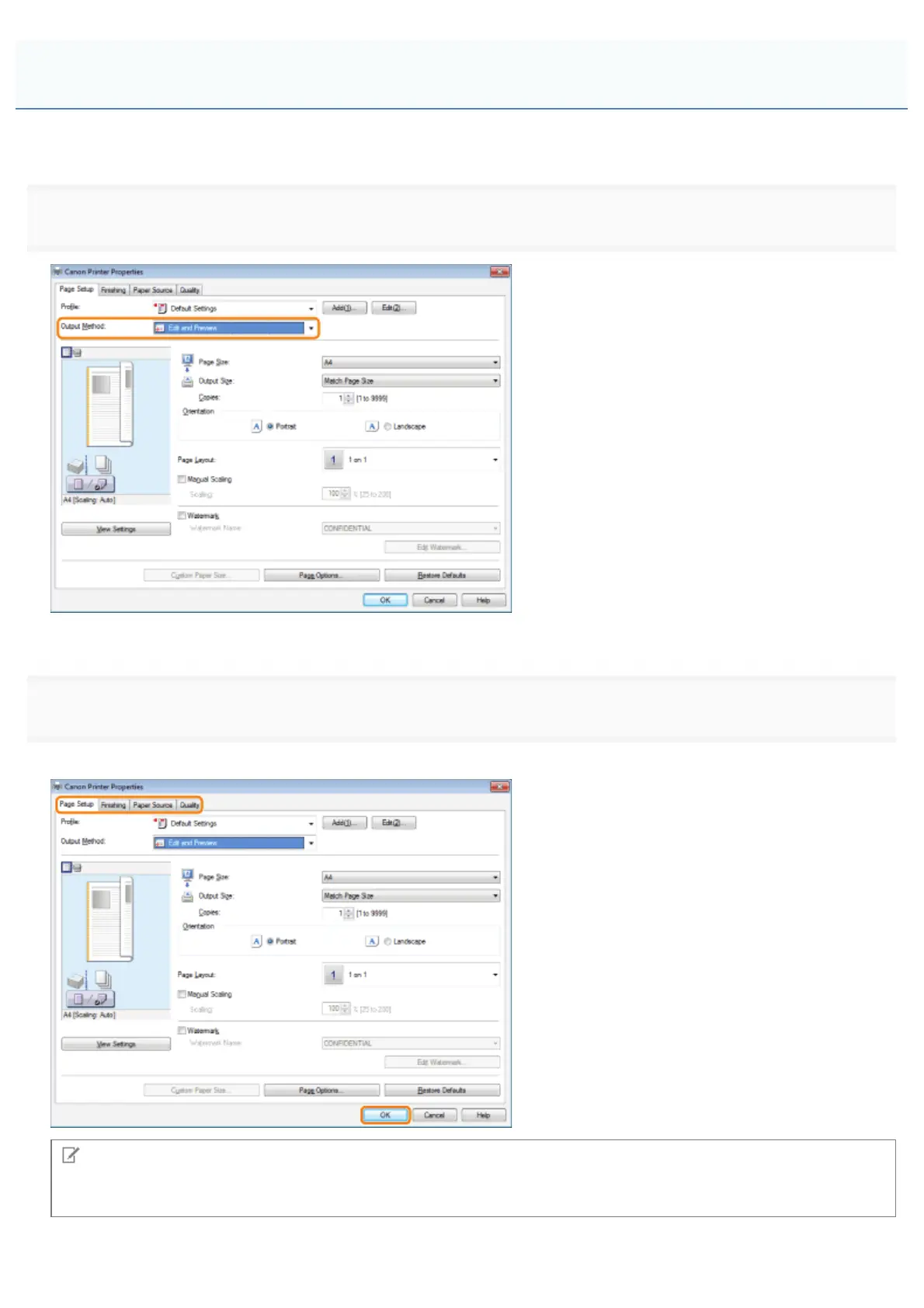
Select [Edit and Preview] from [Output Method].
For instructions on how to display the printer driver screen, see "Printing" or "Configuring the Default Print Settings."
2.
Click the tabs for the [Page Setup], [Finishing], [Paper Source], and [Quality] tabs, and then specify the desired items.
NOTE
For information on available printing functions, see "Printing Functions" or the online help. (See "Viewing the Online
Help.")
Combining and Printing Multiple Files
㻞㻞㻥㻌㻛㻌㻥㻣㻜



 To Next Page