EasyManua.ls Logo

Canon LBP6780x - Page 230

Canon LBP6780x
970 pages
Print Icon
To Next Page IconTo Next Page
To Previous Page IconTo Previous Page
Loading...
3.
Click [OK] in the [Print] dialog box of the application.
The [Canon PageComposer] dialog box is displayed.
4.
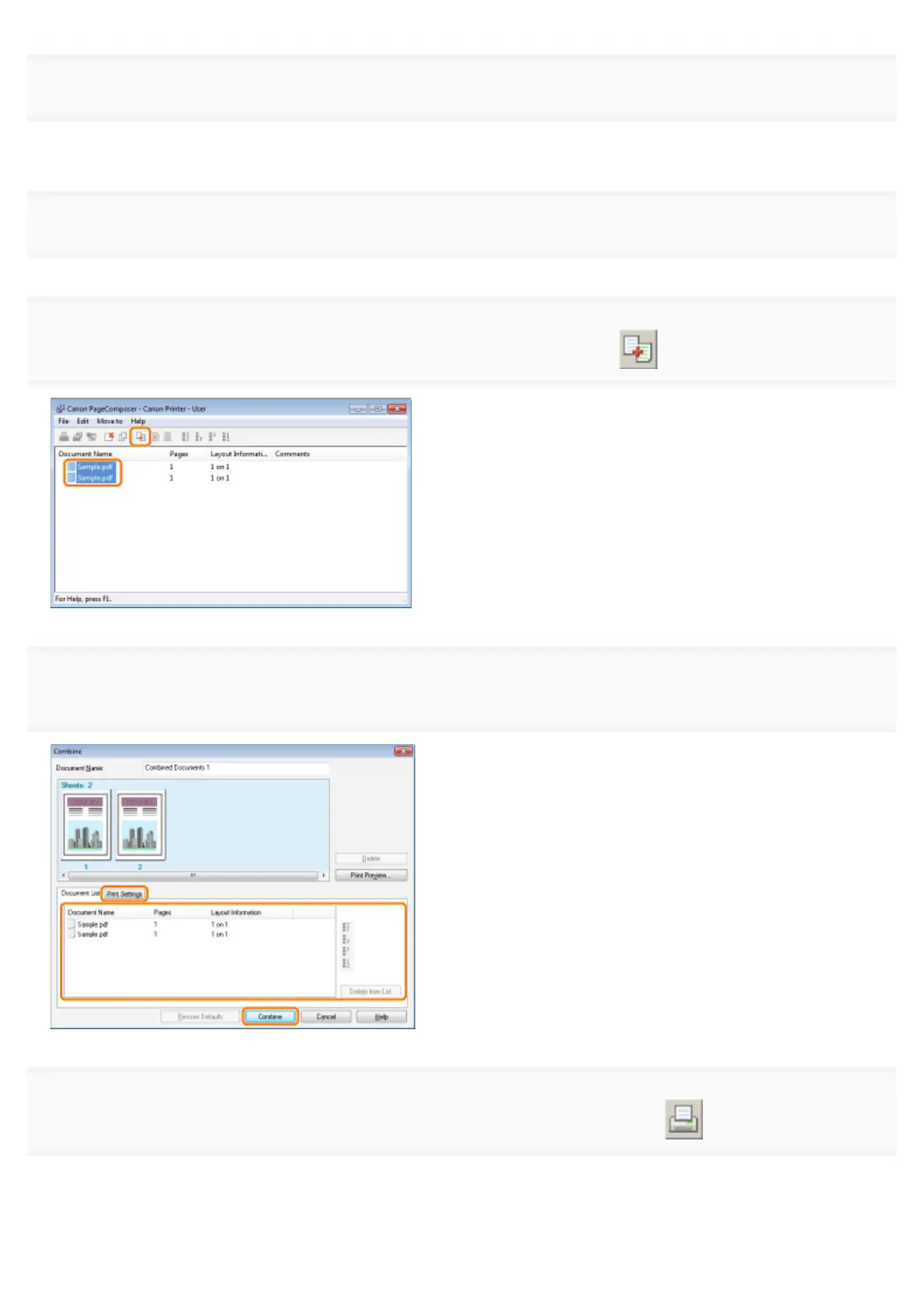
For each file you want to combine, repeat Steps 1 to 3.
5.
 ] (Combine Documents).
6.


7.
 ] (Print).
㻞㻟㻜㻌㻛㻌㻥㻣㻜

Table of Contents

Other manuals for Canon LBP6780x

Related product manuals