0978-0JX
Perform one of the following solutions according to the cause.
<Cause 1> The printer is not turned ON.
Solution Turn the printer ON.
<Cause 2> The USB cable is not connected properly.
Solution
Make sure that the printer and computer are properly connected with the USB cable.
"Connecting to a Computer"
<Cause 3> The USB cable was already connected and the printer was turned ON before the
printer driver was installed.
Solution
Perform the following procedure.
1. Turn the printer OFF.
2. Disconnect the USB cable.
3. Connect the USB cable again.
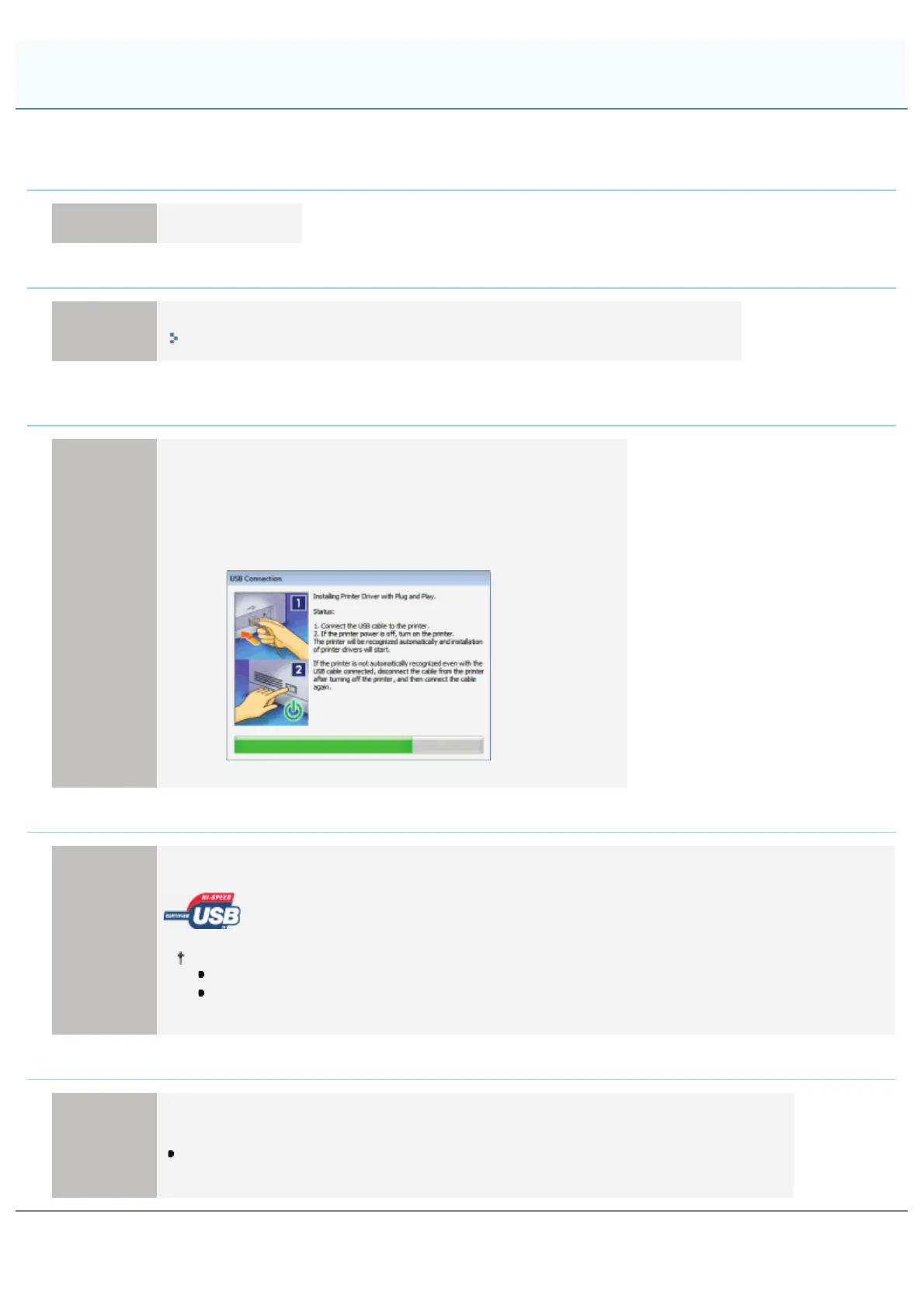
4. While the following screen appears, turn the printer ON.
<Cause 4> An inappropriate USB cable is being used.
Solution
Use a USB cable that is appropriate for the USB interface environment of the printer and has the following
symbol.
The following is the USB interface environment of this printer.
Hi-Speed USB
USB
<Cause 5> The USB class driver is installed.
Solution
Uninstall the USB class driver.
For details, see the following item in "Printer Driver Installation Guide."
"Appendix" - "If You Cannot Install a USB Class Driver"
For details on the procedure for viewing "Printer Driver Installation Guide", see "Installation."
The Printer Is Not Recognized Automatically
㻤㻡㻣㻌㻛㻌㻥㻣㻜



 To Next Page