0978-0HH
NOTE
Deleting License Files
There is no need to delete license files before uninstalling enhanced system applications.
1
Start SMS (Service Management Service).
"Launching SMS (Log in)"
2
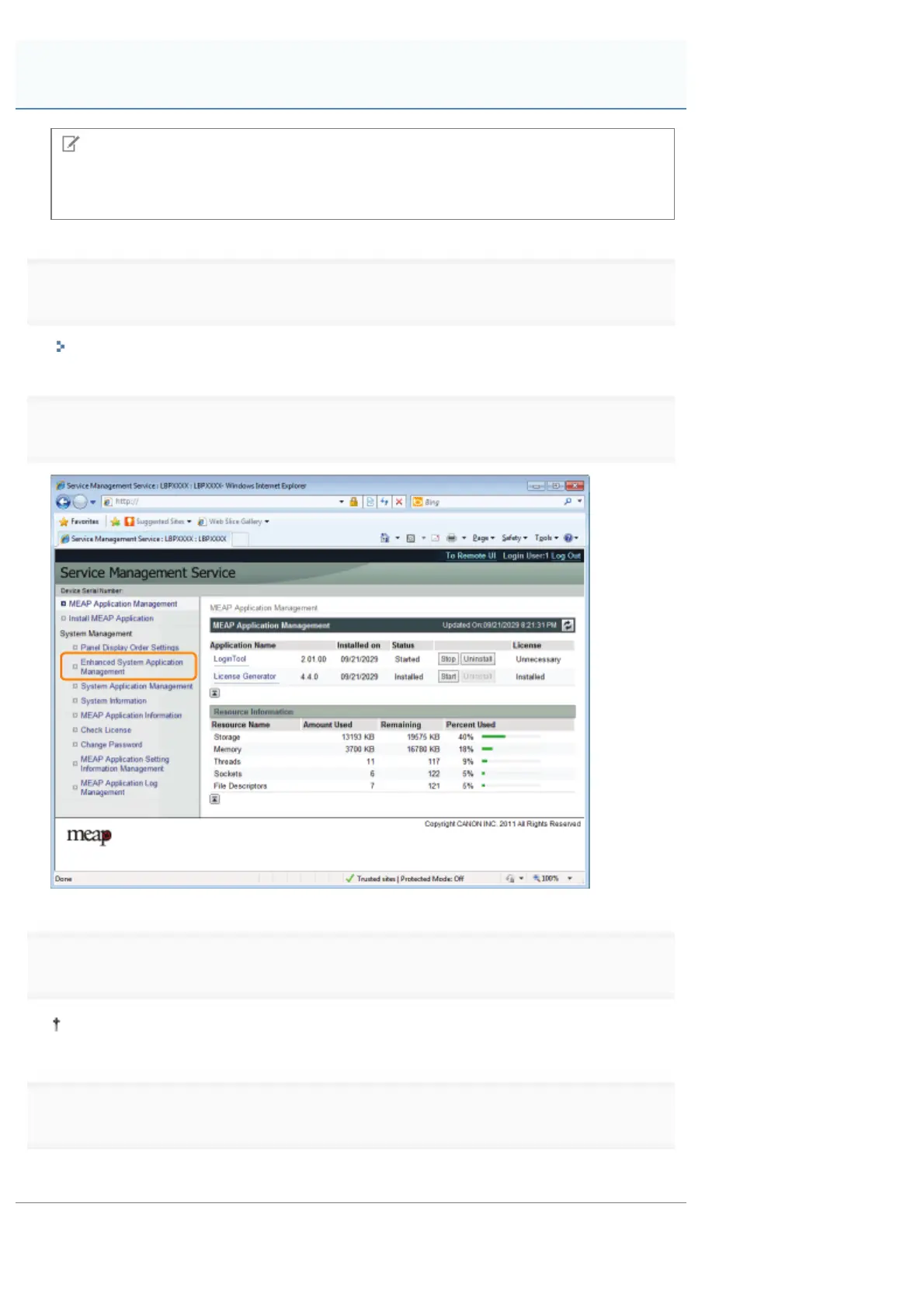
Click [Enhanced System Application Management].
3
Click [Uninstall] for the application to uninstall.
Applications with [Uninstall] grayed out cannot be deleted.
4
Click [Yes].
ĺ The uninstall begins.
Uninstalling Enhanced System Applications
㻣㻥㻣㻌㻛㻌㻥㻣㻜



 To Next Page