0978-009
Install the e-Manual included in the supplied User Manual CD-ROM on your computer using the following procedure.
For Windows
1
Insert the supplied User Manual CD-ROM in the CD-ROM drive of your computer.
2
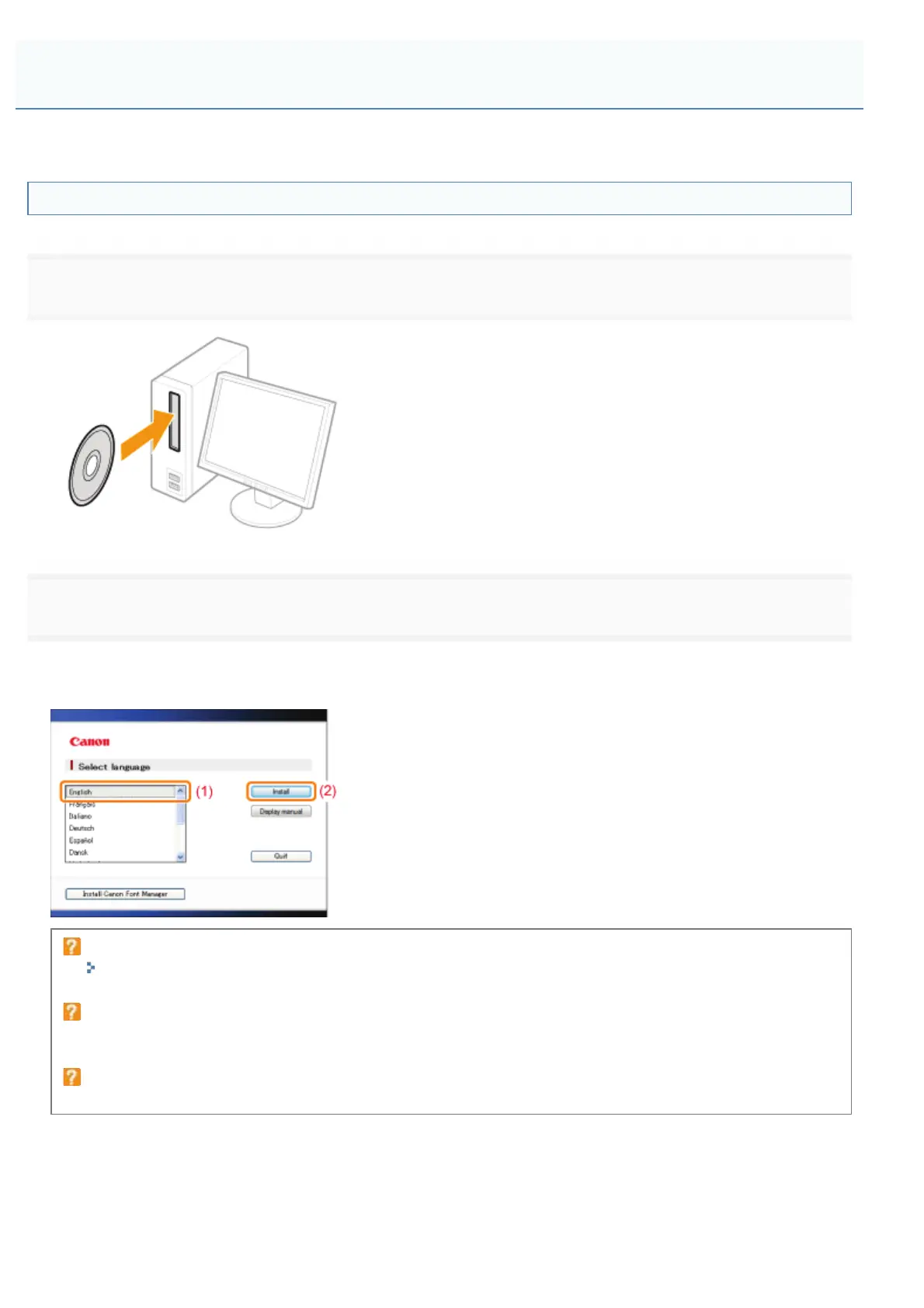
Perform the following procedure.
(1) Select your language.
(2) Click [Install].
If the above screen does not appear
"Basic Operations/Various Information for Windows"
If the [AutoPlay] dialog box appears
Click [Run Maninst.exe].
If the [User Account Control] dialog box appears
Click [Yes] or [Continue].
(3) Read the License Agreement, and then click [Yes].
ĺ The installation starts.
Wait until the following screen disappears. (It may take a long time to install the e-Manual.)
Installing the e-Manual
㻝㻥㻌㻛㻌㻥㻣㻜



 To Next Page