0978-06A
1
Start the Remote UI.
"Starting the Remote UI"
2
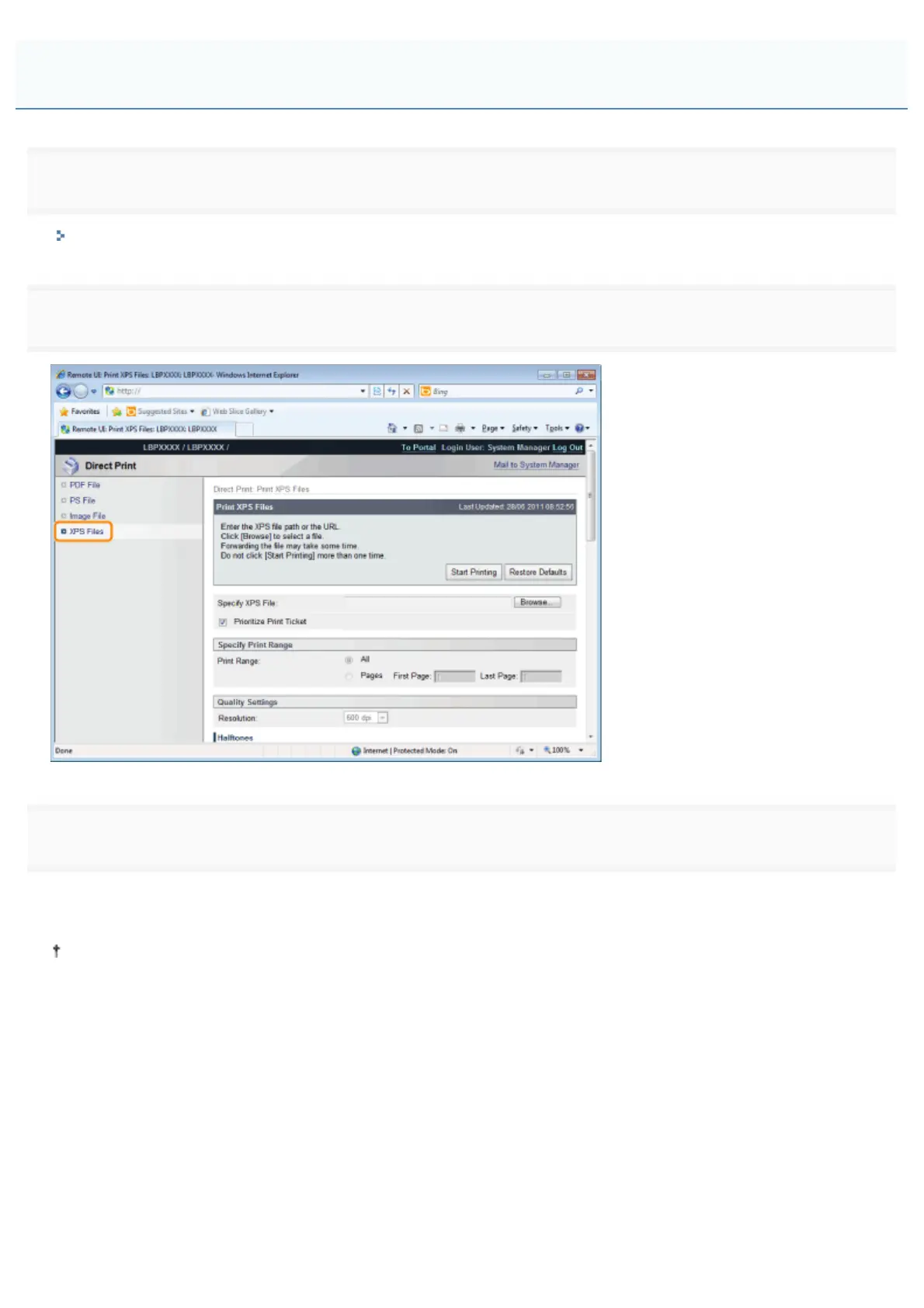
Select [XPS Files] from the [Direct Print] menu.
3
Specify [Select XPS File].
(1) Click [Browse...], select the file, and then click [Open...].
(2) Clear the [Prioritize Print Ticket] check box.
If the [Prioritize Print Ticket] check box is selected, some items cannot be set via the Remote UI. To use all the print
settings made via the Remote UI, clear the [Prioritize Print Ticket] check box.
Printing the XPS File Using the Direct Print Function
㻞㻤㻤㻌㻛㻌㻥㻣㻜



 To Next Page